About the examples: Examples and screenshots in this guide use BEAT, a demo company in a Dynamics 365 test environment. Use your own company's codes and values instead of copying them.
Setup steps on this page
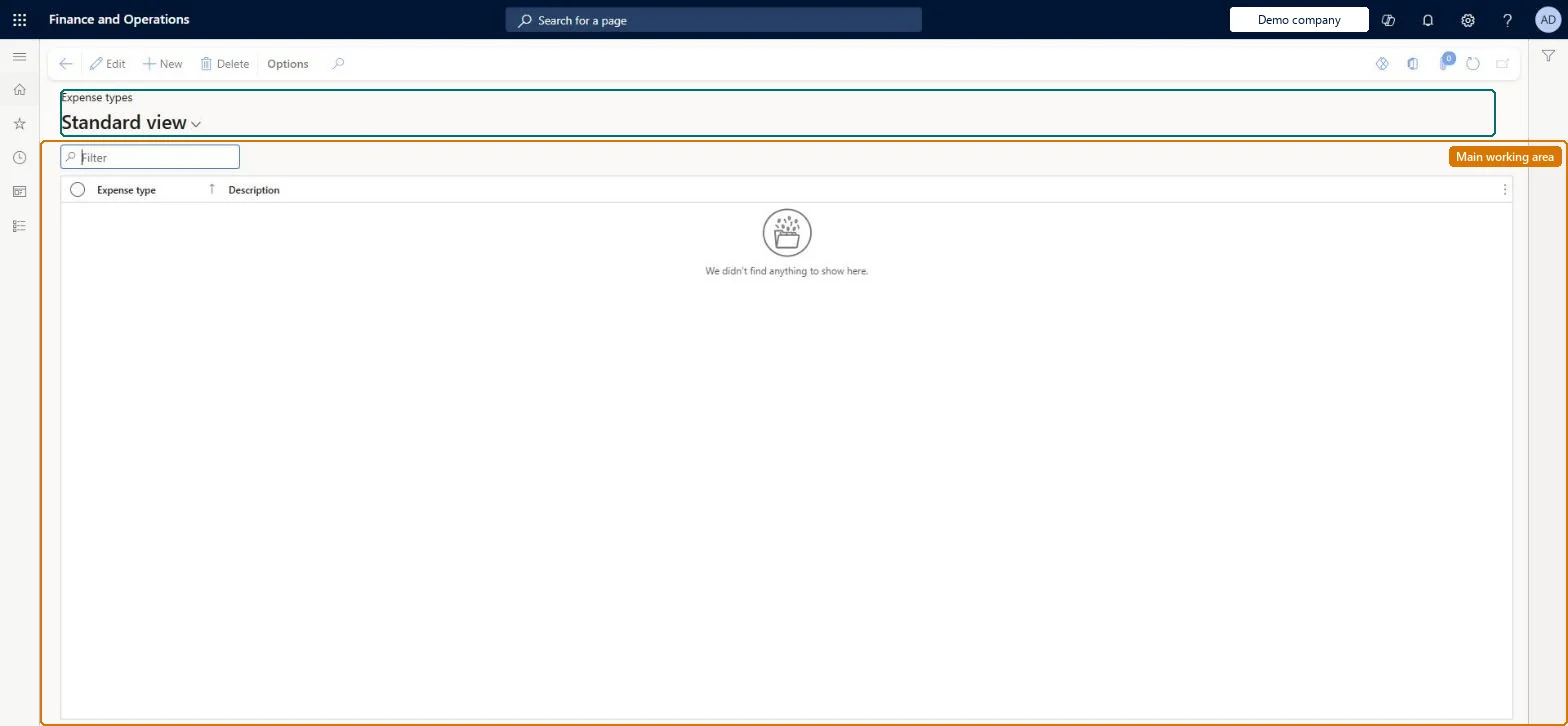
Set up Expense types
Use this page to create expense types that you then link to main accounts and add to leases through executory costs payment schedule lines.
Add the expense type with its finance and operating lease main accounts per book on Asset leasing parameters > Executory costs. Microsoft Learn
Test checklist
Create an expense type and, on Asset leasing parameters > Accounts > Executory costs, add a row with Book type, Account code All, and finance and operating lease main accounts.
On a lease add an Executory costs payment schedule line with that expense type.
Post the expense schedule entry.
Check on Expense transactions that the linked main account is debited and the offset from the executory cost line is credited.
One expense type per kind of executory cost (for example property tax, common area maintenance, insurance), each with account rows on the Executory costs FastTabExpense types cover costs that the payment schedule doesn't, and the accounts linked to them on Asset leasing parameters are debited when expense schedule entries post.
Which lease costs are expense types?Creating the expense type but not adding its finance and operating lease main accounts on the Executory costs FastTab of Asset leasing parameters, so the executory cost lines have no expense account to post to.Test: Executory cost posts to its account
Feature management and licence
Feature to turn on
Asset leasing (Must be on)
Licence or add-in
Asset leasing must be turned on in Feature management (feature Asset leasing). Microsoft Learn describes three Asset leasing roles: Maintain lease (add, edit and post leases), View lease (view leases and schedules and run reports) and Lease clerk (create new leases only). Maintain lease users set up expense types.
Reversible: Types and their account rows can be added or changed; changes affect expense entries posted afterwards, not entries already posted.
If you change it later
An expense type posts only when it has finance and operating lease accounts on the Executory costs FastTab of Asset leasing parameters; the offset is the account on each lease's executory cost lines. Microsoft Learn
Technical architect
6Technical
Menu item
AssetLeaseExpenseTypeTableChecked in Dynamics 365
Form
AssetLeaseExpenseTypeTableChecked in Dynamics 365
Table
AssetLeaseExpenseTypeTableShown as “EXPENSE TYPE” in Record infoKey field: ExpenseTypeChecked in Dynamics 365
To set it up or change itLease accountant AssetLeaseLeaseMaintainAccountant LedgerAccountantTo use itLease manager AssetLeaseLeaseViewAccounting manager LedgerAccountingManagerGive people one of these roles. On this system, 4 roles can open this page.Checked in Dynamics 365
Load order: Expense types aren't in the Office menu entity list of this page; enter the few types by hand, then load their accounts with the Executory cost accounts entity (AssetLeaseExecutoryCostsParameterDataEntity) on Asset leasing parameters.Microsoft Learn