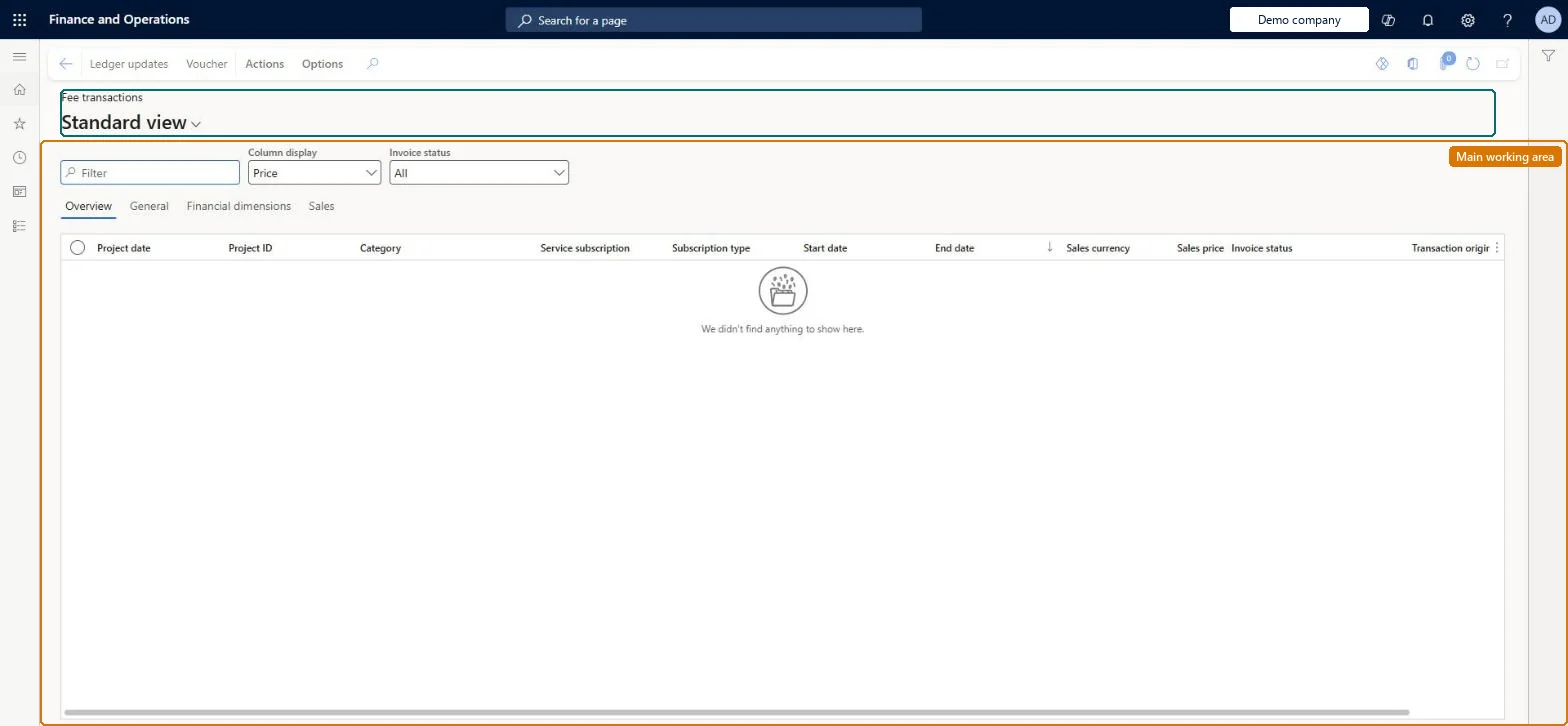
An inquiry page that lists the fee transactions created from service subscriptions, which you can filter and sort, and from which you can invoice, credit or accrue the transactions.
Invoice subscription orders in Dynamics 365 Supply Chain Management
Menu item
SMAProjRevenuetrans
Main table
ProjRevenueTrans
Show what matters for
PAGE GUIDEWhat the page does and how to use it7 sections. Choose a role to highlight what matters to you.
Everyone
1What it is and why
What it is
An inquiry page that lists the fee transactions created from service subscriptions, which you can filter and sort, and from which you can invoice, credit or accrue the transactions.
What you do here
Use this page to review subscription fee transactions, their sales price, status and accrual state, and to start an invoice proposal, select a transaction for a credit note or open the accrual periods.
Example
For example, after a customer asks to be invoiced in US dollars instead of euros, you select the original fee transaction here for a credit note and create a new transaction in the correct currency.
The page in Dynamics 365. page title tab to open what to set or check
About the examples: Examples and screenshots in this guide use BEAT, a demo company in a Dynamics 365 test environment. Use your own company's codes and values instead of copying them.
Steps from Microsoft
Go to Service management > Inquiries and reports > Subscription fee transactions inquiry.
Filter or sort the list to find the fee transactions you want to work with.
Select the fee transactions to invoice, and then select Functions > Invoice proposal to open the Invoice proposals page.
To credit a transaction, select Functions > Select for credit note.
To post accrued revenue, open Accrual periods for the transaction.
If the Reverse accruals on crediting parameter is set to Manual, each accrued revenue transaction must be reversed individually before a credit note proposal can be created for the fee. Microsoft Learn
Technical architect
5Technical
Menu item
SMAProjRevenuetransChecked in Dynamics 365
Form
ProjTransRevenueChecked in Dynamics 365
Table
ProjRevenueTransShown as “PROJECT FEE TRANSACTIONS” in Record infoKey field: TransIdChecked in Dynamics 365
Who can open it
PrivilegesView fee subscriptions SMAProjRevenuetransViewDutiesReview service subscription process performance SMAServiceSubscriptionProcessPerfReview2 security rolesChief executive officer CompanyChiefExecutiveOfficerService delivery manager SMAServiceDeliveryManagerChecked in Dynamics 365
Roles to set it up and use it
To use itService delivery manager SMAServiceDeliveryManagerChief executive officer CompanyChiefExecutiveOfficerGive people one of these roles. On this system, 2 roles can open this page.Checked in Dynamics 365
Actions on the page
Actions: Inquiries, Functions(Action Pane without tabs): Ledger updates, VoucherChecked in Dynamics 365