BeyondERP.Newsletter
Menu

Master data page · Retail and Commerce

All prospects

A list page of prospects: the organizations and people your company may do business with.

Business process
Maintain contacts and accounts
Menu item
smmBusinessRelationsListPage
Main table
smmBusRelTable
Data entity
smmProspectEntity
Show what matters for
PAGE GUIDEWhat the page does and how to use it7 sections. Choose a role to highlight what matters to you.
Everyone

1What it is and why

What it isA list page of prospects: the organizations and people your company may do business with.
What you do hereUse this page to store information about prospective customers and vendors and to create leads, opportunities or quotations from them.
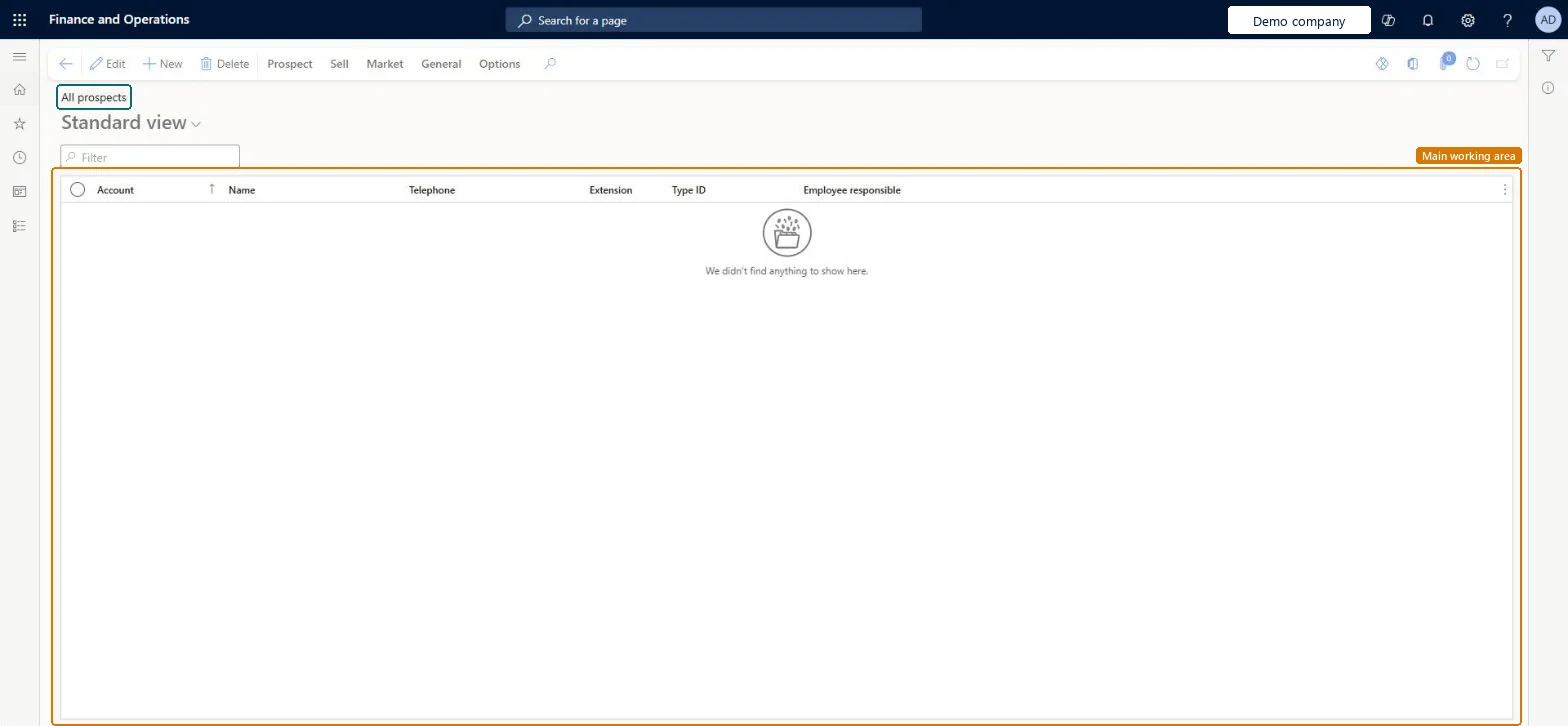
All prospects page in Dynamics 365
The page in Dynamics 365. page title tab to open what to set or check
Functional consultant · Solution architect

2Where it fits

End user · Functional consultant

3How to do it

About the examples: Examples and screenshots in this guide use BEAT, a demo company in a Dynamics 365 test environment. Use your own company's codes and values instead of copying them.

Steps from Microsoft

  1. Go to Retail and Commerce > Customers > All prospects.
  2. On the Action Pane, on the Prospect tab, select Prospect.
  3. In the Create new prospect dialog, select the record type and enter or select the prospect's name.
  4. In the Type ID field, select the prospect type, and in the Currency field, select the prospect's currency.
  5. Enter delivery preferences, address and contact information.
  6. Select Save and close, or Save and open to add more details.

Source: Microsoft Learn

Fields on the page

FieldWhat it meansTable column
Type IDThe prospect type.Microsoft Learn BusRelTypeId
StatusThe current status of the prospect.Microsoft Learn
Employee responsibleThe person in your organization who is responsible for the prospect.Microsoft Learn MainContactWorker
Customer groupThe customer group the prospect is assigned to, if any.Microsoft Learn
One-time customer or vendorMarks a prospect that will only do business with you once.Microsoft Learn
Line of businessThe prospect's line of business.Microsoft Learn
SegmentThe business segment the prospect belongs to.Microsoft Learn
Sales districtThe sales district the prospect is located in.Microsoft Learn
Company chainThe company chain the prospect belongs to.Microsoft Learn

Test checklist

  1. Submit a business partner sign-up from the B2B site.
  2. Run the P-0001 job, then the Synchronize customers and channel requests job.
  3. Check the request appears on All prospects with type B2B prospect.
  4. Approve it and check the Status is Approved and a customer hierarchy exists with the requester as administrator.
  5. Run the 1010 (Customers) job and check the user can sign in.

Source: Microsoft Learn

Solution architect

4Design impact

Shared or per companyPer company: each legal entity has its own records. Microsoft data model
Can it be undoneHard to reverse: Approving a B2B prospect (Convert > Approve/Reject) sets its Status to Approved, creates a customer hierarchy with the requester as administrator, and sends the confirmation email immediately, so the email can't be held back. Microsoft Learn
Technical architect

5Technical

Menu itemsmmBusinessRelationsListPage Checked in Dynamics 365
FormsmmBusRelTable Checked in Dynamics 365
TablesmmBusRelTableShown as “Prospects” in Record infoKey field: BusRelAccount, Party, Party_NameChecked in Dynamics 365
Data entitiessmmProspectEntityProspects Microsoft data model DimAttributeSmmBusRelTableEntityProspects Microsoft data model
Roles to set it up and use itTo set it up or change itSales clerk TradeSalesClerkSales representative TradeSalesRepresentativeCustomer service representative TradeCustomerServiceRepresentativeRental manager RentalManagerRental coordinator agent RentalCoordinatorAgentTo use itSales manager TradeSalesManagerCustomer service manager TradeCustomerServiceManagerRental representative RentalRepresentativeRental clerk RentalClerkMarketing manager CRMMarketingManagerGive people one of these roles. On this system, 14 roles can open this page.Checked in Dynamics 365
Actions on the pageProspect: Maintain, Accounts, Statistics, AttachmentsSell: New, Related informationMarket: Automation, Telemarketing, MailingsGeneral: New, Setup, Maintain, Convert, Related information, Activities, Catalog, RelatedOptions: Personalize, Page options, ShareChecked in Dynamics 365
Developer

6Developer

Open it by URLhttps://<your-environment>/?mi=smmBusinessRelationsListPage
Integrate withsmmProspectEntity data entity Microsoft data model
Data migrationsmmProspectEntity (Prospects): loaded for each company.Microsoft Learn
Table definitionsmmBusRelTable columns and relations Microsoft data model
Everyone

7Sources