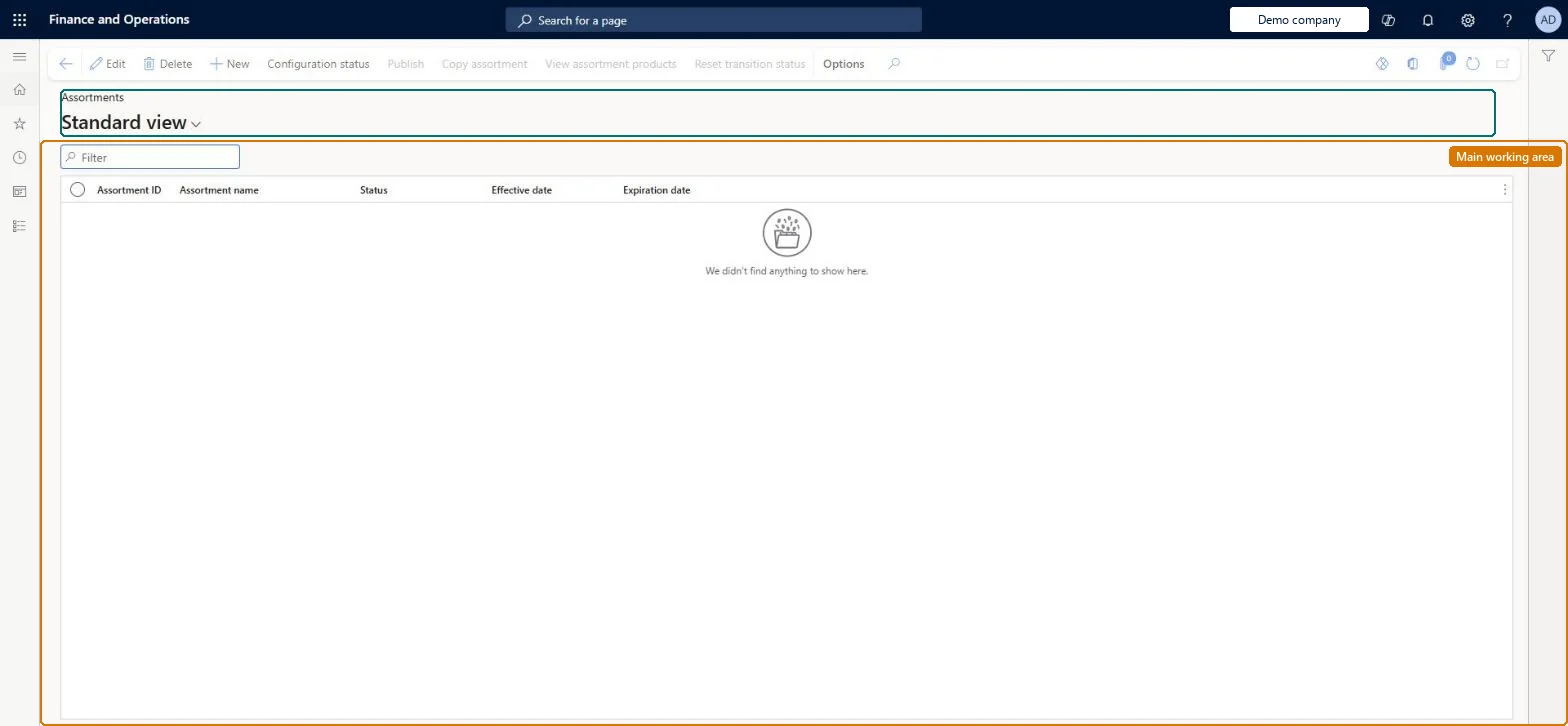
A page where you define assortments, which map channels or organization nodes to the products, categories and variants they can sell, and publish them.
Retail catalog manager, Retail merchandising manager, Retail operations manager and 3 more roles
Business process
Create assortments in Dynamics 365 Commerce
Menu item
RetailAssortmentGridView
Main table
RetailAssortmentTable
Data entity
RetailAssortmentEntity
Show what matters for
PAGE GUIDEWhat the page does and how to use it7 sections. Choose a role to highlight what matters to you.
Everyone
1What it is and why
What it is
A page where you define assortments, which map channels or organization nodes to the products, categories and variants they can sell, and publish them.
What you do here
Use this page to create or copy an assortment, choose its channels, include or exclude products and categories, set its dates and publish it so the products become available in those channels.
Example
For example, you define one assortment that includes a base set of products for all stores and another that includes only large sporting equipment for your larger stores.
The page in Dynamics 365. page title tab to open what to set or check
About the examples: Examples and screenshots in this guide use BEAT, a demo company in a Dynamics 365 test environment. Use your own company's codes and values instead of copying them.
Steps from Microsoft
Go to Retail and Commerce > Catalogs and assortments > Assortments.
Create a new assortment, or copy an existing assortment.
Select the channels or the high-level groups of channels that the assortment applies to.
Add product categories, individual products, or product variants, excluding selected products if needed.
Set the start and end dates if the assortment is date-effective.
Publish the assortment; the assortment scheduler runs automatically.
Hard to reverse: You can edit a published assortment or its channels, but nothing changes in the channels until you update the assortment and the assortment scheduler runs again. Products added to an included category join the assortment automatically on the next scheduler run. Microsoft Learn
If you change it later
Editing a published assortment or its channels has no effect until the assortment is updated and reprocessed; dynamic assortments that reference categories or organization nodes change automatically when those groups change. Microsoft Learn
Technical architect
5Technical
Menu item
RetailAssortmentGridViewChecked in Dynamics 365
Form
RetailAssortmentDetailsChecked in Dynamics 365
Table
RetailAssortmentTableShown as “ASSORTMENT” in Record infoKey field: AssortmentIDChecked in Dynamics 365
PrivilegesMaintain retail assortments RetailAssortmentsMaintainView retail assortments RetailAssortmentViewDutiesMaintain retail assortments RetailAssortmentMaintainView retail assortments RetailAssortmentViewMaintain retail product reference data RetailItemReferenceDataMaintain6 security rolesRetail catalog manager RetailCatalogManagerRetail merchandising manager RetailMerchandisingManagerRetail operations manager RetailOperationsManagerRetail service RetailServiceRetail store manager RetailStoreManagerRetail warehouse manager RetailWarehouseManagerChecked in Dynamics 365
Roles to set it up and use it
To set it up or change itRetail service RetailServiceRetail merchandising manager RetailMerchandisingManagerRetail catalog manager RetailCatalogManagerTo use itRetail operations manager RetailOperationsManagerRetail store manager RetailStoreManagerRetail warehouse manager RetailWarehouseManagerGive people one of these roles. On this system, 6 roles can open this page.Checked in Dynamics 365
Actions on the page
(Action Pane without tabs): New, Configuration status, Publish, Copy assortment, View assortment products, Reset transition statusChecked in Dynamics 365
RetailAssortmentEntity (Assortment): shared by all companies, in Microsoft's default template 500 - Retail.Load order: Microsoft's default template 500 - Retail loads Assortment at execution unit 1, level 500, sequence 20. Lower levels load first, and entities at the same level load in sequence order.Load first: the default templates at lower levels (System setup to Costing)Microsoft Learn