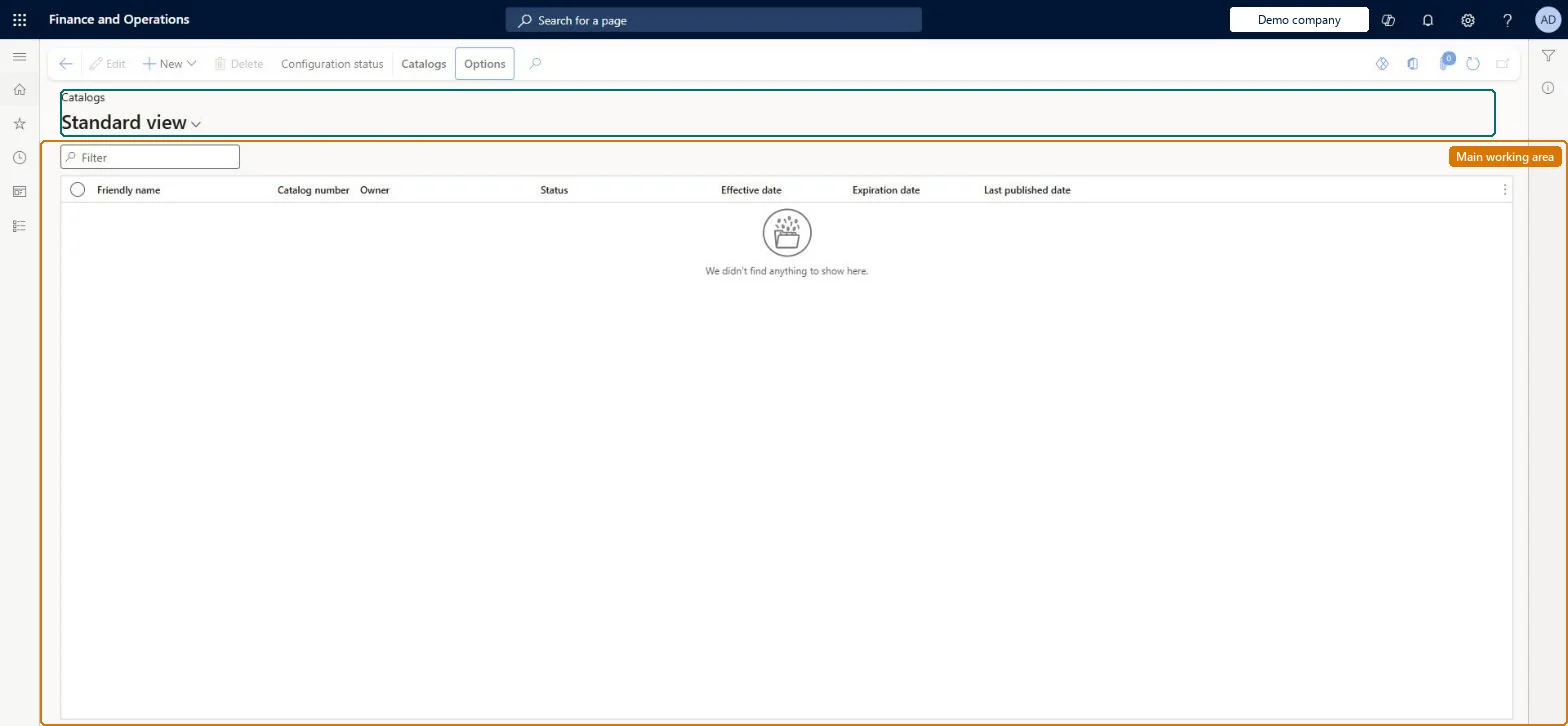
A page where you create and manage Commerce product catalogs: the channels a catalog serves, its navigation hierarchy, products, price groups, validity dates and its validation, approval and publishing.
Retail catalog manager, Retail merchandising manager, Retail service
Business process
Develop eCommerce catalogs in Dynamics 365 Commerce
Menu item
RetailCatalogs
Main table
EcoResProduct
Data entity
EcoResProductV2Entity
Show what matters for
PAGE GUIDEWhat the page does and how to use it8 sections. Choose a role to highlight what matters to you.
Everyone
1What it is and why
What it is
A page where you create and manage Commerce product catalogs: the channels a catalog serves, its navigation hierarchy, products, price groups, validity dates and its validation, approval and publishing.
What you do here
Use this page to set up a catalog of products for one or more channels, link price groups and (for B2B) customer hierarchies to it, then validate, approve and publish it.
Example
For example, a call center catalog can carry source code IDs so that a customer quoting the code on the back of a printed catalog receives that catalog's prices and promotions.
The page in Dynamics 365. page title tab to open what to set or check
About the examples: Examples and screenshots in this guide use BEAT, a demo company in a Dynamics 365 test environment. Use your own company's codes and values instead of copying them.
Steps from Microsoft
Go to Retail and Commerce > Catalogs and assortments > All catalogs.
Create the catalog and, on the Commerce channels FastTab, select Add to link one or more channels.
Choose a navigation hierarchy, then on the Catalogs tab select Add products (or add products to a category node).
On the General FastTab, set the effective and expiration dates.
On the Catalogs tab, select Price groups to link price groups for catalog-specific prices.
Select Validate catalog, then View results, and fix any errors.
Select Workflow > Submit to get the catalog approved.
The channels the catalog is offered in; only products assorted to those channels can be added.Microsoft Learn
Catalog type
B2C for POS stores and call centers, B2B for B2B online channels.Microsoft Learn
Navigation hierarchy
The category structure used to organize products in the catalog.Microsoft Learn
Effective date / Expiration date
When the catalog's products become available in, and are removed from, the online store.Microsoft Learn
Price groups
Price groups linked to the catalog so that catalog-specific prices and discounts apply.Microsoft Learn
Customer hierarchy
For B2B catalogs, the partner organizations that can see the catalog.Microsoft Learn
Source code ID
Catalog codes that call center users apply to an order to link it to the catalog.Microsoft Learn
Automatically include all variants when only product master is selected
Option when adding products that pulls in every variant of a selected product master.Microsoft Learn
Common errors and fixes
Message
What to do
No catalogs found, please contact system administrator.
Associate at least one catalog with every B2B partner organization (customer hierarchy), then run the 1010 job (and 1150 for a new catalog). Microsoft Learn
Test checklist
Create a catalog, add the channel on Commerce channels, select a navigation hierarchy and add products.
Link a price group and, for B2B, assign a customer hierarchy.
Select Validate catalog and View results until it passes.
Submit to workflow, approve, then Publish.
Check on the channel (or call center order with the source code ID) that the products and catalog prices appear.
Reversible: Catalog content, dates and price groups can be changed, but channels only see changes after the catalog is republished. Category changes on the source navigation hierarchy show in the catalog at once and also need a republish. Microsoft Learn
If you change it later
Category changes on the source navigation hierarchy show up in the catalog at once, but channels only see them after the catalog is republished. Microsoft Learn
Technical architect
6Technical
Menu item
RetailCatalogsChecked in Dynamics 365
Form
RetailCatalogDetailsChecked in Dynamics 365
Table
EcoResProductShown as “PRODUCTS” in Record infoKey field: DisplayProductNumberChecked in Dynamics 365
To set it up or change itRetail catalog manager RetailCatalogManagerTo use itRetail service RetailServiceRetail merchandising manager RetailMerchandisingManagerGive people one of these roles. On this system, 3 roles can open this page.Checked in Dynamics 365
Actions on the page
Catalogs(Action Pane without tabs): New, Delete, Configuration statusChecked in Dynamics 365