Retail and CommerceRetail and Commerce ITProducts and inventory
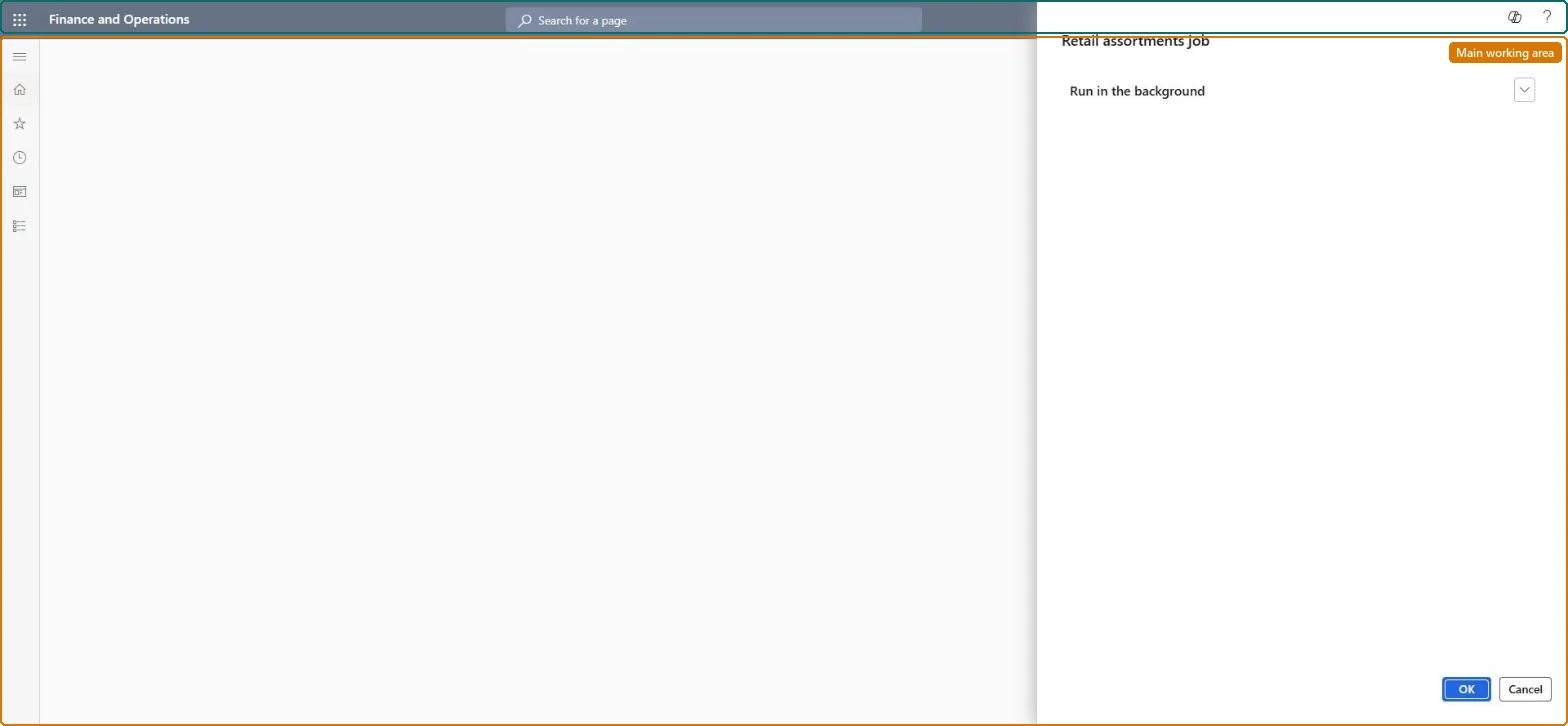
RetailAssortmentExploderJobScheduler
Business process
Create assortments in Dynamics 365 Commerce
Menu item
RetailAssortmentExploderJobScheduler
Show what matters for
PAGE GUIDEWhat the page does and how to use it7 sections. Choose a role to highlight what matters to you.
Everyone
1What it is and why
What it is
A periodic job that processes (publishes) assortments so that their products become available to the channels they are assigned to.
What you do here
Use this page to publish many assortments at once, and to reprocess assortments periodically so that dynamic assortments pick up changes to categories and organization units.
Example
For example, after new products are added to a category that an assortment includes, run Process assortments so those products reach the stores.
The page in Dynamics 365. page title tab to open what to set or check
About the examples: Examples and screenshots in this guide use BEAT, a demo company in a Dynamics 365 test environment. Use your own company's codes and values instead of copying them.
When to run it
When to run it
After you publish or change assortments, and regularly so dynamic assortments follow changes to categories and organization units.
How often
As a recurring batch job; dynamic assortments must be processed periodically.
Batch settings
Recurring batch job in a batch group with limited Max Concurrency.
What the output shows
Denormalized assortment data that channels use to know which products they sell. A product missing in a channel usually means the job hasn't run since the change, or the assortment's dates haven't started.
The batch group that controls how many assortment tasks run at the same time.Microsoft Learn
Solution architect
4Design impact
Can it be undone
Nothing to undo: The job recalculates assortments each run; change the assortment and process it again. Microsoft Learn
If you change it later
Publishing many assortments creates many parallel tasks that can overload the database and fail; limit concurrency with a batch group. Microsoft Learn
Technical architect
5Technical
Menu item
RetailAssortmentExploderJobSchedulerChecked in Dynamics 365
Form
DialogChecked in Dynamics 365
Roles to set it up and use it
To use itRetail service RetailServiceRetail merchandising manager RetailMerchandisingManagerRetail catalog manager RetailCatalogManagerGive people one of these roles. On this system, 3 roles can run this page.Checked in Dynamics 365