PAGE GUIDEWhat the page does and how to use it6 sections. Choose a role to highlight what matters to you.
Everyone
1What it is and why
What it is
A setup page for buy and sell leave policies, which set when and how much leave employees can buy or sell and at what rate.
What you do here
Use this page to create a policy with its type, active dates, approval workflow, and buy and sell rules per leave type (months of service, maximum amount, rate, earning code, FTE), and then attach it to leave plans.
Example
For example, a policy of type Hours per week uses the employee's working time calendar to set the maximum amount that can be bought or sold.
The page in Dynamics 365. page title tab to open what to set or check
About the examples: Examples and screenshots in this guide use BEAT, a demo company in a Dynamics 365 test environment. Use your own company's codes and values instead of copying them.
Setup steps on this page
Set up Buy and sell leave policy
Use this page to create a policy with its type, active dates, approval workflow, and buy and sell rules per leave type (months of service, maximum amount, rate, earning code, FTE), and then attach it to leave plans.
Steps from Microsoft
Go to Leave and absence > Setup > Buy and sell leave policy.
Select New and enter a Name and Description.
Select a Policy type, a Start date and End date, and a Workflow ID.
Under Buy policy, set Full time equivalency and, for Amount policies, a Maximum fixed amount.
Select Add for each leave type and enter Months of service, Maximum amount, Rate and, optionally, Earning code.
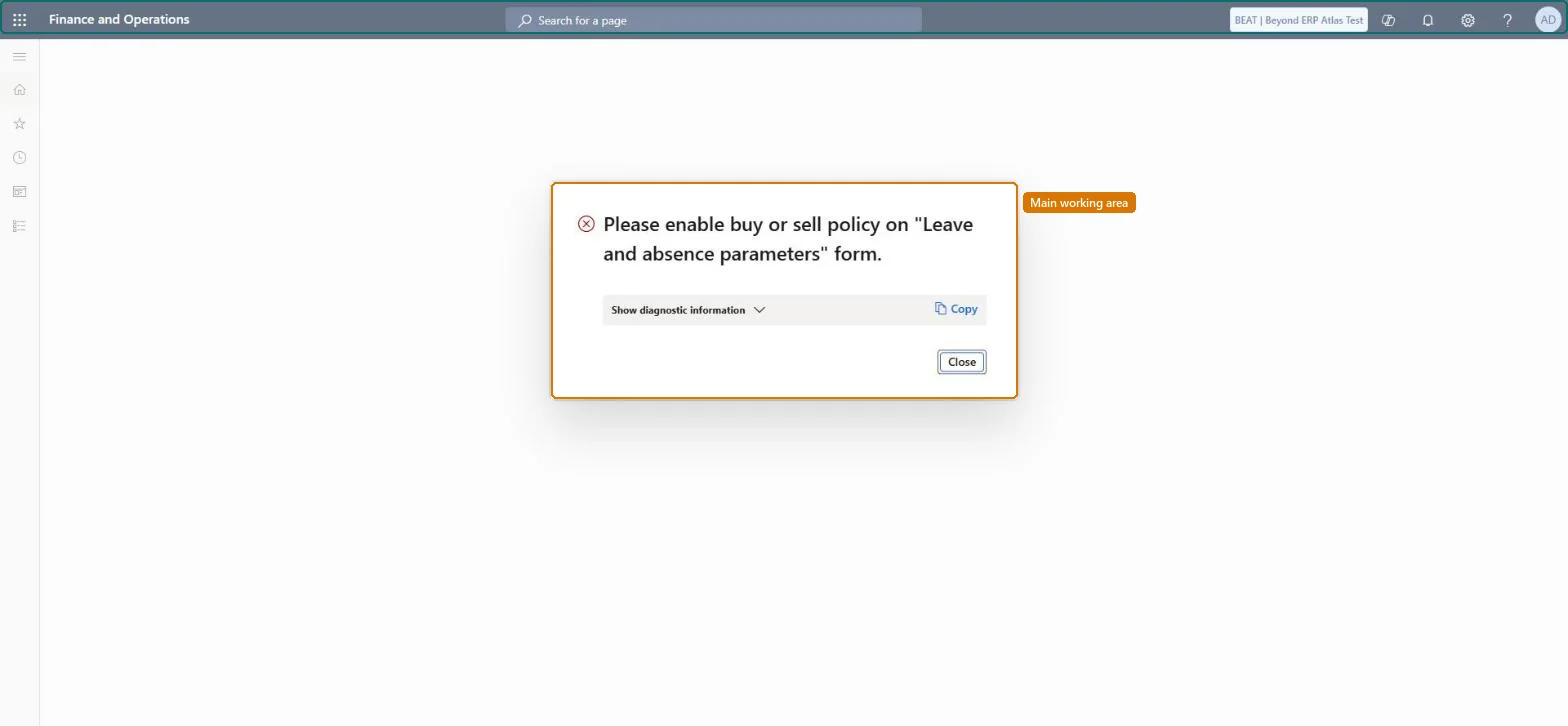
Which policy type should cap how much leave employees can buy or sell?Creating the policy but not setting Allow employees to buy leave and Allow employees to sell leave to Yes on Leave and absence parameters, or not adding the policy to the plan under Rules. Employees then can't submit requests.
Solution architect
5Design impact
Can it be undone
Reversible: The policy can be edited or its dates changed; requests can be submitted only between the policy's start and end dates. Microsoft Learn
If you change it later
The policy's start and end dates control when employees can submit buy or sell requests. Microsoft Learn