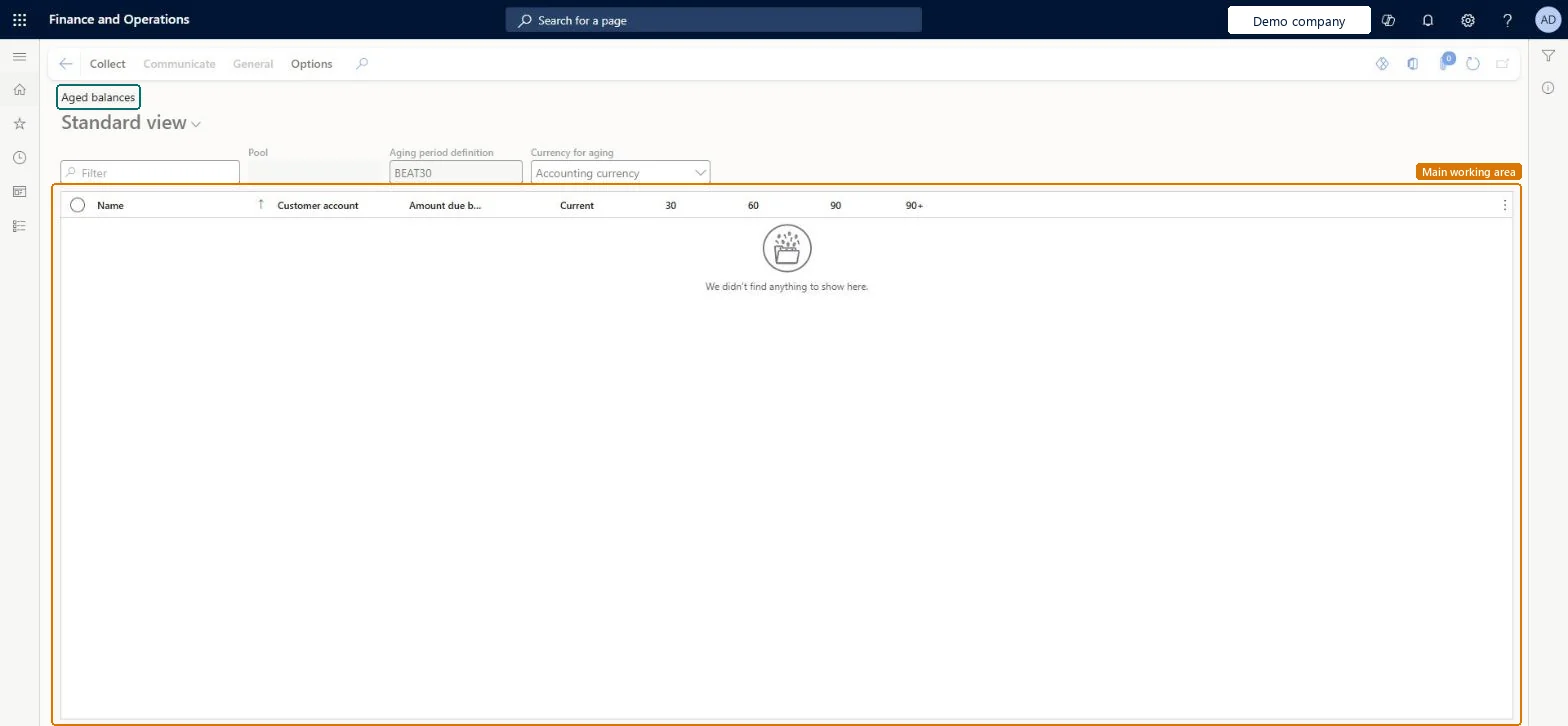
About the examples: Examples and screenshots in this guide use BEAT, a demo company in a Dynamics 365 test environment. Use your own company's codes and values instead of copying them.
Steps from Microsoft
Go to Credit and collections > Collections > Aged balances.
Select a customer with a balance.
Expand the Aging FactBox to see the aged balances.
Expand the Contact and Credit limit FactBoxes to see the collections contact and credit information.
On the Action Pane, select Collect to open the customer's collections details.
FactBox with the customer's credit limit and current balance.Microsoft Learn
Test checklist
Run Credit and collections > Periodic tasks > Age customer balances with your aging period definition and Today's date.
Open Aged balances and check a customer with an overdue invoice shows the amount in the right aging column.
Check a customer that was not included in the snapshot does not appear.
Mark a test customer, select Collect > Write off, then check the journal in General ledger > Journal entries > General journals has one line reversing the customer balance and the write-off account line.
Reversible: The page only shows the latest aging snapshot; run Age customer balances again to refresh it (one active snapshot per aging period definition). Write off from this page creates a write-off journal in General journals that you review there. Microsoft Learn
If you change it later
Only customers that have an aging snapshot appear here, so run Age customer balances again to bring the list up to date. Microsoft Learn
Technical architect
5Technical
Menu item
CustCollectionsPoolsListPageChecked in Dynamics 365
Form
CustCollectionsPoolsListPageChecked in Dynamics 365
Who can open it
PrivilegesView collections customers pools list page CustCollectionsPoolsListPageViewDutiesReview collections process performance CollectionLetterCollectionProcPerfRevieInquire into collections status CollectionLetterCollectionsStatusInquirMaintain collections transactions CollectionLetterCollectionsTransMaintaiInquire into customer invoice status CustInvoiceCustomerInvoiceStatusInquire12 security rolesAuditor AuditPolicyManagerCollections agent CollectionLetterCollectionsAgentCollections manager CollectionLetterCollectionsManagerChief financial officer CompanyChiefFinancialOfficerAccounts receivable clerk CustInvoiceAccountsReceivableClerkAccounts receivable manager CustInvoiceAccountsReceivableManagerAccountant LedgerAccountantAccounting manager LedgerAccountingManagerAccounting supervisor LedgerAccountingSupervisorFinancial controller LedgerFinancialControllerAccounts receivable centralized payments clerk PaymAccountsReceivableCentralPaymClerkAccounts receivable payments clerk PaymAccountsReceivablePaymentsClerkChecked in Dynamics 365
Roles to set it up and use it
To use itCollections manager CollectionLetterCollectionsManagerCollections agent CollectionLetterCollectionsAgentAccounts receivable manager CustInvoiceAccountsReceivableManagerAccounting manager LedgerAccountingManagerAccounting supervisor LedgerAccountingSupervisorGive people one of these roles. On this system, 12 roles can open this page.Checked in Dynamics 365