PAGE GUIDEWhat the page does and how to use it7 sections. Choose a role to highlight what matters to you.
Everyone
1What it is and why
What it is
A periodic page in the consolidation company that imports balances from a source file into the consolidation company.
What you do here
Use this page to consolidate legal entities whose data is held outside this instance: select the legal entities and browse to the source file that contains their data.
Example
For example, BEAT's US subsidiary runs on another instance and sends its October 2026 export file; BEAT's consolidation company imports it here as Balance with exchange rate type Average and compares the totals with the file.
The page in Dynamics 365. page title tab to open what to set or check
About the examples: Examples and screenshots in this guide use BEAT, a demo company in a Dynamics 365 test environment. Use your own company's codes and values instead of copying them.
When to run it
When to run it
At each consolidation period end, after the subsidiaries in another instance or system have exported their balances.
How often
Once per consolidation period, and again whenever a source company changes its balances.
Batch settings
Run it interactively for a few files; use the background for many legal entities or long periods.
What the output shows
Consolidation transactions in the consolidation company for each source legal entity and period, visible on the Consolidations page and in the trial balance. Missing accounts usually mean the Main account range or the file did not include them; translation differences point to the exchange rate type.
Use this page to consolidate legal entities whose data is held outside this instance: select the legal entities and browse to the source file that contains their data.
Steps from Microsoft
Go to Consolidations > Consolidate with import.
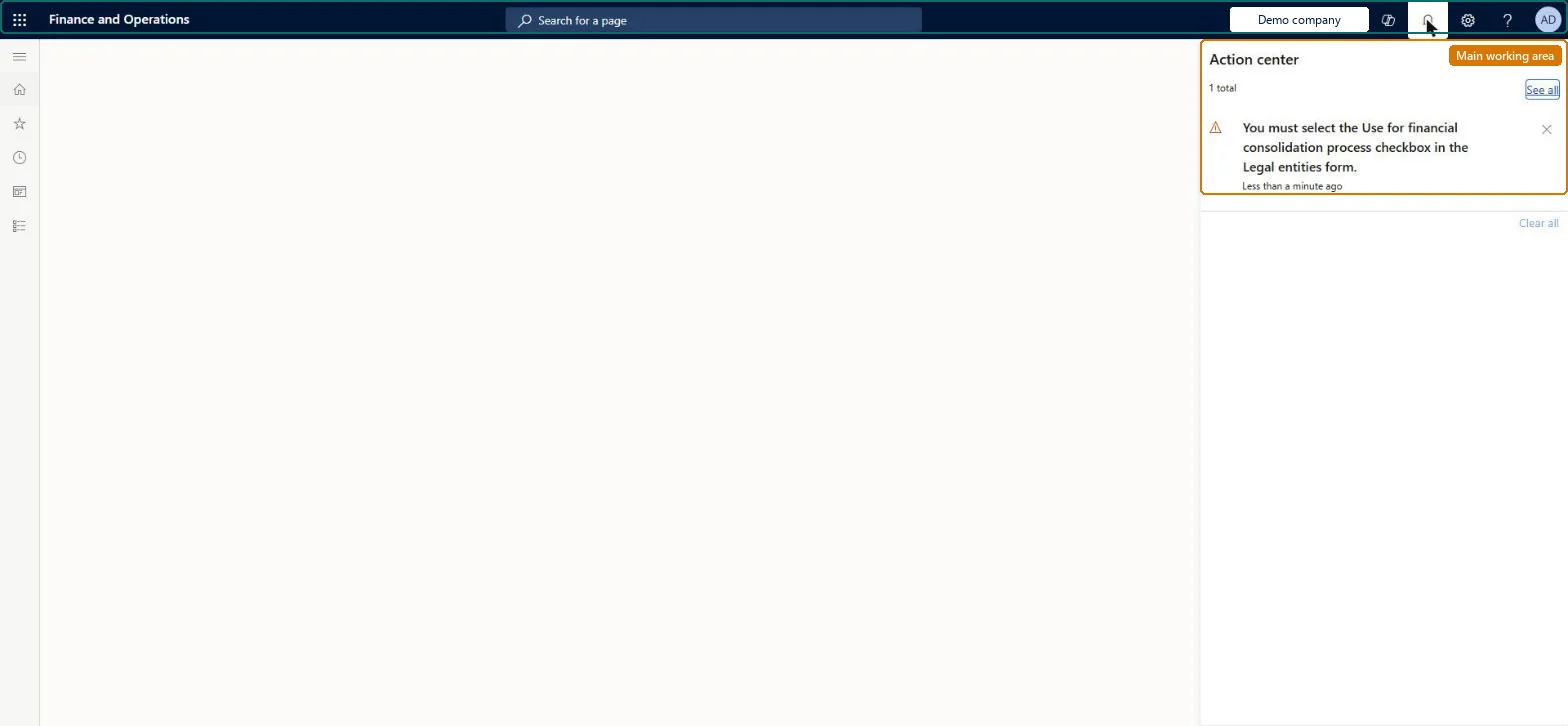
Work in the consolidation company: the legal entity must have Use for financial consolidation process selected, or the page doesn't open.
On the Criteria tab, enter a Description, the Main account range, the Consolidation period, and set Include actual amounts or Include budget amounts (with Budget models and Budget rate type).
On the Legal entities tab, select New, choose the Source legal entity and browse to the file that holds its exported balances.
If the source uses another accounting currency, set the Currency translation tab, select OK, and then compare the trial balance of the consolidation company with the source totals.
The consolidation stops with an error because account numbers don't correspond
With a shared chart of accounts set Use consolidation account to No; otherwise set the Consolidation account on each subsidiary main account, or use a consolidation account group, and set Use consolidation account to Yes. Microsoft Learn
Opening balances are missing in the consolidation company
Only operating balances are consolidated. Run the year-end close in the consolidation company to get opening balances there. Microsoft Learn
The page doesn't open
Work in the consolidation company; the legal entity must have Use for financial consolidation process selected. Microsoft Learn
Test checklist
Trial balance totals per source company match the exported file.
Accounts in foreign currency are translated with the expected exchange rate type.
One file per source legal entity and period, marked Profit and loss or Balance, with the exchange rate type set on Currency translation.Each file can be either Profit and loss or Balance, not both, and the exchange rate type decides the translated amounts.
Consolidations is part of General ledger in Dynamics 365 Finance. In this system Accountant, Accounting manager, Accounting supervisor, Chief financial officer and Financial controller hold the consolidation duties. The group accountant imports the subsidiaries' files. No Feature management feature is needed for this page.
Across instances: brings legal entities whose data is outside this instance into the consolidation company, one file per source legal entity. Microsoft Learn
Can it be undone
Yes, rerun: Select Remove the transactions on the Consolidations page, or run the import again, to replace the consolidated balances. Correct remaining differences with Closing period adjustments. Microsoft Learn
If you change it later
Creates consolidation balances in the consolidation company from the imported file; rebuilding balances during consolidation clears and recreates them. Microsoft Learn
Developer
6Developer
Data migration
Load order: Consolidate with import has no data entity in Data management, so it can't be loaded from a file or a configuration template. It is itself the way to move balances between instances: export them with Export company balances and import the file here.Checked in Dynamics 365