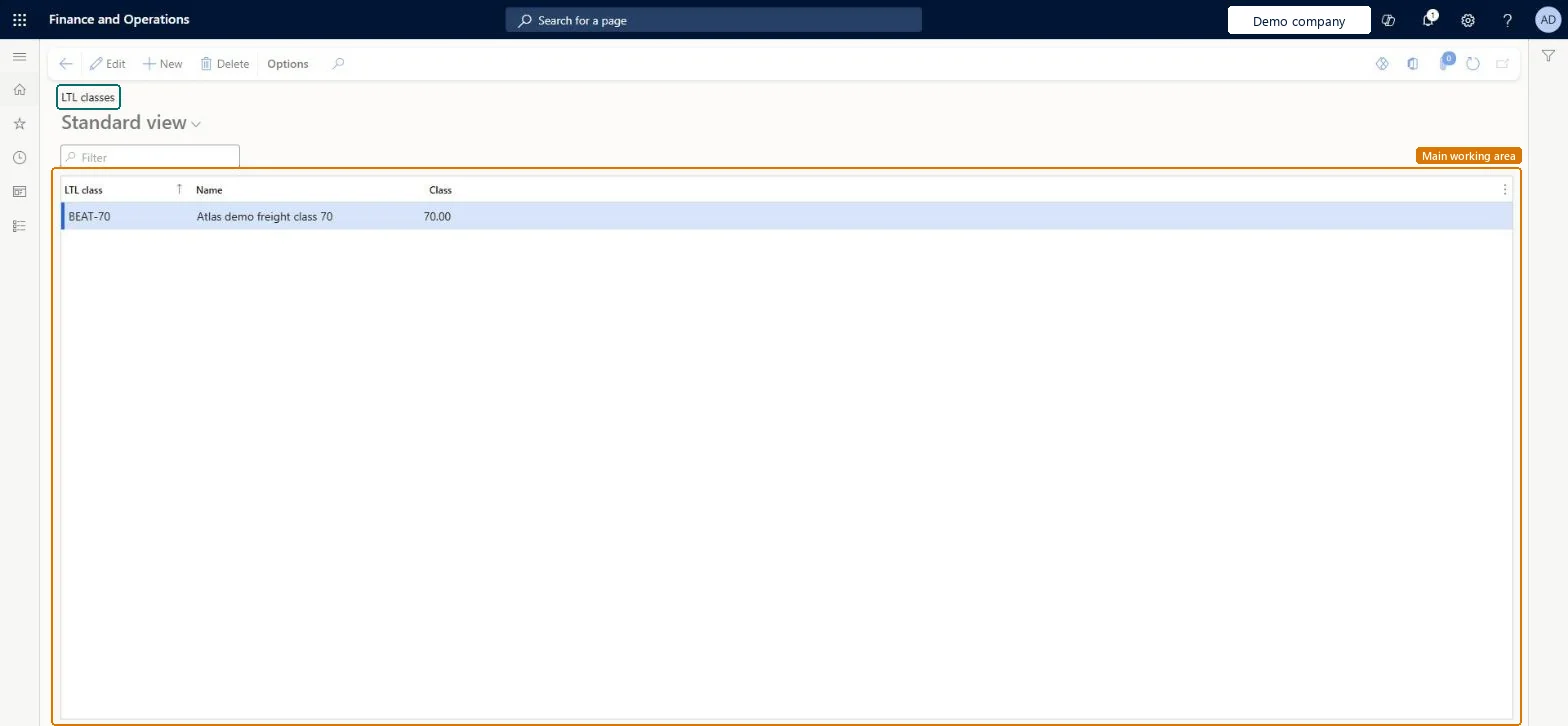
About the examples: Examples and screenshots in this guide use BEAT, a demo company in a Dynamics 365 test environment. Use your own company's codes and values instead of copying them.
Setup steps on this page
Set up LTL classes
Use this page to define the LTL freight classes that classify items for shipment, so that they can be assigned to NMFC codes.
Steps from Microsoft
Go to Warehouse management > Setup > Inventory > LTL classes.
Select New to create an LTL class.
In the LTL class field, enter your company's internal LTL class identifier for the commodity type.
In the Name field, enter a descriptive name.
In the Class field, enter the international standard LTL class ID for the commodity type.
Your company's internal identifier for the commodity type. Most companies use the international standard, so it matches the Class value.Microsoft Learn
LTLClassCode
Name
A descriptive name that helps users pick the correct LTL class for each NMFC code.Microsoft Learn
Name
Class
The international standard LTL class ID, which must conform to the official standard.Microsoft Learn
Class
Test checklist
Create LTL class 125 with Class 125.
Map it to an NMFC code.
Assign the NMFC code to a product on the Products page.
Check the product's LTL class on a bill of lading.
LTL class equal to the international Class value, unless the company uses its own standardLearn notes most companies use the international standard, in which case the LTL class matches the Class field.
Entering a Class that doesn't conform to the official standard; the Class field must hold the international standard class ID.
PrivilegesMaintain LTL class information WHSLTLClassMaintainView LTL class details WHSLTLClassViewDutiesInquire into carrier master and network planning information TMSCarrierMasterInquireMaintain carrier and network planning master TMSCarrierMasterMaintain2 security rolesLogistics manager TMSLogisticsManagerTransportation coordinator TMSTransportationCoordinatorChecked in Dynamics 365
Roles to set it up and use it
To set it up or change itLogistics manager TMSLogisticsManagerTo use itTransportation coordinator TMSTransportationCoordinatorGive people one of these roles. On this system, 2 roles can open this page.Checked in Dynamics 365
WHSLessThanTruckloadClassEntity (Less than truckload classes): shared by all companies, in Microsoft's default template 310 - Product information management.Load order: Microsoft's default template 310 - Product information management loads Less than truckload classes at execution unit 1, level 30, sequence 10. Lower levels load first, and entities at the same level load in sequence order.Load first: the default templates at lower levels (System setup to General ledger)Microsoft Learn