SETUP GUIDEHow to set it up8 sections. Choose a role to highlight what matters to you.
Everyone
1What it is and why
What it is
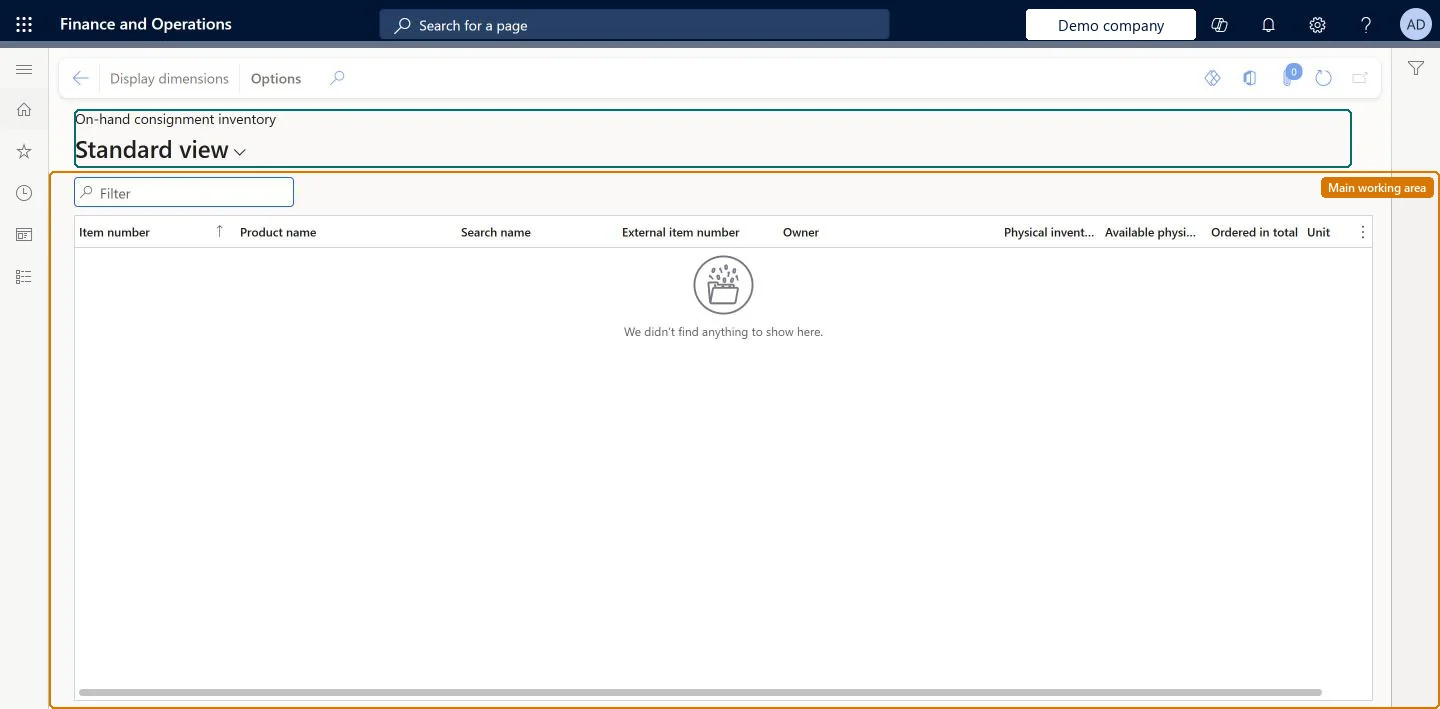
A list page of vendor-owned consignment stock that is on hand, or expected, at the customer's warehouse.
What you do here
Use this page to monitor the stock you own at the customer's warehouse, including items you are expected to deliver.
Example
For example, the vendor sees 85.00 pieces of BEAT-ITEM-001 it still owns at BEAT's main warehouse and 40.00 pieces expected on an open consignment replenishment order, shows Site and Warehouse with Display dimensions, and plans the next delivery.
The page in Dynamics 365. page title tab to open what to set or check
About the examples: Examples and screenshots in this guide use BEAT, a demo company in a Dynamics 365 test environment. Use your own company's codes and values instead of copying them.
Setup steps on this page
Monitor consignment stock at the customer
See the stock the vendor still owns at the customer's warehouse.
Steps from Microsoft
Go to Vendor collaboration > Consignment inventory > On-hand consignment inventory.
Review the stock that you own at the customer's warehouse.
Select the Display dimensions tab to show more dimensions, such as site and warehouse.
The inventory owner name shown to the vendor, set by the customer on the Inventory owner page.Microsoft Learn
The vendor's name as set on BEAT's Inventory owner record.
InventOwnerId_RU
Display dimensions
Action that shows more dimensions, such as site and warehouse.Microsoft Learn
Site 1, warehouse 11
Common errors and fixes
Message
What to do
The vendor doesn't recognise the owner name
The Owner value comes from the customer's Inventory owner record, whose Owner field can't be changed after it is saved. Agree the name with the vendor before creating the record. Microsoft Learn
Test checklist
Check that the consignment item uses a Tracking dimension group with the Owner dimension set to Active.
Create a consignment replenishment order for the vendor and item, then sign in as the vendor user and check that the expected quantity shows on On-hand consignment inventory.
Post a product receipt for the replenishment order and check that the physical on-hand quantity shows for the vendor's Owner value.
Use the Display dimensions option to show site and warehouse and check that they match the receipt.
Post an Inventory ownership change journal and check that the vendor-owned on-hand quantity goes down.
Microsoft provides two external roles for vendor collaboration: Vendor admin (external), for contacts and user requests, and Vendor (external), for purchase orders, invoices, consignment inventory, RFQs and vendor information. External users created through a user request also get the SystemExternalUser role. On the live system, Vendor contact (external) can open this page.
Load order: On-hand consignment inventory has no data entity in Data management. The quantities come from the customer's consignment replenishment order receipts and inventory ownership change journals, so they are not loaded here.Checked in Dynamics 365
Checked in a working Dynamics 365 system, version 10.0.49: the menu item, form, table and security, the page.
To cite this step: VC-CSG-030, Monitor consignment stock at the customer. Beyond ERP Atlas Hub, 2026-11-11. https://www.beyonderp.cloud/atlas/step/VC-CSG-030