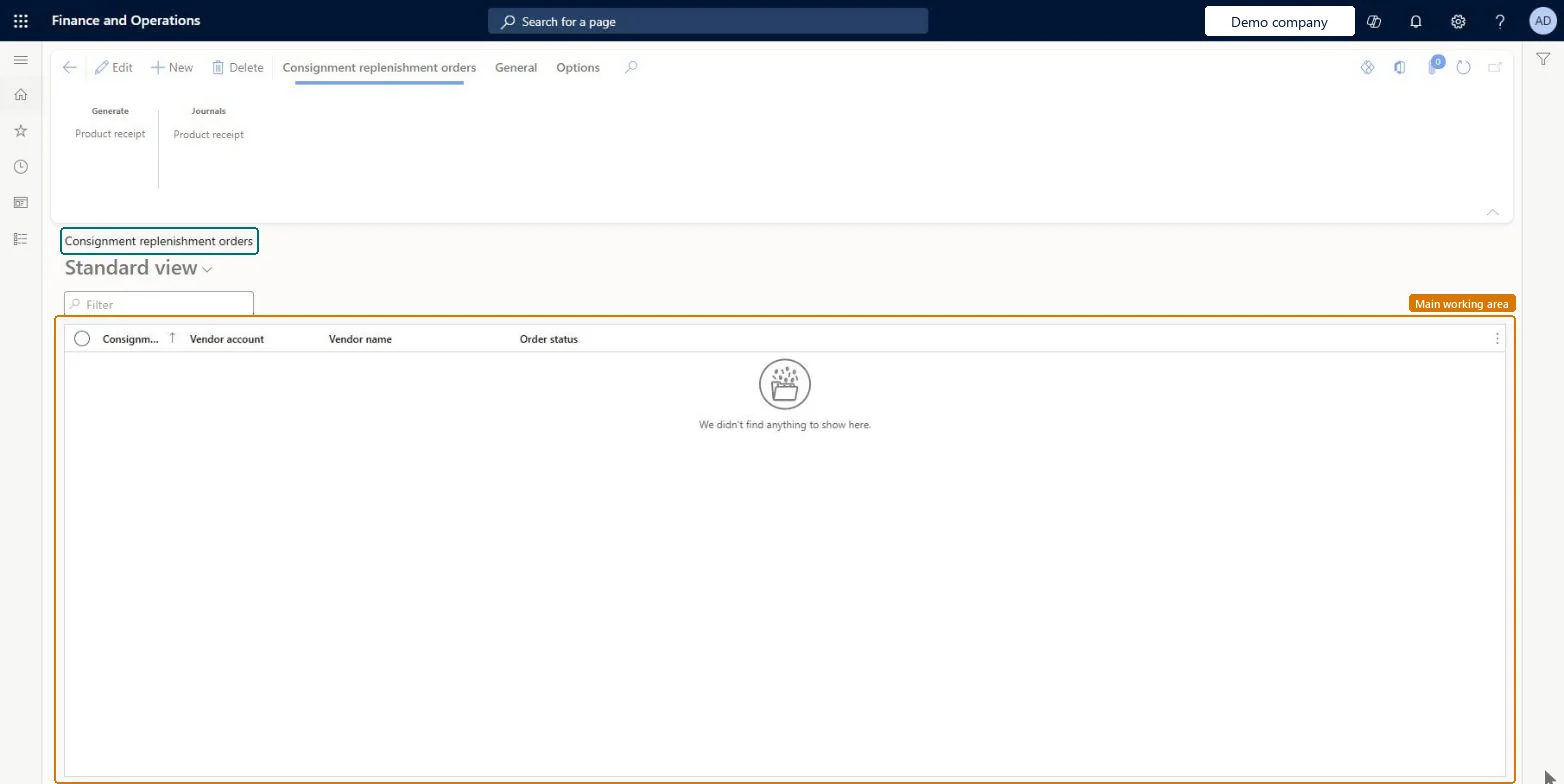
A list page of consignment replenishment orders, which track the quantities a vendor plans to deliver into consignment inventory that the vendor still owns.
Purchasing agent, Purchasing Agent - Public Sector, Receiving clerk and 5 more roles
Business process
Procure goods and services
Menu item
ConsignmentReplenishmentOrderList
Main table
ConsignmentReplenishmentOrderHeader
Data entity
ConsignmentReplenishmentOrderHeaderEntity
Show what matters for
PAGE GUIDEWhat the page does and how to use it7 sections. Choose a role to highlight what matters to you.
Everyone
1What it is and why
What it is
A list page of consignment replenishment orders, which track the quantities a vendor plans to deliver into consignment inventory that the vendor still owns.
What you do here
Use this page to request and track expected consignment deliveries from a vendor and to record their receipt without creating general ledger transactions.
Example
For example, a company creates a consignment replenishment order for a raw material based on expected demand, and the vendor monitors it in vendor collaboration.
The page in Dynamics 365. page title tab to open what to set or check
About the examples: Examples and screenshots in this guide use BEAT, a demo company in a Dynamics 365 test environment. Use your own company's codes and values instead of copying them.
Steps from Microsoft
Go to Procurement and sourcing > Consignment > Consignment replenishment orders.
Select New, select a vendor that is registered as an inventory owner, and select OK.
Select Add line and enter an item that is set up for consignment inventory.
Enter the Quantity, Requested delivery date and Confirmed delivery date.
When the goods arrive, select Product receipt, enter the External product receipt and quantity, and select OK.
Check on-hand inventory to see the received items owned by the vendor.
Order lines stay Open order until the full quantity is received or canceled, and then change to Completed. Microsoft Learn
Technical architect
5Technical
Menu item
ConsignmentReplenishmentOrderListChecked in Dynamics 365
Form
ConsignmentReplenishmentOrderChecked in Dynamics 365
Table
ConsignmentReplenishmentOrderHeaderShown as “Consignment replenishment orders” in Record infoChecked in Dynamics 365
Data entities
ConsignmentReplenishmentOrderHeaderEntityConsignment replenishment order headers Microsoft data model
Who can open it
PrivilegesMaintain consignment replenishment orders ConsignmentReplenishmentOrderMaintainView consignment replenishment orders ConsignmentReplenishmentOrderViewDutiesMaintain consignment product receipt ConsignmentProductReceiptMaintainInquire into consignment replenishment orders ConsignmentReplenishmentOrderInquireMaintain consignment replenishment orders ConsignmentReplenishmentOrderMaintain8 security rolesReceiving clerk InventReceivingClerkProject assistant ProjProjectClerkRetail service RetailServiceRetail store manager RetailStoreManagerBuying agent TradeBuyingAgentPurchasing manager TradePurchasingManagerPurchasing agent VendPurchasingAgentPurchasing Agent - Public Sector VendPurchasingAgent_PSNChecked in Dynamics 365
Roles to set it up and use it
To set it up or change itBuying agent TradeBuyingAgentTo use itPurchasing manager TradePurchasingManagerPurchasing agent VendPurchasingAgentPurchasing Agent - Public Sector VendPurchasingAgent_PSNRetail service RetailServiceProject assistant ProjProjectClerkGive people one of these roles. On this system, 8 roles can open this page.Checked in Dynamics 365
Actions on the page
Consignment replenishment orders: Generate, JournalsGeneral: Related informationOptions: Personalize, Page options, ShareChecked in Dynamics 365