SETUP GUIDEHow to set it up8 sections. Choose a role to highlight what matters to you.
Everyone
1What it is and why
What it is
A periodic job that cleans up recorded order events.
What you do here
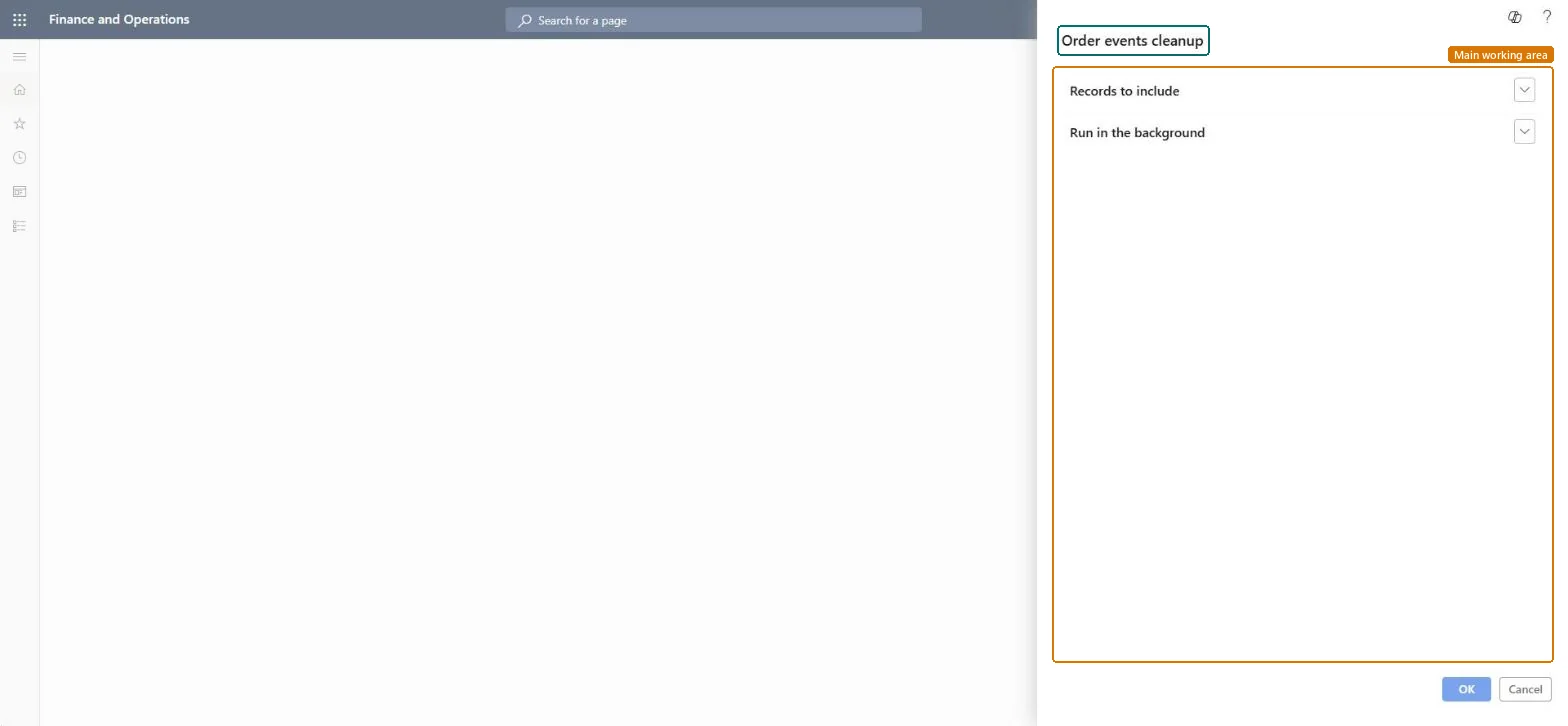
Use this task to clean up recorded order events, choosing which records to include and whether to run the job in the background. Afterwards, open the Order event setup page and clear the check boxes for any order events that aren't required.
Example
For example, BEAT has recorded order events for a year; the sales manager filters the cleanup to events older than 180 days, runs it in the background on Sunday night, and then clears the event types it no longer needs on Order events setup.
The page in Dynamics 365. page title tab to open what to set or check
About the examples: Examples and screenshots in this guide use BEAT, a demo company in a Dynamics 365 test environment. Use your own company's codes and values instead of copying them.
When to run it
When to run it
When recorded order events are no longer needed and the business has confirmed it doesn't need them for follow-up.
How often
On demand, when order event records build up.
Batch settings
Run it in the background outside business hours if many order events are recorded.
What the output shows
Recorded order events that match your filter are removed. If events keep coming back, the event types are still selected on Order event setup.
Filter Records to include to old events only, run it in the background outside business hours, then clear unneeded event types on Order event setup.Microsoft names clearing the unneeded order events on Order event setup as the next step after the cleanup.
On the live system, Sales manager runs this task. No feature in Feature management is needed.
Checked in Dynamics 365
Solution architect
5Design impact
Shared or per company
The recorded order events selected under Records to include. Microsoft Learn
Can it be undone
Irreversible: Deleted order events can't be restored.
If you change it later
Deletes the recorded order events that match the filter; clearing event types on Order event setup afterwards stops new ones. Microsoft advises running cleanup routines only after confirming the data is no longer required, and testing them first. On the live system only Sales manager can run it. Microsoft Learn
Technical architect
6Technical
Menu item
action:MCROrderEventTableCleanupChecked in Dynamics 365
Form
SysOperationTemplateFormChecked in Dynamics 365
Roles to set it up and use it
To use itSales manager TradeSalesManagerGive people one of these roles. On this system, 1 role can run this page.Checked in Dynamics 365
Load order: Order events cleanup has no data entity in Data management. It deletes recorded events; there is nothing to migrate.Checked in Dynamics 365