Sales and marketingInquiries and reportsSales and marketing reports
output:smmTMCallListTelemarketingSummary
Business process
Identify and qualify leads
Menu item
output:smmTMCallListTelemarketingSummary
Setup steps
1 on this page
Show what matters for
SETUP GUIDEHow to set it up8 sections. Choose a role to highlight what matters to you.
Everyone
1What it is and why
What it is
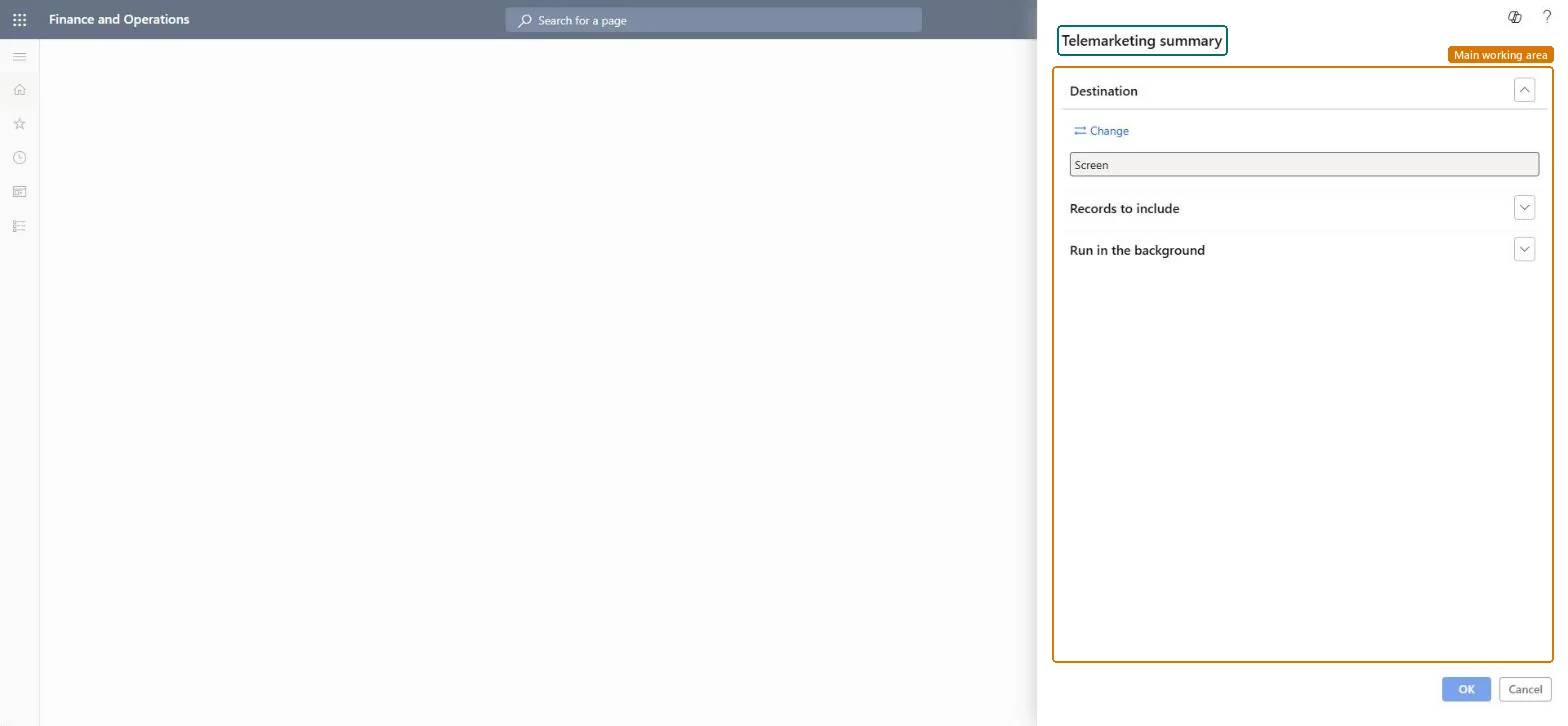
A report that shows the status of the targets on telemarketing call lists.
What you do here
Use it while a telemarketing campaign runs to review the status of the targets on each call list. Telemarketing is part of the built-in CRM; Microsoft marked it as deprecated in Dynamics AX 2012 because its functionality is limited, and many projects use Dynamics 365 Sales instead.
Example
For example, on 10.11.2026 BEAT's call list CALL-000018 has 300 targets; the report shows the status of each target and that 90 have not been called yet, so the marketing manager moves 40 targets to a second caller.
The page in Dynamics 365. page title tab to open what to set or check
About the examples: Examples and screenshots in this guide use BEAT, a demo company in a Dynamics 365 test environment. Use your own company's codes and values instead of copying them.
When to run it
When to run it
While a telemarketing campaign is running.
How often
On demand, for example daily during the campaign.
What the output shows
The status of the targets on each selected call list.
On the live system, Sales manager, Sales representative and Marketing manager use this page; 3 roles can run it in total. No Feature management feature is needed to open it.
Checked in Dynamics 365
Solution architect
5Design impact
Shared or per company
Per company: the report reads the data of the legal entity you run it in. To compare legal entities, run it in each one. Checked in Dynamics 365
Can it be undone
Reversible: Running the inquiry or report changes no data.
If you change it later
The status is read at run time; calls registered later need a new run. Telemarketing campaigns are one of the campaign types in Supply Chain Management. Microsoft Learn
Technical architect
6Technical
Menu item
output:smmTMCallListTelemarketingSummaryChecked in Dynamics 365
Form
SysOperationTemplateFormChecked in Dynamics 365
Roles to set it up and use it
To use itSales manager TradeSalesManagerSales representative TradeSalesRepresentativeMarketing manager CRMMarketingManagerGive people one of these roles. On this system, 3 roles can run this page.Checked in Dynamics 365
Load order: Telemarketing summary has no data entity in Data management. It is a report: it reads call lists and stores nothing of its own.Checked in Dynamics 365