SETUP GUIDEHow to set it up8 sections. Choose a role to highlight what matters to you.
Everyone
1What it is and why
What it is
A periodic job that belongs to sealed bidding for requests for quotation, where each bid's encryption key is kept in an Azure key vault that the organization owns.
What you do here
Use it, if you use sealed bidding, to run the Key Vault clean-up for sealed bids now or in the background.
Example
For example, BEAT runs sealed bidding with a dedicated key vault per environment, and the IT manager runs Sealed bid Key Vault cleanup in the background in each of them.
The page in Dynamics 365. page title tab to open what to set or check
About the examples: Examples and screenshots in this guide use BEAT, a demo company in a Dynamics 365 test environment. Use your own company's codes and values instead of copying them.
When to run it
When to run it
When sealed bidding is in use and a key vault is enabled for sealed bidding on Key Vault parameters.
How often
As a recurring background job.
Batch settings
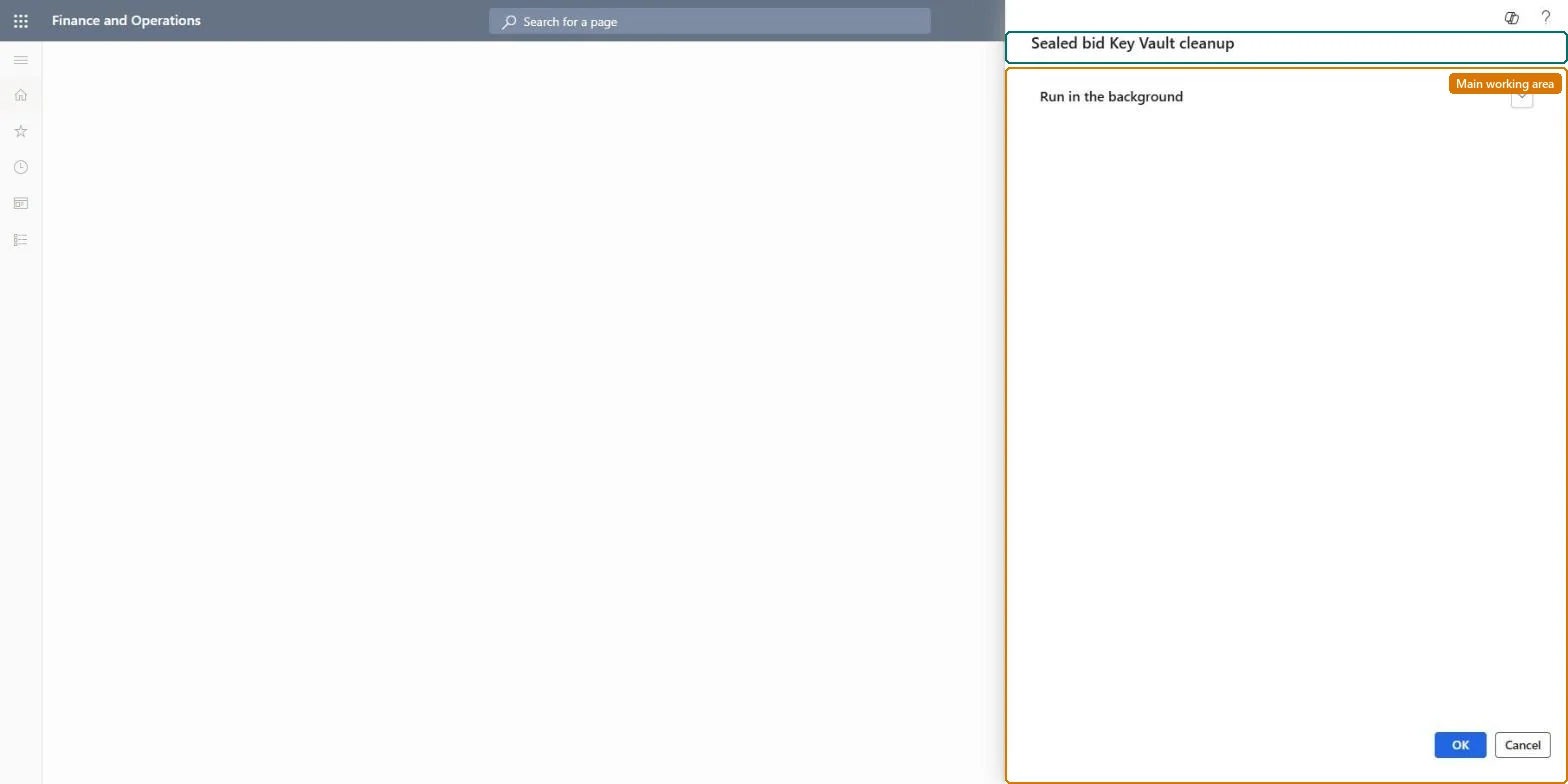
Run in the background is the only section on the dialog.
What the output shows
A batch job run that you check on Batch jobs.
Source: Checked in Dynamics 365
Setup steps on this page
Run the sealed bid Key Vault clean-up
Run the Key Vault clean-up for sealed bids in environments that use sealed bidding.
How to use it
Go to System administration > Periodic tasks > Sealed bid Key Vault cleanup.
Expand Run in the background, the only section on the dialog, to run it as a batch job and set a recurrence.
Select OK.
Open Inquiries > Batch jobs and check that the job ended without errors.
Source: Checked in Dynamics 365
Fields on the page
Field
What it means
Run in the background
The only section on the dialog: batch processing and recurrence for the clean-up.Checked in Dynamics 365
Common errors and fixes
Message
What to do
A sealed bid can no longer be opened or unsealed
Its encryption key expired. Set Encryption key expiration day offset no lower than Days offset in Procurement and sourcing parameters, so keys outlive the bidding period. Microsoft Learn
Run it only where sealed bidding is in use, and only once all sealed bids it may affect are unsealedLearn: every sealed bid needs its own key from the key vault to be viewed, updated or unsealed, so keys must stay until the bids are unsealed.
On this system the page opens for Information technology manager. Only used with sealed bidding for RFQs. No Feature management feature needs to be turned on for this page.
Per environment: each environment uses its own key vault (Learn requires a separate key vault for sandbox and production), and only one key vault configuration can be enabled for sealed bidding at a time. Microsoft Learn
Can it be undone
No: Key vault entries that are cleaned up can't be restored.
If you change it later
Sealed bids depend on their keys: after a key expires nobody can view, edit or unseal the bid, so make sure every sealed bid is unsealed before a key vault configuration is disabled. Microsoft Learn
Technical architect
6Technical
Menu item
action:PurchRFQSealedBidKeyVaultCleanChecked in Dynamics 365
Roles to set it up and use it
To use itInformation technology manager SysServerITManagerGive people one of these roles. On this system, 1 role can run this page.Checked in Dynamics 365
Load order: Sealed bid Key Vault cleanup has no data entity in Data management, so it can't be loaded from a file or a configuration template. It is a periodic job; schedule it in each environment that uses sealed bidding.Checked in Dynamics 365
Checked in a working Dynamics 365 system, version 10.0.49: the menu item, form, table and security, the page.
To cite this step: SA-JOB-845, Run the sealed bid Key Vault clean-up. Beyond ERP Atlas Hub, 2026-11-11. https://www.beyonderp.cloud/atlas/step/SA-JOB-845