| What it is | A setup page where you create and maintain identifiers and descriptions for delivery destinations. |
|---|---|
| What you do here | Use this page to keep a list of delivery destination codes with their descriptions. |
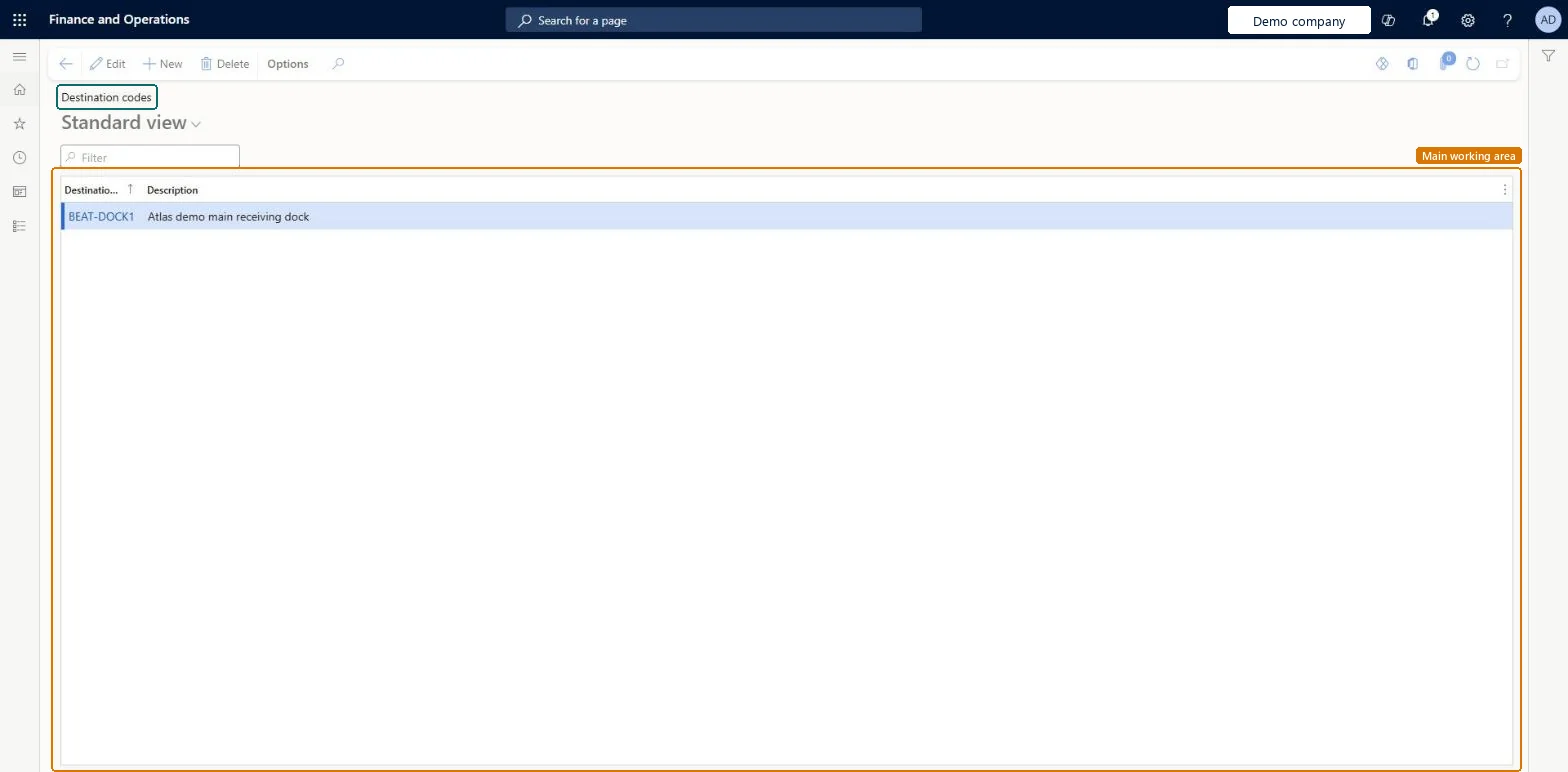
Setup step on the Destination codes page · Procurement and sourcing
Use this page to keep a list of delivery destination codes with their descriptions.
DestinationCodeDestinationCodeDeliveryDestinationEntity| What it is | A setup page where you create and maintain identifiers and descriptions for delivery destinations. |
|---|---|
| What you do here | Use this page to keep a list of delivery destination codes with their descriptions. |
| Business process | Procure goods and services |
|---|---|
| Menu path | Procurement and sourcing › Setup › Distribution › Destination codes |
| Related pages | Terms of delivery Microsoft Learn Modes of delivery Microsoft Learn |
| In this process | Set up Modes of delivery · Set up Purchase transport days |
About the examples: Examples and screenshots in this guide use BEAT, a demo company in a Dynamics 365 test environment. Use your own company's codes and values instead of copying them.
Use this page to keep a list of delivery destination codes with their descriptions.
Screen 1
Go to Procurement and sourcing > Setup > Distribution > Destination codes
| 1Destination code | BEAT-DOCK1 |
|---|
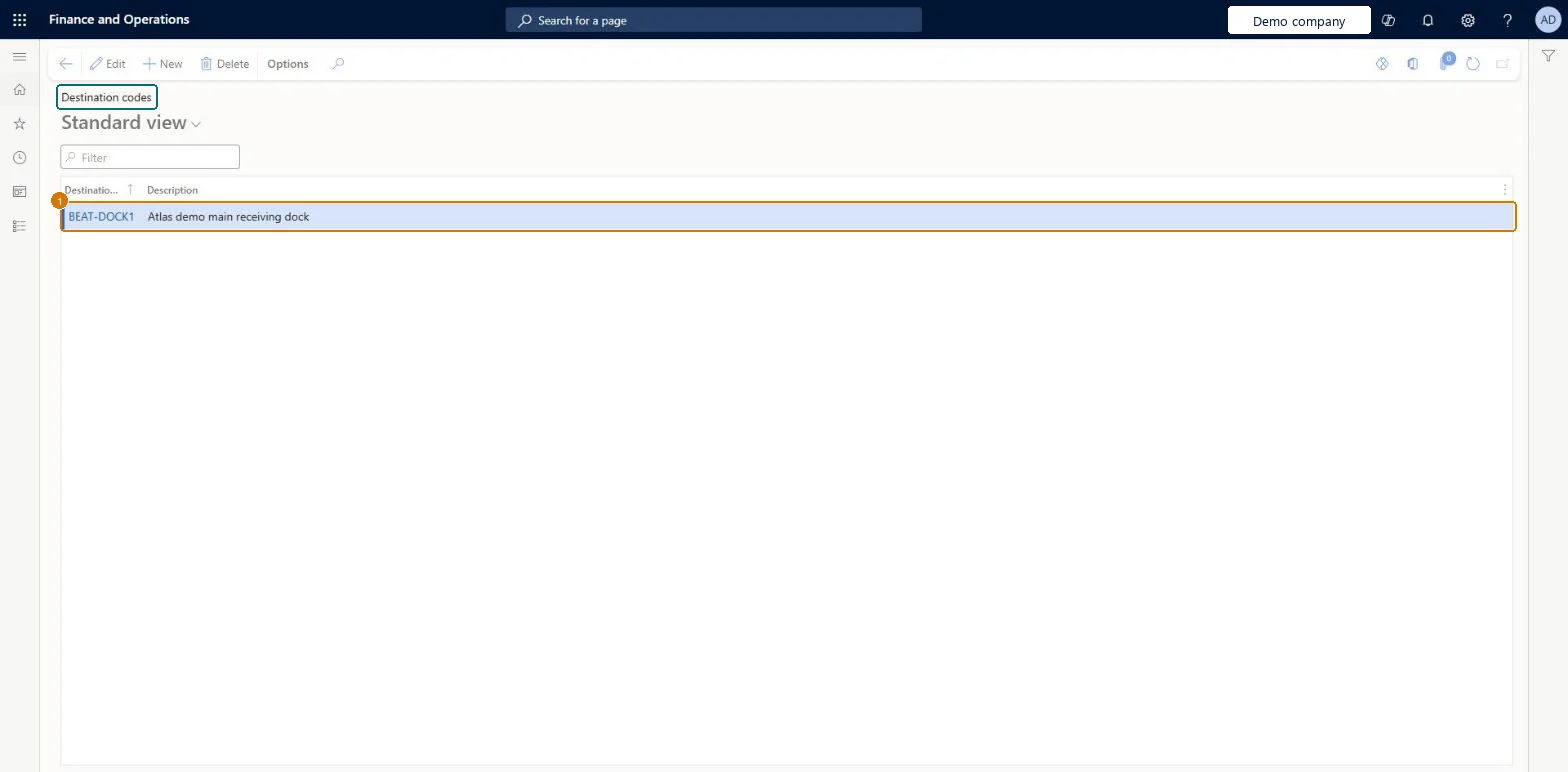
Source: Checked in Dynamics 365
| Field | What it means | Example | Table column |
|---|---|---|---|
| Destination code | The identifier of the destination code.Microsoft Learn | DOCK1 | DestinationCodeId |
| Shared or per company | Per company: each legal entity has its own records. Microsoft data model |
|---|
| Menu item | DestinationCode Checked in Dynamics 365 |
|---|---|
| Form | DestinationCode Checked in Dynamics 365 |
| Table | DestinationCodeShown as “Destination code” in Record infoKey field: DestinationCodeIdChecked in Dynamics 365 |
| Data entities | DeliveryDestinationEntityDestination code Microsoft data model |
| Who can open it | PrivilegesMaintain destination codes CustDestinationCodeMaintainView destination codes CustDestinationCodeViewDutiesEnable invoice and cash process CustInvoiceInvoiceAndCashProcessEnableInquire into invoice and cash reference data CustInvoiceInvoiceAndCashRefDataInquireEnable invoice and cash process RentalCustInvoiceInvAndCashProcEnable9 security rolesCollections managerCollectionLetterCollectionsManagerAccounts receivable clerk CustInvoiceAccountsReceivableClerkAccounts receivable manager CustInvoiceAccountsReceivableManagerAccounting manager LedgerAccountingManagerAccounting supervisor LedgerAccountingSupervisorAccounts receivable centralized payments clerk PaymAccountsReceivableCentralPaymClerkAccounts receivable payments clerk PaymAccountsReceivablePaymentsClerkRental coordinator agent RentalCoordinatorAgentRental manager RentalManager |
| Roles to set it up and use it | To set it up or change itRental manager RentalManagerRental coordinator agent RentalCoordinatorAgentAccounting manager LedgerAccountingManagerAccounting supervisor LedgerAccountingSupervisorAccounts receivable manager CustInvoiceAccountsReceivableManagerTo use itAccounts receivable centralized payments clerk PaymAccountsReceivableCentralPaymClerkAccounts receivable payments clerk PaymAccountsReceivablePaymentsClerkAccounts receivable clerk CustInvoiceAccountsReceivableClerkGive people one of these roles. On this system, 9 roles can open this page.Checked in Dynamics 365 |
| Actions on the page | Options: Personalize, Page options, ShareChecked in Dynamics 365 |
| Open it by URL | https://<your-environment>/?mi=DestinationCode |
|---|---|
| Integrate with | DeliveryDestinationEntity data entity Microsoft data model |
| Data migration | DeliveryDestinationEntity (Destination code): loaded for each company, in Microsoft's default template 120 - Accounts payable.Load order: Microsoft's default template 120 - Accounts payable loads Destination code at execution unit 1, level 30, sequence 10. Lower levels load first, and entities at the same level load in sequence order.Load first: the default templates at lower levels (System setup to General ledger)Microsoft Learn |
| Table definition | DestinationCode columns and relations Microsoft data model |
To cite this step: PS-SETUP-240, Set up Destination codes. Beyond ERP Atlas Hub, 2026-11-11. https://www.beyonderp.cloud/atlas/step/PS-SETUP-240