SETUP GUIDEHow to set it up8 sections. Choose a role to highlight what matters to you.
Everyone
1What it is and why
What it is
A setup page where you authorize delegates to enter timesheets on behalf of other workers for a set period.
What you do here
Use this page to set up timesheet delegates for many workers in one place.
Example
For example, while consultant 000245 is on leave from 08/03/2026 to 08/21/2026, BEAT makes the team assistant 000310 her delegate, so the assistant can enter and submit her 3 weekly timesheets for PRJ-0042.
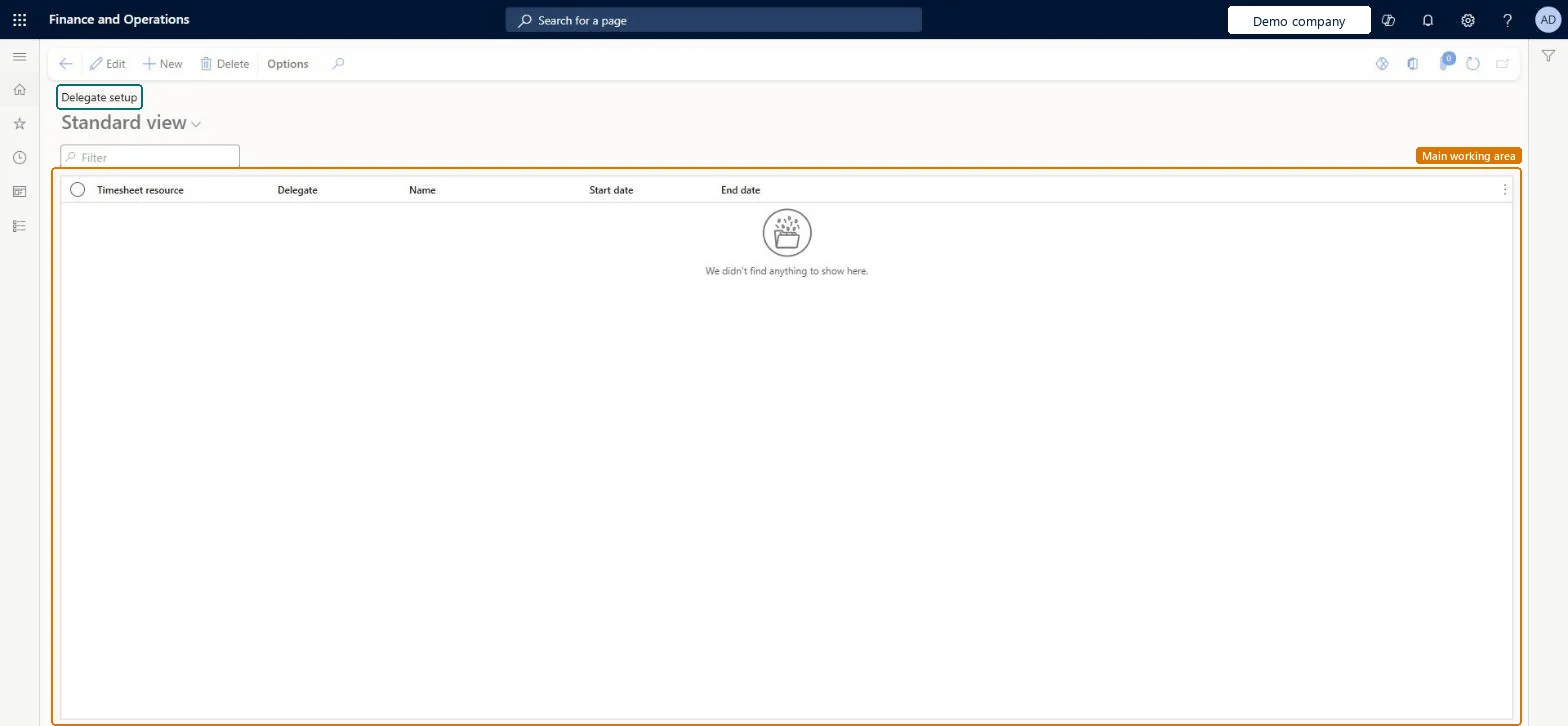
The page in Dynamics 365. page title tab to open what to set or check
About the examples: Examples and screenshots in this guide use BEAT, a demo company in a Dynamics 365 test environment. Use your own company's codes and values instead of copying them.
Setup steps on this page
Set up All delegates
Use this page to set up timesheet delegates for many workers in one place.
Steps from Microsoft
Go to Project management and accounting > Setup > Timesheets > All delegates.
Select New and select the Worker who needs a delegate.
Select the Delegate and enter the Start date and End date of the delegation.
As the delegate, open My timesheets and check the worker's name is offered in the Resource field.
Dated delegations only for planned absences, each with an end dateA delegate can submit timesheets for the worker, so the dates limit how long someone else can book time in the worker's name.
Between the start and end date, the delegate can create and submit timesheets on behalf of the worker; outside those dates the worker's name isn't offered. Microsoft Learn
Technical architect
6Technical
Menu item
TSAllDelegatesChecked in Dynamics 365
Form
TSAppEmplSubChecked in Dynamics 365
Table
TSAppEmplSubShown as “Delegate” in Record infoChecked in Dynamics 365
Who can open it
PrivilegesMaintain all timesheet delegates TSAllDelegatesMaintainView all timesheet delegates TSAllDelegatesViewDutiesInquire into project timesheet delegates ProjProjectTimesheetDelegatesInquireMaintain project timesheet delegates ProjProjectTimesheetDelegatesMaintain1 security roleProject supervisor ProjProjectSupervisorChecked in Dynamics 365
Roles to set it up and use it
To set it up or change itProject supervisor ProjProjectSupervisorGive people one of these roles. On this system, 1 role can open this page.Checked in Dynamics 365
Actions on the page
Options: Personalize, Page options, ShareChecked in Dynamics 365
Developer
7Developer
Open it by URL
https://<your-environment>/?mi=TSAllDelegates
Data migration
Load order: All delegates has no data entity in Data management. Enter delegations by hand on this page; they are short-lived and are usually not migrated.Checked in Dynamics 365