SETUP GUIDEHow to set it up8 sections. Choose a role to highlight what matters to you.
Everyone
1What it is and why
What it is
The phone-friendly page for entering your own project timesheets in a mobile web browser, with favorites and delegate entry, but without financial dimensions.
What you do here
Use it to create, copy and submit a project timesheet from a phone, without installing the finance and operations mobile app.
Example
For example, a BEAT site engineer opens the page's URL on her phone on Friday, adds 6.50 hours on PRJ-0042 from a saved favorite and 1.50 hours on PRJ-0051, and submits the week.
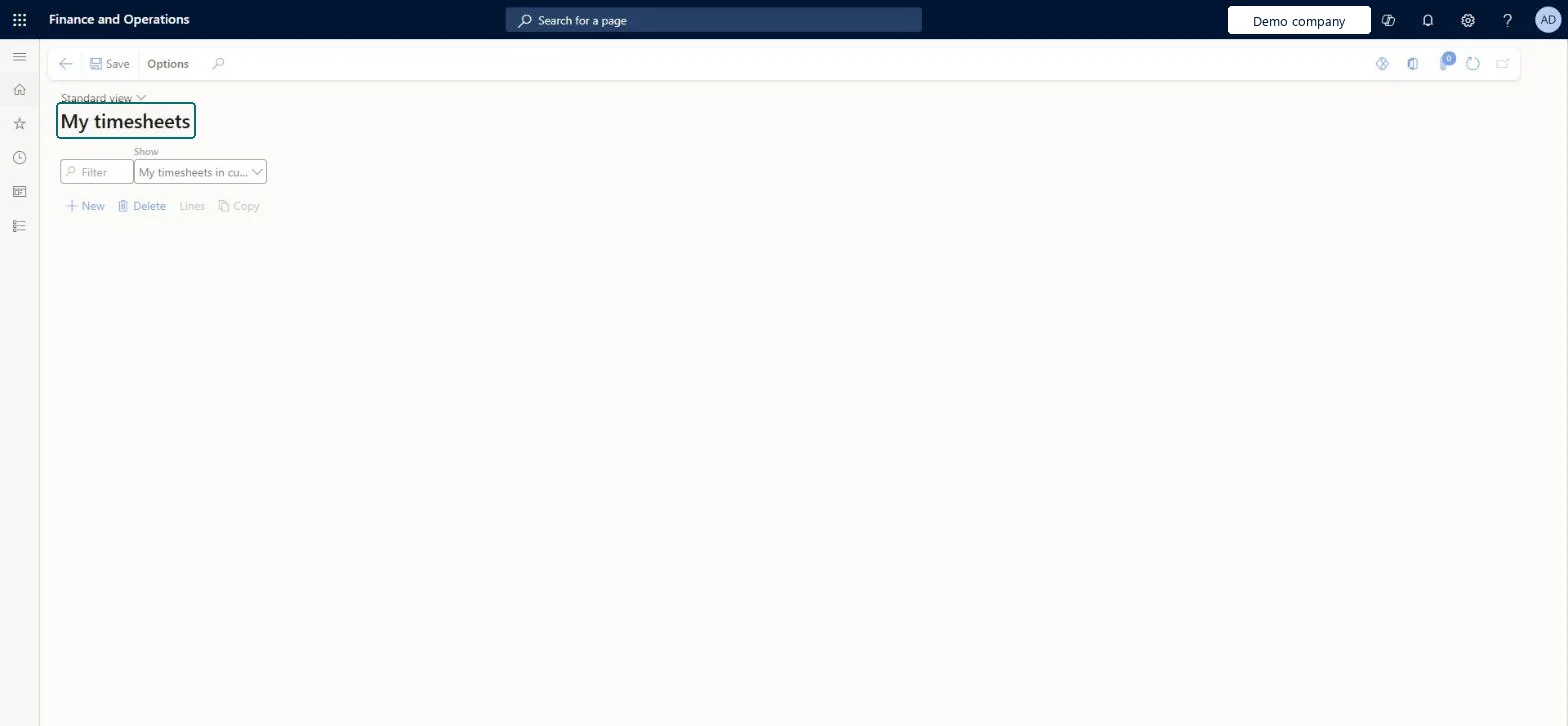
The page in Dynamics 365. page title tab to open what to set or check
About the examples: Examples and screenshots in this guide use BEAT, a demo company in a Dynamics 365 test environment. Use your own company's codes and values instead of copying them.
Setup steps on this page
Offer mobile timesheets to field workers
Let workers submit time from a phone.
Steps from Microsoft
Go to Project management and accounting > Timesheets > My timesheets (Optimized for mobile), note its URL and open it in your phone's browser.
Select New, select a resource, and then select OK.
Select + to add a line and select the customer and project.
Enter the hours you worked and optionally external and internal comments.
Go back to save the line, and add more lines as needed.
Give field workers the page URL and favorites for their projects, and keep financial dimensions defaulted from the project.The mobile page doesn't support financial dimensions, so any dimension a line needs must default.
On the live system, Project manager, Project accountant, Project supervisor and Project timesheet user use this page.
Checked in Dynamics 365
Solution architect
5Design impact
Shared or per company
Per company: each legal entity has its own timesheets; a worker can still record time for a project of another legal entity through intercompany timesheets. Microsoft Learn
Can it be undone
Reversible: Timesheets can be returned and changed before posting.
If you change it later
It writes the same timesheets as My timesheets; the project parameters can hide fields or make them read-only on mobile. Microsoft Learn
Technical architect
6Technical
Menu item
TSMyTimesheetsChecked in Dynamics 365
Form
TSMyTimesheetsChecked in Dynamics 365
Table
TSTimesheetTableShown as “Timesheets” in Record infoChecked in Dynamics 365
To set it up or change itProject manager ProjProjectManagerProject accountant ProjProjectAccountantProject supervisor ProjProjectSupervisorProject timesheet user ProjTimesheetUserTimesheet delegate user ProjTimesheetDelegateGive people one of these roles. On this system, 5 roles can open this page.Checked in Dynamics 365
Actions on the page
Options: Personalize, Page options, Edit, ShareChecked in Dynamics 365
TSTimesheetTableEntity (Timesheet Headers): loaded for each company.Load order: Timesheets are usually not migrated; post the open ones in the old system. If loaded, load workers, projects, project categories and timesheet periods first, then the headers.Load first: Workers, Projects, Project categories, Timesheet period typesMicrosoft Learn
Checked in a working Dynamics 365 system, version 10.0.49: the menu item, form, table and security, the page.
To cite this step: PM-OPS-170, Offer mobile timesheets to field workers. Beyond ERP Atlas Hub, 2026-11-11. https://www.beyonderp.cloud/atlas/step/PM-OPS-170