Project management and accountingPeriodicProject Service Automation
action:ProjCDSActualsImportIntegration
Business process
Manage project delivery
Menu item
action:ProjCDSActualsImportIntegration
Setup steps
1 on this page
Show what matters for
SETUP GUIDEHow to set it up8 sections. Choose a role to highlight what matters to you.
Everyone
1What it is and why
What it is
A periodic job that imports project actuals from the staging table into integration journal lines, one line per actual. In this system the menu is labelled Project Service Automation, a legacy application; Learn describes the same Import from staging table process for the Project Operations integration journal.
What you do here
Use it to bring every actual that isn't yet in an integration journal into one, so it can be reviewed and posted. Run it manually or on a schedule.
Example
BEAT synchronizes actuals every hour. The import job runs every hour at :15; at 10:15 on 11/09/2026 it creates 86 integration journal lines, and 2 expense actuals in GBP are skipped because the EUR-GBP exchange rate for that date is missing.
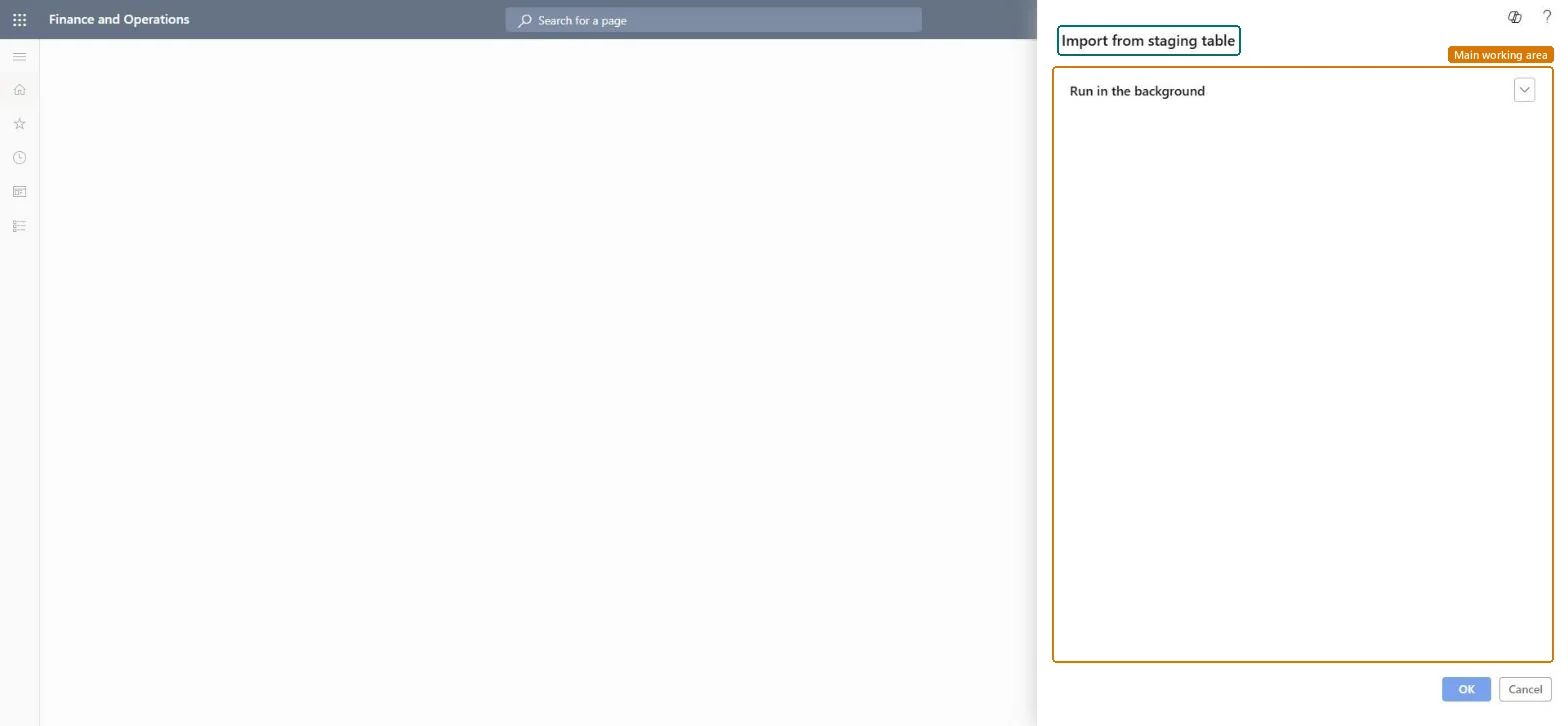
The page in Dynamics 365. page title tab to open what to set or check
About the examples: Examples and screenshots in this guide use BEAT, a demo company in a Dynamics 365 test environment. Use your own company's codes and values instead of copying them.
When to run it
When to run it
After each synchronization of actuals into the staging table.
How often
As often as actuals are synchronized, usually hourly or daily.
Batch settings
Run as a recurring batch job.
What the output shows
Integration journal lines, one per actual; cost and unbilled sales of time and material actuals are separate lines.
Go to Project management and accounting > Periodic > Project Service Automation > Import from staging table.
Check the period unit for integration journals in the parameters, because it decides whether lines are grouped per day, month, year or all in one journal.
Set it up as a recurring batch job that follows the actuals synchronization.
After each run, read the job log for skipped actuals, for example a missing exchange rate.
Open the integration journal, review the lines (one per actual) and post it.
The dialog has no selection fields; it picks up every actual not yet in an integration journal. Set it up here as a recurring batch job.Checked in Dynamics 365
Recurring every hour
Common errors and fixes
Message
What to do
Some actuals don't appear in the integration journal.
The exchange rate setup is missing for the currency and date; the job log shows an error. Add the rate and run the import again. Microsoft Learn
Test checklist
Count actuals waiting in staging (for example 88).
Run the import.
The integration journal has 86 new lines.
The job log lists the 2 skipped actuals with the missing exchange rate.
Recurring batch right after each actuals synchronization, with a daily check of the job log.Actuals missing setup are skipped silently except for the log.
On the live system, Project manager, Field Service Integration User, Shop supervisor and Machine operator use this page.
Checked in Dynamics 365
Solution architect
5Design impact
Shared or per company
Per company: lines are created in the integration journals of the legal entity you run it in. Microsoft Learn
Can it be undone
Reversible: Lines can be changed before posting.
If you change it later
Creates integration journal lines. Deleted unposted lines come back at the next import. Project Service Automation itself is legacy (no longer supported since March 31, 2025). Microsoft Learn
Technical architect
6Technical
Menu item
action:ProjCDSActualsImportIntegrationChecked in Dynamics 365
Form
DialogChecked in Dynamics 365
Roles to set it up and use it
To use itProject manager ProjProjectManagerField Service Integration User FieldServiceIntegrationUserShop supervisor JmgShopSupervisorMachine operator JmgMachineOperatorGive people one of these roles. On this system, 4 roles can run this page.Checked in Dynamics 365
Load order: Import from staging table has no data entity in Data management: it is a periodic job and keeps no records of its own. Post or clear the staging table before cutover; new actuals are imported in the target system.Microsoft Learn