Product information managementSetupCategories and attributes
EcoResCategoryHierarchyRole
Used by
Purchasing agent, Purchasing Agent - Public Sector, Product designer and 12 more roles
Business process
Develop product strategy
Menu item
EcoResCategoryHierarchyRole
Main table
EcoResCategoryHierarchyRole
Data entity
EcoResProductCategoryHierarchyRoleEntity
Setup steps
1 on this page
Show what matters for
SETUP GUIDEHow to set it up8 sections. Choose a role to highlight what matters to you.
Everyone
1What it is and why
What it is
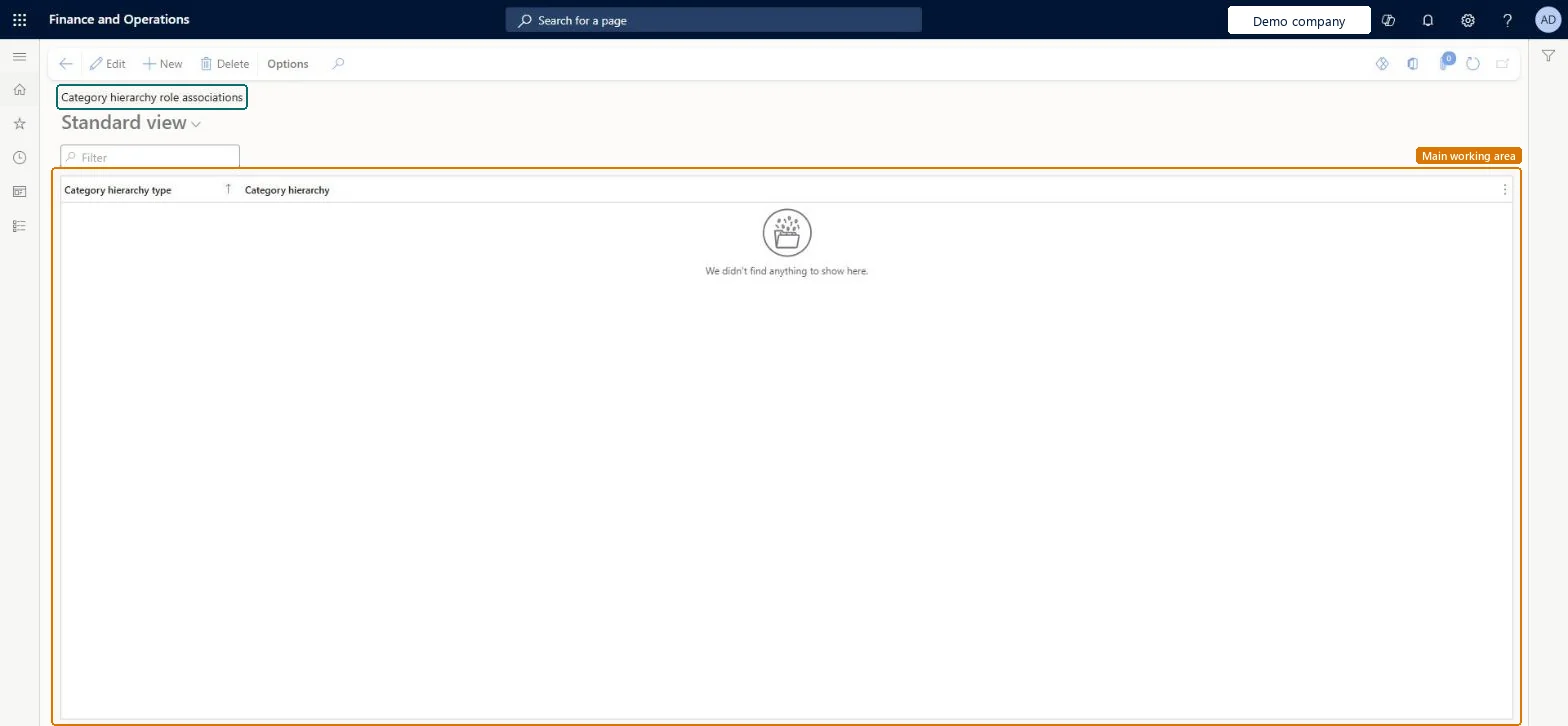
A list page that shows which category hierarchy is associated with each category hierarchy type.
What you do here
Use this page to associate a category hierarchy with a category hierarchy type, such as Derived financial hierarchy.
Example
For example, public sector organisations associate a category hierarchy with the Derived financial hierarchy type so that they can collect and analyse posted transaction data for specific main accounts and financial dimension values.
The page in Dynamics 365. page title tab to open what to set or check
About the examples: Examples and screenshots in this guide use BEAT, a demo company in a Dynamics 365 test environment. Use your own company's codes and values instead of copying them.
Setup steps on this page
Set up Category hierarchy role associations
Use this page to associate a category hierarchy with a category hierarchy type, such as Derived financial hierarchy.
Steps from Microsoft
Go to Product information management > Setup > Categories and attributes > Category hierarchy role associations.
Select New.
In the Category hierarchy type field, select the hierarchy type, for example Derived financial hierarchy.
In the Category hierarchy field, open the lookup and select the category hierarchy to associate with the type.
Associate each role only with the hierarchy built for it, for example the hierarchy that holds the product portfolio to synchronise for the Common data service roleLearn says features read the hierarchy associated with their role; the global product identifier table is limited to products in the hierarchy selected for the Common data service role.
Leaving a role without an association. The dependent feature has nothing to work with, for example no products are generated in the global identifier table.
Solution architect
5Design impact
Can it be undone
Reversible: The association is a record you create and save; dependent processes use whichever hierarchy is associated when they run.
Technical architect
6Technical
Menu item
EcoResCategoryHierarchyRoleChecked in Dynamics 365
Form
EcoResCategoryHierarchyRoleChecked in Dynamics 365
Table
EcoResCategoryHierarchyRoleShown as “CATEGORY HIERARCHY ROLES” in Record infoKey field: CategoryHierarchy_NameChecked in Dynamics 365
Data entities
EcoResProductCategoryHierarchyRoleEntityProduct category hierarchy roles Microsoft data model RetailEcoResCategoryHierarchyRoleEntityCategory hierarchy roles Microsoft data model
To set it up or change itProduct designer BOMProductDesignerProcess engineer RouteProcessEngineerRetail service RetailServiceRetail merchandising manager RetailMerchandisingManagerRetail catalog manager RetailCatalogManagerTo use itProduct design manager BOMProductDesignManagerProcess engineering manager RouteProcessEngineeringManagerMaterials manager InventMaterialsManagerAccountant LedgerAccountantChief financial officer CompanyChiefFinancialOfficerGive people one of these roles. On this system, 15 roles can open this page.Checked in Dynamics 365
EcoResProductCategoryHierarchyRoleEntity (Product category hierarchy roles): shared by all companies, in Microsoft's default template 120 - Accounts payable.Load order: Microsoft's default template 120 - Accounts payable loads Product category hierarchy roles at execution unit 1, level 30, sequence 20. Lower levels load first, and entities at the same level load in sequence order.Load first: Product category hierarchies, the default templates at lower levels (System setup to General ledger)Microsoft Learn
Checked in a working Dynamics 365 system, version 10.0.49: the menu item, form, table and security, the page.
To cite this step: PIM-CAT-020, Set up Category hierarchy role associations. Beyond ERP Atlas Hub, 2026-11-11. https://www.beyonderp.cloud/atlas/step/PIM-CAT-020