SETUP GUIDEHow to set it up8 sections. Choose a role to highlight what matters to you.
Everyone
1What it is and why
What it is
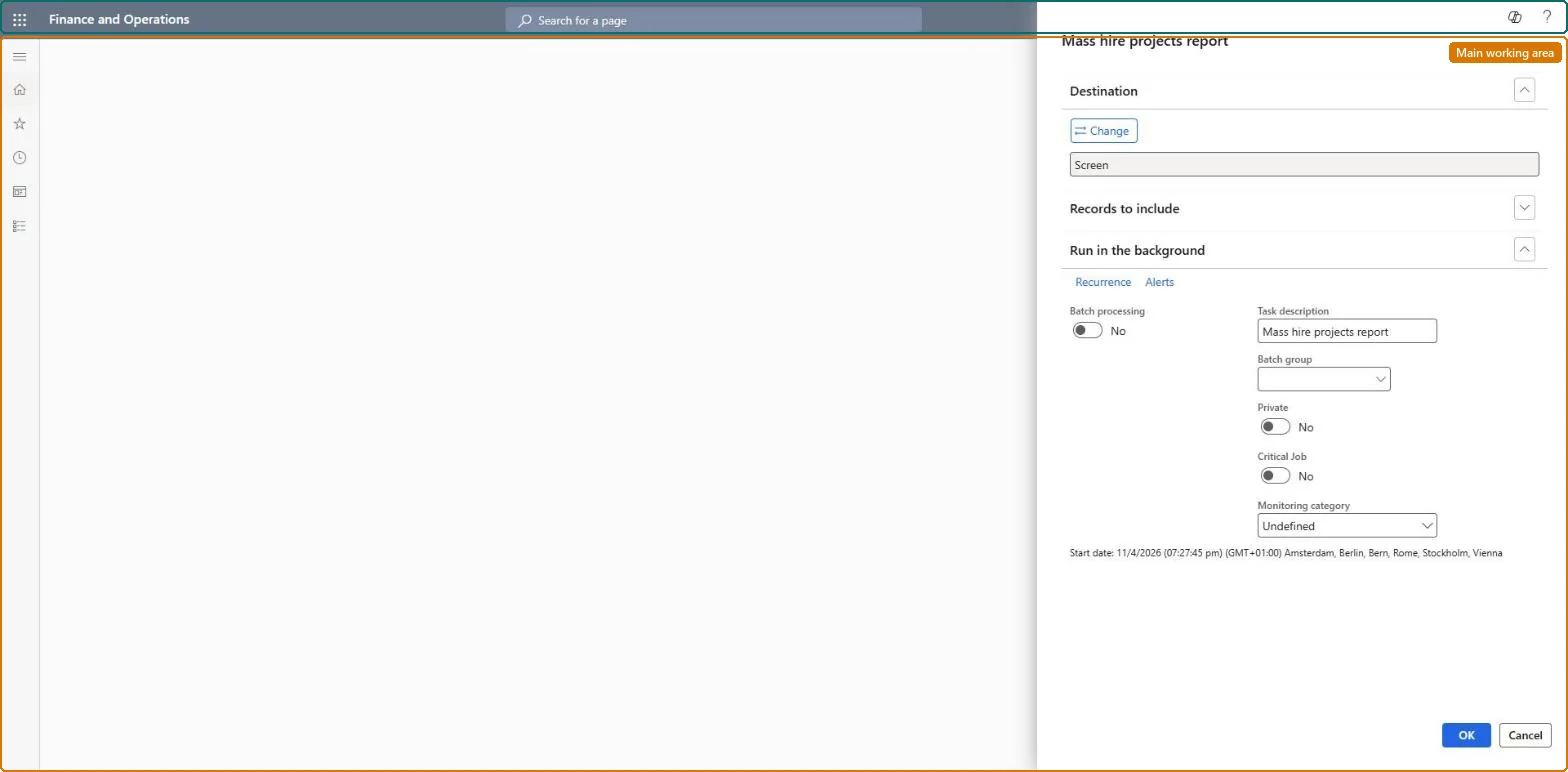
A report that prints an overview of all employees created through mass hire projects, sorted by project.
What you do here
Use this report to review the workers hired through each mass hire project.
Example
For example, after SummerInterns is hired BEAT prints the report for that project and checks the 15 new workers against the 15 planned positions before sending the list to payroll.
The page in Dynamics 365. page title tab to open what to set or check
About the examples: Examples and screenshots in this guide use BEAT, a demo company in a Dynamics 365 test environment. Use your own company's codes and values instead of copying them.
When to run it
When to run it
After a mass hire project has hired its workers, to review who was hired through the project.
How often
On demand, at the end of each mass hire project.
What the output shows
Employees created through each mass hire project, sorted by project. A person who is missing usually has a position that was not hired yet.
Run it per project after the Hire step, filtered on that project, and compare the count with the planned positions before closing the project.Hire creates a worker for each person entered on a position, so the report shows who was actually hired.
Recruiters and HR managers use it: the live security grants it to the Human resource manager and Recruiter roles. No Feature management feature is needed for this page.
Mass hire projects have no data entity, so Data management doesn't show whether the project itself is shared; what Hire creates is shared: Data management lists Positions V2 and Worker as shared entities. Checked in Dynamics 365
Can it be undone
Nothing to undo: The report only reads mass hire projects.
If you change it later
Workers are created only when their positions are hired, so a person on a position not yet hired isn't on the report. Microsoft Learn
Technical architect
6Technical
Menu item
HRMMassHireProjectChecked in Dynamics 365
Form
SysOperationTemplateFormChecked in Dynamics 365
Roles to set it up and use it
To set it up or change itRecruiter HcmRecruiterTo use itHuman resource manager HcmHumanResourceManagerGive people one of these roles. On this system, 2 roles can open this page.Checked in Dynamics 365
Developer
7Developer
Open it by URL
https://<your-environment>/?mi=HRMMassHireProject
Data migration
Load order: The Mass hire projects report has no data entity in Data management, so it can't be loaded from a file or a configuration template. It prints the workers hired through mass hire projects; run it in each environment.Microsoft Learn