SETUP GUIDEHow to set it up8 sections. Choose a role to highlight what matters to you.
Everyone
1What it is and why
What it is
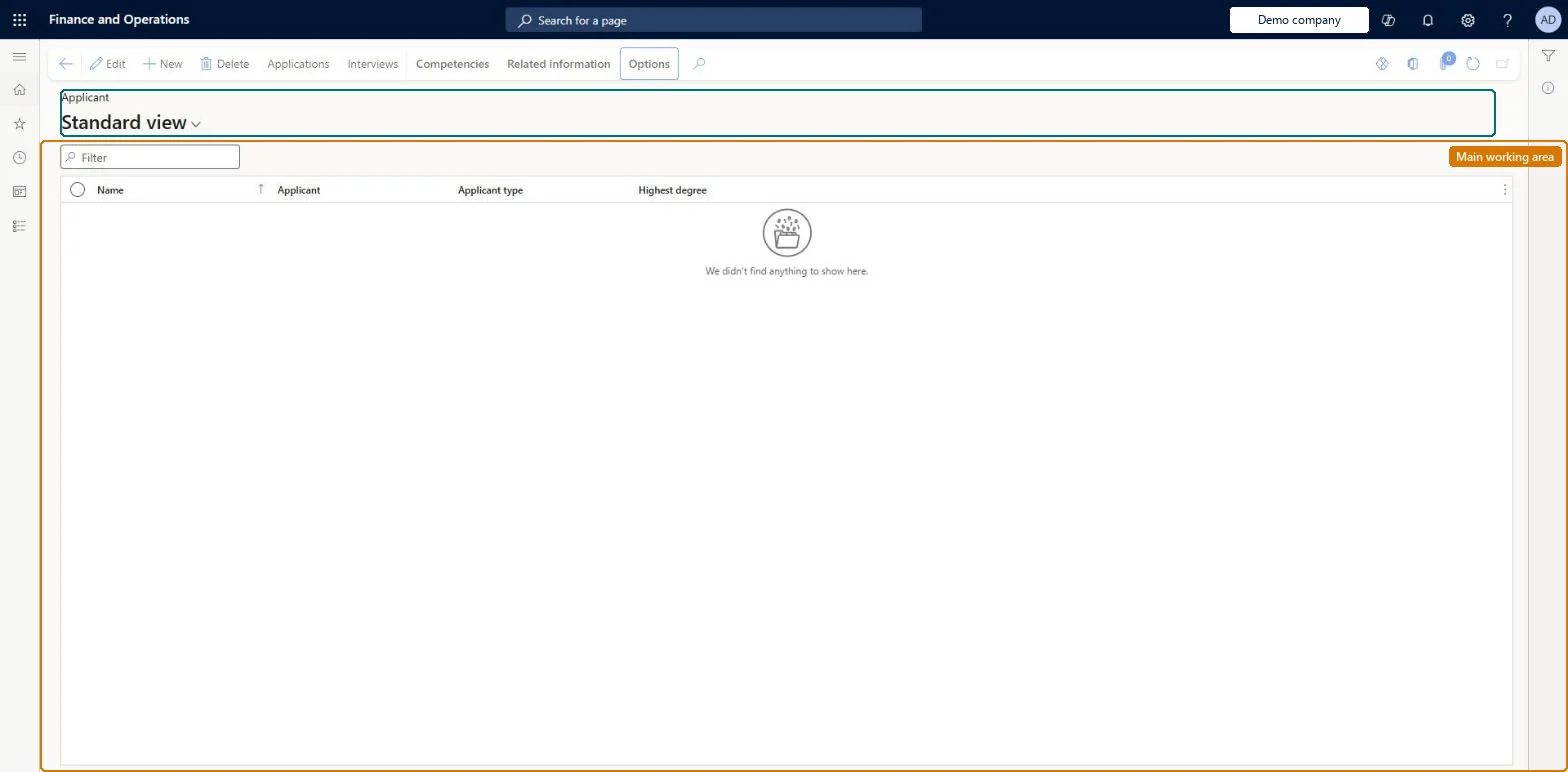
A list page where you create and maintain applicant records for people who apply for employment; applicants are shared across all legal entities.
What you do here
Use this page to enter an applicant's name, contact and personal information and competencies, and to create applications for the applicant.
Example
For example, BEAT creates the applicant Sara Thomas with a Communications email, 3 skills and a Bachelor's degree, sets Include in skill mapping to Yes, and creates applications for REC-0042 in BEAT and for a sales role in BEUK; both companies see the one applicant.
The page in Dynamics 365. page title tab to open what to set or check
About the examples: Examples and screenshots in this guide use BEAT, a demo company in a Dynamics 365 test environment. Use your own company's codes and values instead of copying them.
Setup steps on this page
Register applicants once
Create each applicant once with contact email and competencies, for every company to use.
Steps from Microsoft
Go to Human resources > Recruitment > Applicants > Applicants.
Select New and enter the First name and Last name.
Expand Contact information, select Add, and enter a Communications email address.
On the Action Pane, select Competencies and enter the applicant's skills, experience, education, tests or certificates.
Select Applications, select New, and select the Recruitment project.
One applicant per person, with a Communications email contact, the competencies from the CV, and Include in skill mapping set to Yes.Applicants are shared by all legal entities and create a person in the global address book; competencies let skill mapping match them to jobs, and the Communications email is used for emails to the applicant.
Recruiters and HR managers use it: the live security grants it to the Human resource manager and Recruiter roles. No Feature management feature is needed for this page.
Shared: applicants are not per company. Data management lists the Applicants entity as shared, so every legal entity sees the same records. Checked in Dynamics 365
Can it be undone
Hard to reverse: Creating an applicant creates a global address book person shared by every company; corrections reach every company.
If you change it later
Creating an applicant also creates a person record in the global address book for that applicant. Microsoft Learn
Technical architect
6Technical
Menu item
HcmApplicantListPageChecked in Dynamics 365
Form
HcmApplicantChecked in Dynamics 365
Table
HcmApplicantShown as “APPLICANTS” in Record infoKey field: ApplicantIdChecked in Dynamics 365
Data entities
HcmApplicantEntityApplicants Checked in Dynamics 365HcmApplicantSkillEntityApplicant skill competency (The applicant's skills (Competencies).) HcmApplicantEducationEntityApplicant education competency (The applicant's education (Competencies).) HcmApplicantCertificateEntityApplicant certificate competency (The applicant's certificates (Competencies).) HcmApplicantProfessionalExperienceEntityApplicant professional experience competency (The applicant's professional experience (Competencies).)
To set it up or change itRecruiter HcmRecruiterTo use itHuman resource manager HcmHumanResourceManagerGive people one of these roles. On this system, 2 roles can open this page.Checked in Dynamics 365
Actions on the page
CompetenciesRelated information: Related information(Action Pane without tabs): Applications, InterviewsChecked in Dynamics 365
HcmApplicantEntity data entity Checked in Dynamics 365
Data migration
HcmApplicantEntity Applicants. Shared by all companies.HcmApplicantSkillEntity Applicant skills.HcmApplicantEducationEntity Applicant education.HcmApplicantCertificateEntity Applicant certificates.HcmApplicantProfessionalExperienceEntity Applicant professional experience.Load order: Learn's default Data management templates don't include this recruitment entity, so add it to your own project. Load applicants first, then their competencies after the skills, certificate types and education disciplines of the Employee development template, then applications.Load first: HcmSkillEntity, HcmCertificateTypeEntity, HcmEducationDisciplineEntityMicrosoft Learn