Chief executive officer, Human resource manager, Payroll administrator and 1 more role
Business process
Develop people strategy
Menu item
HcmDepartmentHierarchy
Main table
TmpHierarchyDesigner
Setup steps
1 on this page
Show what matters for
SETUP GUIDEHow to set it up8 sections. Choose a role to highlight what matters to you.
Everyone
1What it is and why
What it is
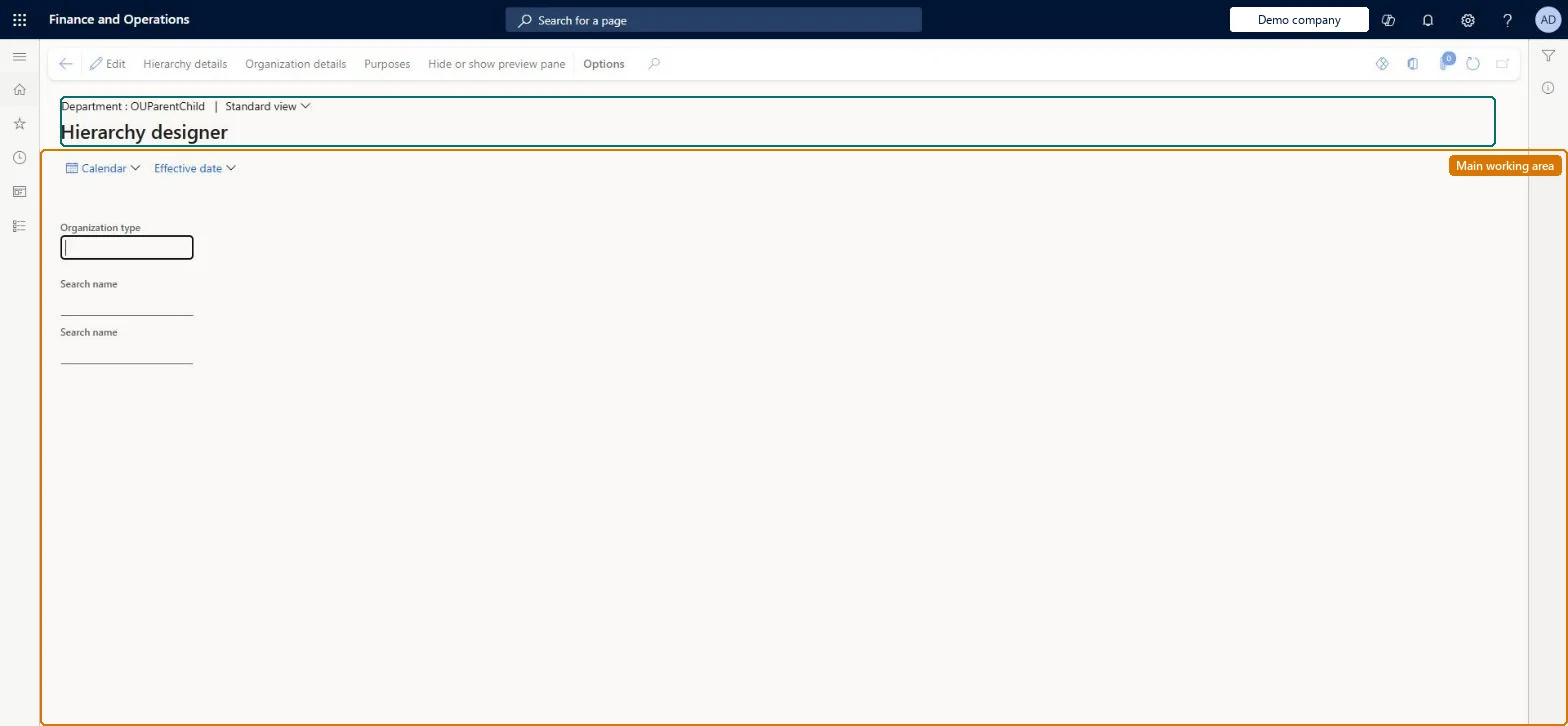
A hierarchy designer page that shows departments in their organisational structure and lets you add departments to it.
What you do here
Use this page to add departments to the department hierarchy and publish the changes with an effective date.
Example
For example, BEAT inserts the new department Project billing under Finance in December 2026, saves a draft, and publishes it with effective date January 1, 2027, so the hierarchy shows it only from that date.
The page in Dynamics 365. page title tab to open what to set or check
About the examples: Examples and screenshots in this guide use BEAT, a demo company in a Dynamics 365 test environment. Use your own company's codes and values instead of copying them.
Setup steps on this page
Set up Department hierarchy
Use this page to add departments to the department hierarchy and publish the changes with an effective date.
Steps from Microsoft
Go to Human resources > Departments > Department hierarchy.
Select Edit, and then select the organization that the department should be under.
A department added today doesn't show in the hierarchy
The change is still a draft, or it was published with a future effective date. Publish the draft, or view the hierarchy as of the effective date. Microsoft Learn
A department can't be found in Insert > Department
It doesn't exist yet. Create it on the Departments page first. Microsoft Learn
Test checklist
Select Edit, select the parent organization, then Insert > Department and pick a department.
Save and check the message that a draft version was created.
Publish with a future effective date and check the department is not in the hierarchy as of today.
View the hierarchy as of the effective date and check the department appears.
Make changes in draft, then Publish with an effective date; use a future effective date for planned restructuresSaving creates a draft; Publish applies the changes on the effective date you enter, which can be in the future, for example the first day of the next year.
On BEAT the page is run by Human resource manager, Payroll administrator, Payroll manager and Chief executive officer; the full list is under the page's security roles. No Feature management feature is needed for this page.
Shared: departments are operating units, which Data management lists as shared, so the department hierarchy is the same in every legal entity. Checked in Dynamics 365
Can it be undone
Hard to reverse: Each publish creates a dated version of the hierarchy. Corrections need another publish; the earlier version stays in the hierarchy history.
If you change it later
Published changes take effect on the effective date entered, which can be in the future. Microsoft Learn
Technical architect
6Technical
Menu item
HcmDepartmentHierarchyChecked in Dynamics 365
Form
HierarchyDesignerChecked in Dynamics 365
Table
TmpHierarchyDesignerShown as “TMPHIERARCHYDESIGNER” in Record infoChecked in Dynamics 365
Who can open it
PrivilegesPlace holder menu item OMPlaceHolderItemMaintainExtOMPlaceHolderItemViewExtDutiesReview organizational information HcmOrganizationalReviewView organizational information HcmOrganizationalView4 security rolesChief executive officer CompanyChiefExecutiveOfficerHuman resource manager HcmHumanResourceManagerPayroll administrator HcmPayrollAdministratorPayroll manager HcmPayrollManagerChecked in Dynamics 365
Roles to set it up and use it
To use itHuman resource manager HcmHumanResourceManagerPayroll administrator HcmPayrollAdministratorPayroll manager HcmPayrollManagerChief executive officer CompanyChiefExecutiveOfficerGive people one of these roles. On this system, 4 roles can run this page.Checked in Dynamics 365
Actions on the page
(Action Pane without tabs): Hierarchy details, Organization details, Purposes, Hide or show preview paneChecked in Dynamics 365
Load order: Departments load with the Operating unit entity; the hierarchy is then published from the hierarchy designer in each environment, with the go-live date as effective date.Load first: OMOperatingUnitEntityMicrosoft Learn