SETUP GUIDEHow to set it up8 sections. Choose a role to highlight what matters to you.
Everyone
1What it is and why
What it is
A setup page where you define the categories, such as Administration or Sales, that individual skills fall under.
What you do here
Use this page to create skill types so that skills can be organised and analysed by category.
Example
For example, BEAT sets up 4 skill types (Leadership, Technical, Languages and Safety) with a colour each, so the 60 skills it loads next are grouped by type in the skill analysis pages and in the Worker skill by skill type report.
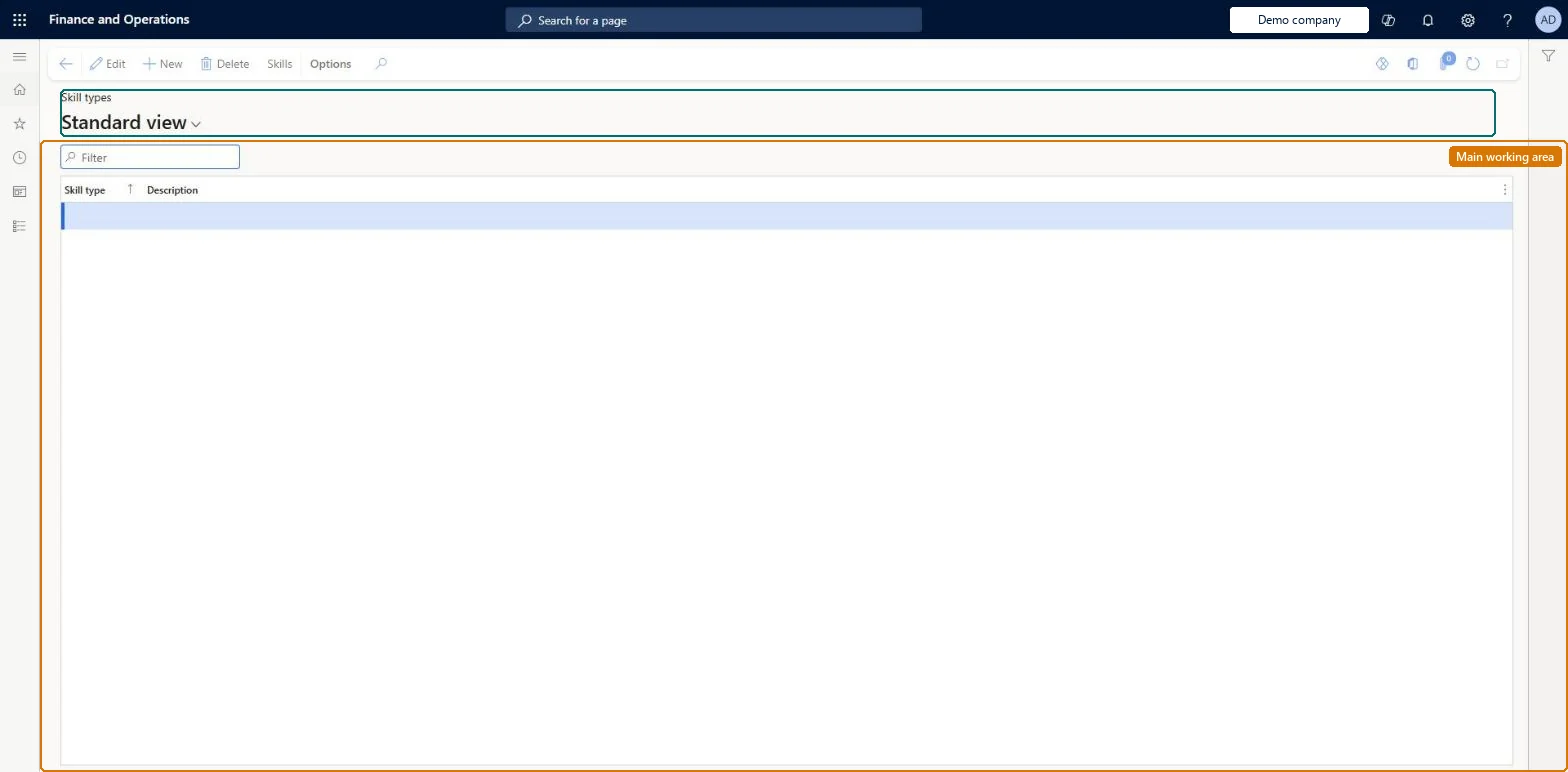
The page in Dynamics 365. page title tab to open what to set or check
About the examples: Examples and screenshots in this guide use BEAT, a demo company in a Dynamics 365 test environment. Use your own company's codes and values instead of copying them.
Setup steps on this page
Set up Skill types
Use this page to create skill types so that skills can be organised and analysed by category.
Steps from Microsoft
Go to Human resources > Competencies > Setup > Skill types.
Create the skill types (broad categories such as Administration or Sales) before you create any skills.Every skill is created with a skill type, and Learn says to add skill types and rating models before creating skills.
Shared: skill types are not per company. Data management lists the Skill types entity as shared. Checked in Dynamics 365
Can it be undone
Reversible: Descriptions can be changed at any time. Replacing a skill type means updating each skill that uses it.
If you change it later
Every skill is created with a skill type, so adding, splitting or merging types later means changing the Skill type on each skill that uses them. Microsoft Learn
Technical architect
6Technical
Menu item
HcmSkillTypeChecked in Dynamics 365
Form
HcmSkillTypeChecked in Dynamics 365
Table
HcmSkillTypeShown as “SKILL TYPES” in Record infoKey field: SkillTypeIdChecked in Dynamics 365
Data entities
HcmSkillTypeEntitySkill types Checked in Dynamics 365
Who can open it
PrivilegesMaintain skill types HcmSkillTypeMaintainView skill types HcmSkillTypeViewDutiesInquire into skills data HcmSkillInquireEnable skills management process HcmSkillsProcessEnable2 security rolesHuman resource assistant HcmHumanResourceAssistantRecruiter HcmRecruiterChecked in Dynamics 365
Roles to set it up and use it
To set it up or change itHuman resource assistant HcmHumanResourceAssistantRecruiter HcmRecruiterGive people one of these roles. On this system, 2 roles can open this page.Checked in Dynamics 365
Actions on the page
(Action Pane without tabs): SkillsChecked in Dynamics 365
Developer
7Developer
Open it by URL
https://<your-environment>/?mi=HcmSkillType
Integrate with
HcmSkillTypeEntity data entity Checked in Dynamics 365
Data migration
HcmSkillTypeEntity Skill types. Shared by all companies.Load order: Load with the Employee development template, where Skill types is listed before Skills.Microsoft Learn