SETUP GUIDEHow to set it up8 sections. Choose a role to highlight what matters to you.
Everyone
1What it is and why
What it is
A registration page where a time registration worker clocks in on arrival and clocks out on leaving; each use records the opposite of the worker's last clock registration.
What you do here
Use this page to record the worker's attendance start and end times so that the day's registrations can later be calculated, approved, and transferred to payroll.
Example
For example, a BEAT warehouse worker clocks in at 07:58 and clocks out at 16:05. Because each action is the opposite of the last one, a forgotten clock-out yesterday makes today's first action a clock-out, which the supervisor fixes with Missing clock-out on the Calculate page.
The page in Dynamics 365. page title tab to open what to set or check
About the examples: Examples and screenshots in this guide use BEAT, a demo company in a Dynamics 365 test environment. Use your own company's codes and values instead of copying them.
Setup steps on this page
Clock workers in and out
Record attendance start and end times for time registration workers.
Steps from Microsoft
Go to Common > Common > Time and attendance > Clock in/out (punch clock).
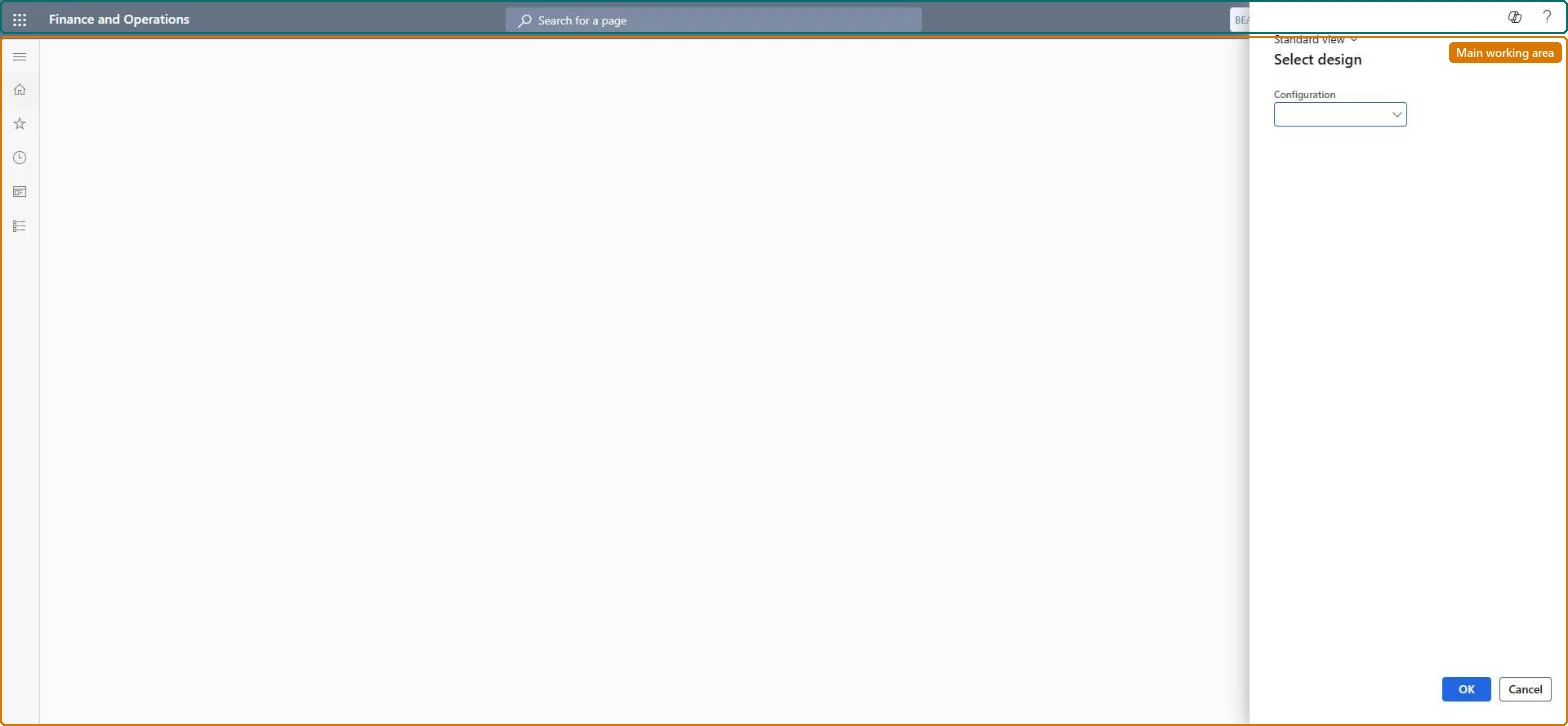
In the Select design dialog, select a Configuration and select OK.
Clock in when the worker arrives and clock out when the worker leaves; each action records the opposite of the last clock registration.
Supervisors calculate and approve the registrations on Time and attendance > Review and approve.
The terminal design to open, chosen in the Select design dialog.Checked in Dynamics 365
The standard clock-in and clock-out design
Common errors and fixes
Message
What to do
Today's first clock action is recorded as a clock-out
The worker's last registration was a clock-in without a clock-out. Add the clock-out with Clock-in and out > Missing clock-out on the Calculate page, and remove future-dated registrations with Archive future registrations. Microsoft Learn
Test checklist
Clock in a time registration worker and check a clock-in registration is created.
Clock out the same worker and check a clock-out registration is created.
Run Calculate for the worker's calculation group and date and check there are no errors.
Leave a worker clocked in, add the clock-out with Clock-in and out > Missing clock-out with Create lines selected, and recalculate.
Run Archive future registrations and check no registrations with a future timestamp remain.
Pick one terminal configuration per site and train workers to clock in on arrival and out on leavingEach clock action is the opposite of the last one, so a missed action shifts every following one.
On the live system, these roles can open the page: Manufacturing execution workload machine operator, Manufacturing execution workload shop supervisor, Waterspider, Machine operator, Shop supervisor.
Checked in Dynamics 365
Solution architect
5Design impact
Shared or per company
Per company: registrations belong to time registration workers of the legal entity (the registration entities are not shared). Checked in Dynamics 365
Can it be undone
Hard to reverse: A wrong registration flips the following ones until it is fixed on Calculate or archived.
If you change it later
Because each clock action toggles from the last registration, a wrong or future-dated clock registration makes the next clock-in or clock-out be recorded as the wrong type until it is removed. Microsoft Learn
Technical architect
6Technical
Menu item
JmgRegistrationClockInOutChecked in Dynamics 365
Form
JmgRegistrationJobQueueDialogChecked in Dynamics 365
Roles to set it up and use it
To set it up or change itManufacturing execution workload machine operator Manufacturing execution workload shop supervisor JmgManufacturingExecutionWorkloadSupervisorWaterspider LeanWaterspiderMachine operator JmgMachineOperatorShop supervisor JmgShopSupervisorGive people one of these roles. On this system, 6 roles can open this page.Checked in Dynamics 365
Load order: Clock in/out (punch clock) has no data entity in Data management. Clock registrations are made by workers at the terminal, so they are not migrated. Set up time registration workers before go-live.Load first: time registration workersChecked in Dynamics 365