PAGE GUIDEWhat the page does and how to use it8 sections. Choose a role to highlight what matters to you.
Everyone
1What it is and why
What it is
A periodic job that removes faulty clock-in or clock-out registrations that have a timestamp in the future from the registration table.
What you do here
Use this job to stop registrations that were mistakenly given a future date or time from confusing later clock-in and clock-out registrations.
Example
For example, a supervisor on Tuesday enters a missing clock-out for Wednesday at 16:00 by mistake, so the worker's real clock-out on Wednesday would be read as a clock-in.
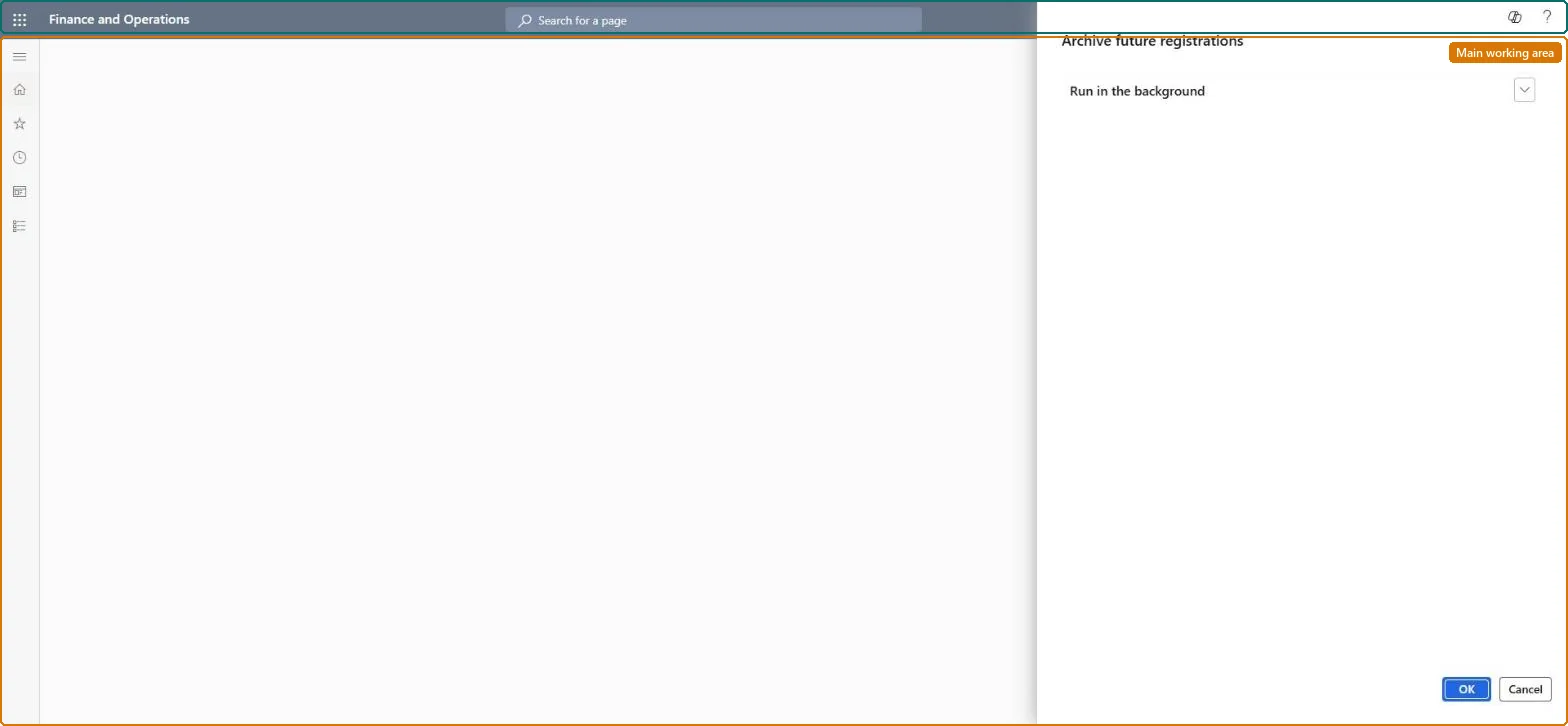
The page in Dynamics 365. page title tab to open what to set or check
About the examples: Examples and screenshots in this guide use BEAT, a demo company in a Dynamics 365 test environment. Use your own company's codes and values instead of copying them.
When to run it
When to run it
As soon as a clock-in or clock-out registration with a future timestamp has been created, typically by mistake through the missing clock-out function, and regularly to prevent this.
How often
Daily: Microsoft recommends running it as a batch job about once every 24 hours.
Batch settings
Schedule it as a batch job with a recurrence of once every 24 hours.
What the output shows
Faulty clock-in or clock-out registrations with a future timestamp removed from the registration table. If a worker's clock-out is still recorded as a clock-in, a future-dated registration is still in the table.
Stop future-dated registrations from flipping clock-in and clock-out.
Steps from Microsoft
Go to Time and attendance > Periodic tasks > Archive future registrations.
Before you run it, find out whether a supervisor used Missing clock-out with a wrong date or time; those are the registrations the job removes.
Set it up as a recurring job, for example once every 24 hours, so future-dated registrations are removed before they affect the next clock-in or clock-out.
Run it, then ask the affected workers to clock in or out and confirm that the registration type is correct again.
A registration with a future timestamp is in the raw registrations, often from Missing clock-out entered with the wrong date. Run Archive future registrations and ask the worker to register again. Microsoft Learn
Test checklist
No raw registration has a timestamp later than now.
Affected workers' next clock-in and clock-out register the correct type.
A batch job once every 24 hours.Microsoft suggests running it as a batch job about once every 24 hours; the next registration's type depends on the most recent one.
Time and attendance roles come from the security read in the Technical section. On this system access comes from duties such as Production supervisor. The Microsoft Learn article for this page names no Feature management feature to turn on.
Per company: Time and attendance data is kept per legal entity (every Time and attendance entity in Data management is per company), so the job or report works on the registrations of the company it is run in. Microsoft Learn
Can it be undone
No: Removed future-dated registrations aren't restored. If a correct registration was removed, enter it again for the worker. Microsoft Learn
If you change it later
Removes registrations with a future timestamp. Whether a worker's next registration counts as a clock-in or a clock-out depends on the most recent registration, so a future-dated registration left in place makes later registrations flip the wrong way. Microsoft Learn
Technical architect
6Technical
Menu item
JmgArchiveFutureRegistrationsChecked in Dynamics 365
Form
DialogChecked in Dynamics 365
Roles to set it up and use it
To use itProduction supervisor ProdProductionSupervisorGive people one of these roles. On this system, 1 role can run this page.Checked in Dynamics 365
Load order: Archive future registrations has no data entity in Data management, so it can't be loaded from a file or a configuration template. It is a job; set up its daily batch recurrence in the new environment.Checked in Dynamics 365