SETUP GUIDEHow to set it up8 sections. Choose a role to highlight what matters to you.
Everyone
1What it is and why
What it is
A report of the bank payments made from a selected range of bank accounts on a range of dates.
What you do here
Use this report to list the payments of a period per bank account and date, for example to match them with the outgoing amounts on the bank statement.
Example
For example, the bank statement for 1 to 7 October shows outgoing payments of 18,420.00 on the operating account. You run the report for that account and those dates with Pending cancellation = No and match the daily totals.
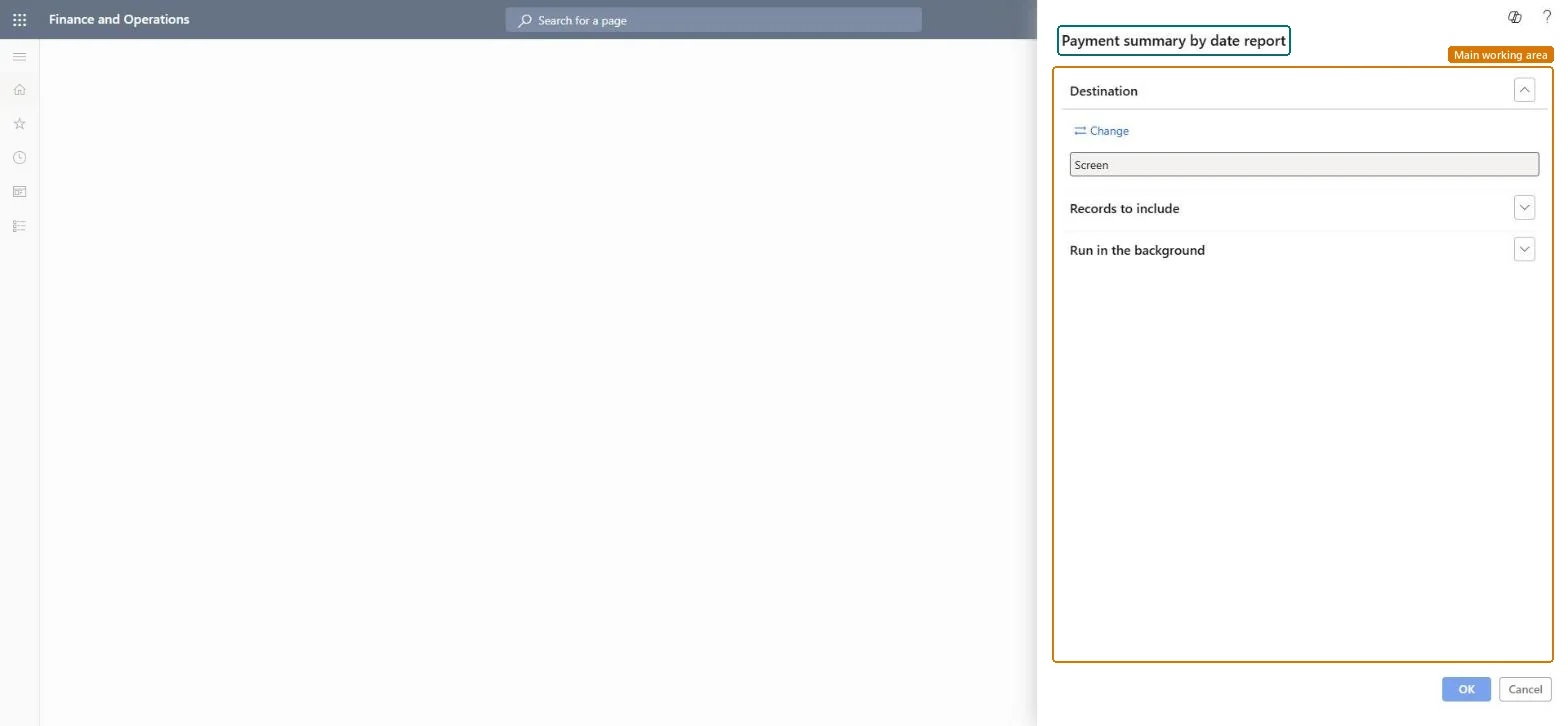
The page in Dynamics 365. page title tab to open what to set or check
About the examples: Examples and screenshots in this guide use BEAT, a demo company in a Dynamics 365 test environment. Use your own company's codes and values instead of copying them.
When to run it
When to run it
Before or during bank reconciliation, when you need the bank payments of a period listed by bank account and date.
How often
On demand, for example once per bank statement period.
What the output shows
Bank payments listed by bank account and payment date for the period you selected. A date that doesn't agree with the bank statement usually has a payment pending cancellation or a payment posted with another date.
The payment dates the report covers; match them to the bank statement period.Microsoft Learn
10/1/2026 to 10/7/2026
Common errors and fixes
Message
What to do
The daily payment totals include payments whose reversal or cancellation is entered but not yet posted
Add a filter on Pending cancellation = No under Records to include. While a reviewer hasn't posted or rejected the reversal, the payment stays Pending cancellation. Microsoft Learn
Bank account = the account being reconciled; dates = the statement period; Pending cancellation = No.The report then shows the payments that should appear on that statement.
Per company: the report reads the bank transactions of the current legal entity. Microsoft data model
Can it be undone
Reversible: The report changes no data.
If you change it later
Payments still Pending cancellation are in the totals unless filtered, and they can't be cleared on the statement until the reversal is posted or rejected. Microsoft Learn
Technical architect
6Technical
Menu item
output:BankPaymentByDateChecked in Dynamics 365
Form
SysOperationTemplateFormChecked in Dynamics 365
Roles to set it up and use it
To use itTreasurer PaymTreasurerChief financial officer CompanyChiefFinancialOfficerAccounting manager LedgerAccountingManagerFinancial controller LedgerFinancialControllerAccountant LedgerAccountantGive people one of these roles. On this system, 13 roles can run this page.Checked in Dynamics 365
Load order: The Payment summary by date report has no data entity in Data management, so it can't be loaded from a file or a configuration template. It reads posted bank data in each environment, so there is nothing to load for it. Migrate the transactions it reports on instead (for example open checks and deposits as part of the opening bank balances).Checked in Dynamics 365