Lease clerk, Lease accountant, Lease manager and 3 more roles
Business process
Maintain asset leases
Menu item
AssetLeaseLeaseAdjustmentListPage
Main table
AssetLeaseLeaseAdjustmentTable
Setup steps
1 on this page
Show what matters for
SETUP GUIDEHow to set it up8 sections. Choose a role to highlight what matters to you.
Everyone
1What it is and why
What it is
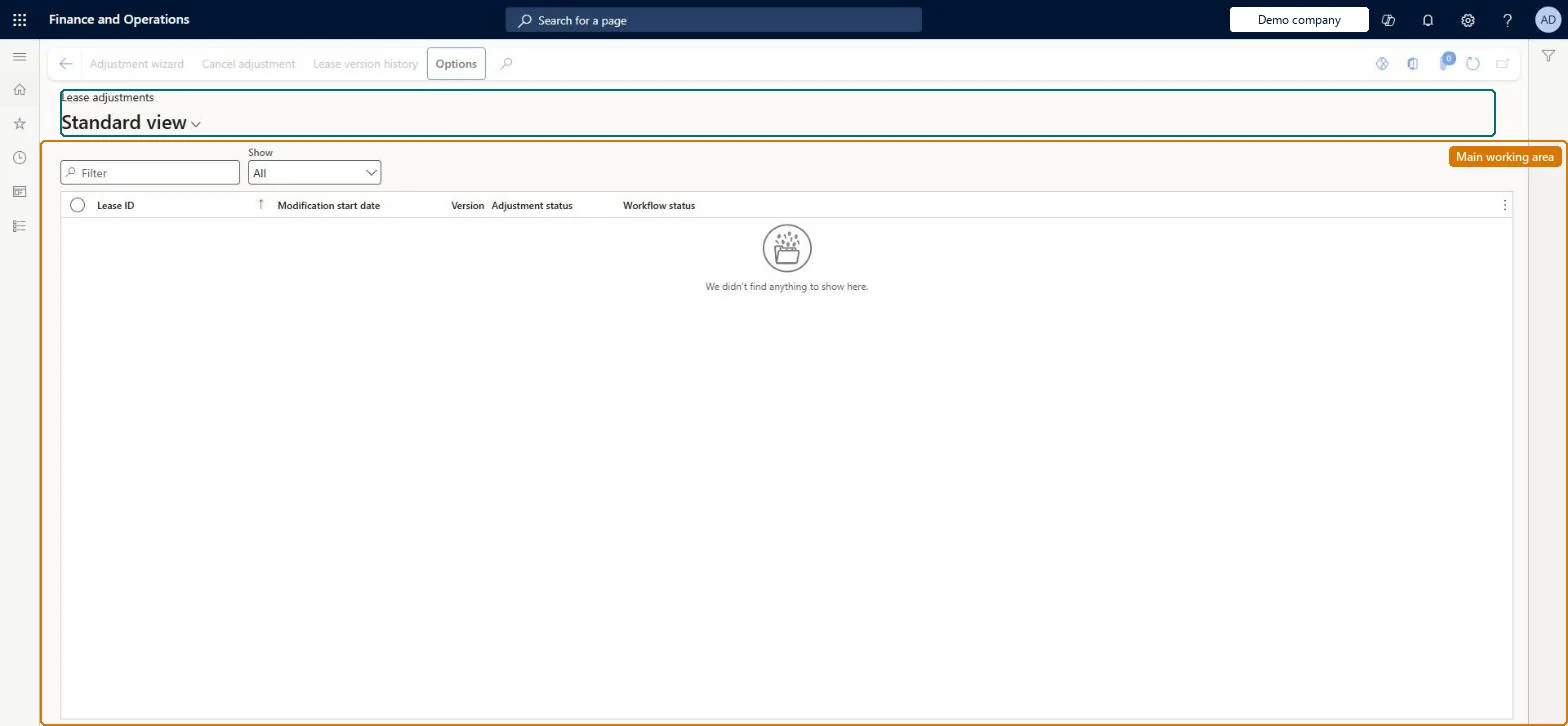
A list page of lease adjustments, where you reopen in-progress adjustments in the Lease adjustment wizard, cancel them, and approve them through workflow.
What you do here
Use this page to finish, review or cancel lease modifications and to see the adjustment overview and the preview of the adjustment journal entry.
Example
For example, when a lessor gives an incentive for agreeing to a lease extension, you record it as part of the adjustment.
The page in Dynamics 365. page title tab to open what to set or check
About the examples: Examples and screenshots in this guide use BEAT, a demo company in a Dynamics 365 test environment. Use your own company's codes and values instead of copying them.
Setup steps on this page
Adjust a lease with the Adjustment wizard
Record a change to a confirmed lease's scope or payments and remeasure the liability.
Steps from Microsoft
Go to Asset leasing > Leases > Lease adjustments.
Select a lease that has an adjustment status of In progress, and then select Adjustment wizard.
Enter the Modification start date and Posting date, and then select Next.
Enter the new lease information, and then select Next.
Review the expected lease liability and the journal entry preview.
Select Submit to workflow, or select Finish to post the adjustment.
Use the Adjustment wizard rather than Adjust book, enter the modification start date and posting date, and fill only the right-of-use consideration fields that apply to this change.The wizard shows the liability before and after and a journal preview, can be saved and resumed, and creates a new lease version; original incentives and costs don't carry over, so blank fields mean none.
Asset leasing must be turned on in Feature management (feature Asset leasing). Microsoft Learn describes three Asset leasing roles: Maintain lease (add, edit and post leases), View lease (view leases and schedules and run reports) and Lease clerk (create new leases only). Maintain lease users run the Adjustment wizard; approvers act through workflow.
Per company: leases with their books, schedules and journals belong to the legal entity you are working in, and Lease ID numbers come from a number sequence set per company. Turn on Cross entity batch in Asset leasing parameters to create journals for other legal entities from the current one. Microsoft Learn
Can it be undone
Hard to reverse: Finish posts the adjustment and creates a new lease version; an in-progress adjustment can be removed with Cancel adjustment.
If you change it later
An adjustment remeasures the lease: an increase in the present value of future payments debits the right-of-use asset and credits the lease liability, and a decrease does the reverse. Microsoft Learn
Technical architect
6Technical
Menu item
AssetLeaseLeaseAdjustmentListPageChecked in Dynamics 365
Form
AssetLeaseLeaseAdjustmentListPageChecked in Dynamics 365
Table
AssetLeaseLeaseAdjustmentTableShown as “LEASE ADJUSTMENT” in Record infoKey field: LeaseIdChecked in Dynamics 365
To set it up or change itLease accountant AssetLeaseLeaseMaintainAccountant LedgerAccountantTo use itLease manager AssetLeaseLeaseViewAccounting manager LedgerAccountingManagerLease clerk AssetLeaseClerkRoleAccounts payable payments clerk PaymAccountsPayablePaymentsClerkGive people one of these roles. On this system, 6 roles can open this page.Checked in Dynamics 365
Actions on the page
(Action Pane without tabs): Adjustment wizard, Cancel adjustment, Lease version historyChecked in Dynamics 365
Load order: A lease adjustment has no data entity in Data management, so it can't be loaded from a file or a configuration template. For many leases, use the Lease import framework with process type Adjust record, which creates a new payment schedule that you then confirm.Microsoft Learn
Checked in a working Dynamics 365 system, version 10.0.49: the menu item, form, table and security, the page.
To cite this step: AL-LEASE-100, Adjust a lease with the Adjustment wizard. Beyond ERP Atlas Hub, 2026-11-11. https://www.beyonderp.cloud/atlas/step/AL-LEASE-100