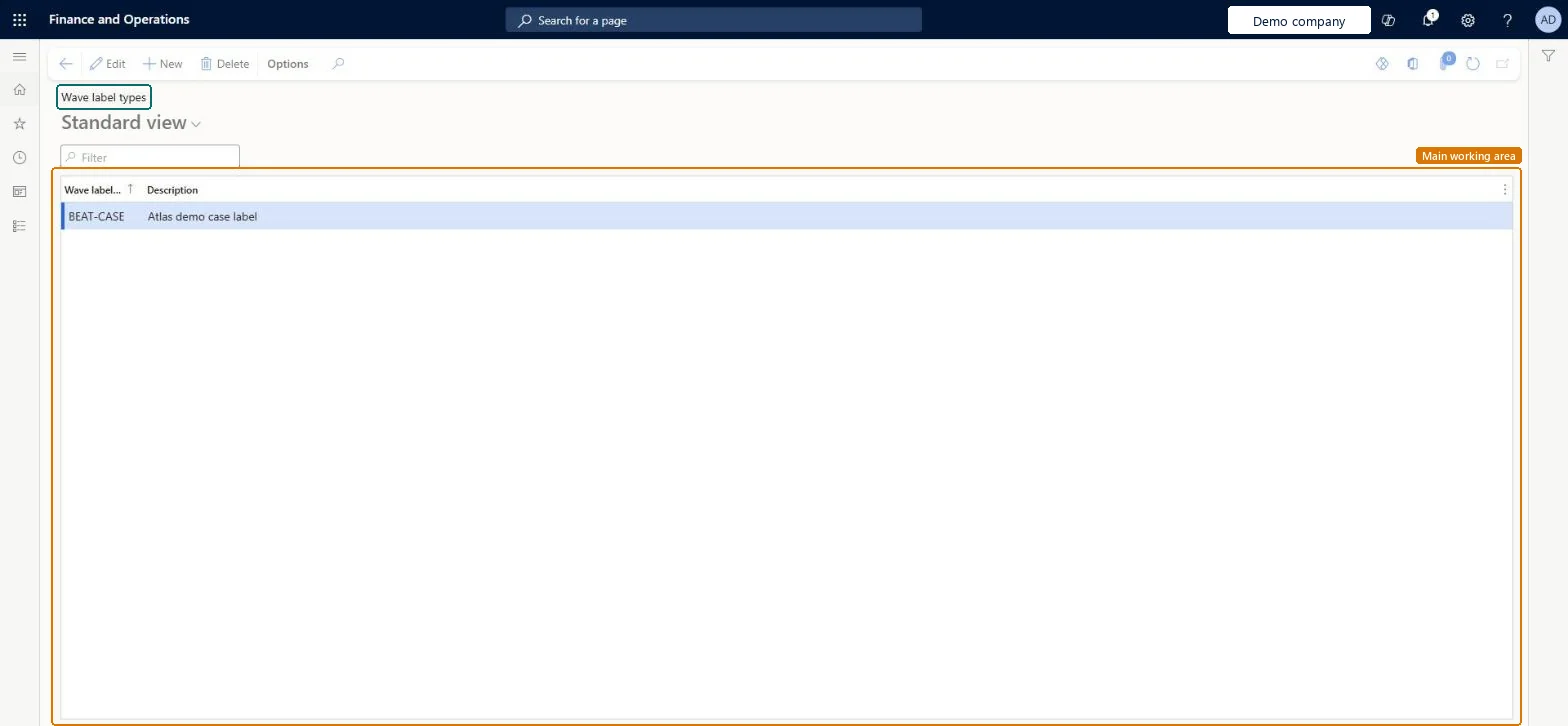
About the examples: Examples and screenshots in this guide use BEAT, a demo company in a Dynamics 365 test environment. Use your own company's codes and values instead of copying them.
Setup steps on this page
Set up Wave label types
Use this page to create the wave label types that link wave label templates to units on unit sequence group lines.
Steps from Microsoft
Go to Warehouse management > Setup > Document routing > Wave label types.
Select New to add a wave label type.
Enter the Wave label type and a Description.
On the Unit sequence groups page, set the Wave level type on the unit line that the label type applies to.
One wave label type per label tier (for example Carton and Pallet), set as the Wave level type on the matching unit sequence group lineThe type links a wave label template to a unit; separate types let carton and pallet labels print from separate templates in the same wave.
Setting the type on too small a unit. Wave label records are created per unit, so a type on Ea for a box of ten Ea creates ten labels.
Reversible: Wave label records are created when the wave runs, so changes to types apply to later waves. Microsoft Learn
Technical architect
6Technical
Menu item
WHSWaveLabelTypeChecked in Dynamics 365
Form
WHSWaveLabelTypeChecked in Dynamics 365
Table
WHSWaveLabelTypeShown as “WAVE LABEL TYPE” in Record infoChecked in Dynamics 365
Who can open it
PrivilegesMaintain wave label types WHSWaveLabelTypeMaintainView wave label types WHSWaveLabelTypeViewDutiesInquire into warehouse operation master WMSWarehouseOperationMasterInquireMaintain warehouse operation master WMSWarehouseOperationMasterMaintain6 security rolesField Service Integration User FieldServiceIntegrationUserProduction supervisor ProdProductionSupervisorProcess engineer RouteProcessEngineerProcess engineering manager RouteProcessEngineeringManagerWarehouse planner WHSWarehousePlannerWarehouse manager WMSWarehouseManagerChecked in Dynamics 365
Roles to set it up and use it
To set it up or change itWarehouse manager WMSWarehouseManagerProcess engineer RouteProcessEngineerTo use itWarehouse planner WHSWarehousePlannerProduction supervisor ProdProductionSupervisorProcess engineering manager RouteProcessEngineeringManagerField Service Integration User FieldServiceIntegrationUserGive people one of these roles. On this system, 6 roles can open this page.Checked in Dynamics 365