About the examples: Examples and screenshots in this guide use BEAT, a demo company in a Dynamics 365 test environment. Use your own company's codes and values instead of copying them.
Setup steps on this page
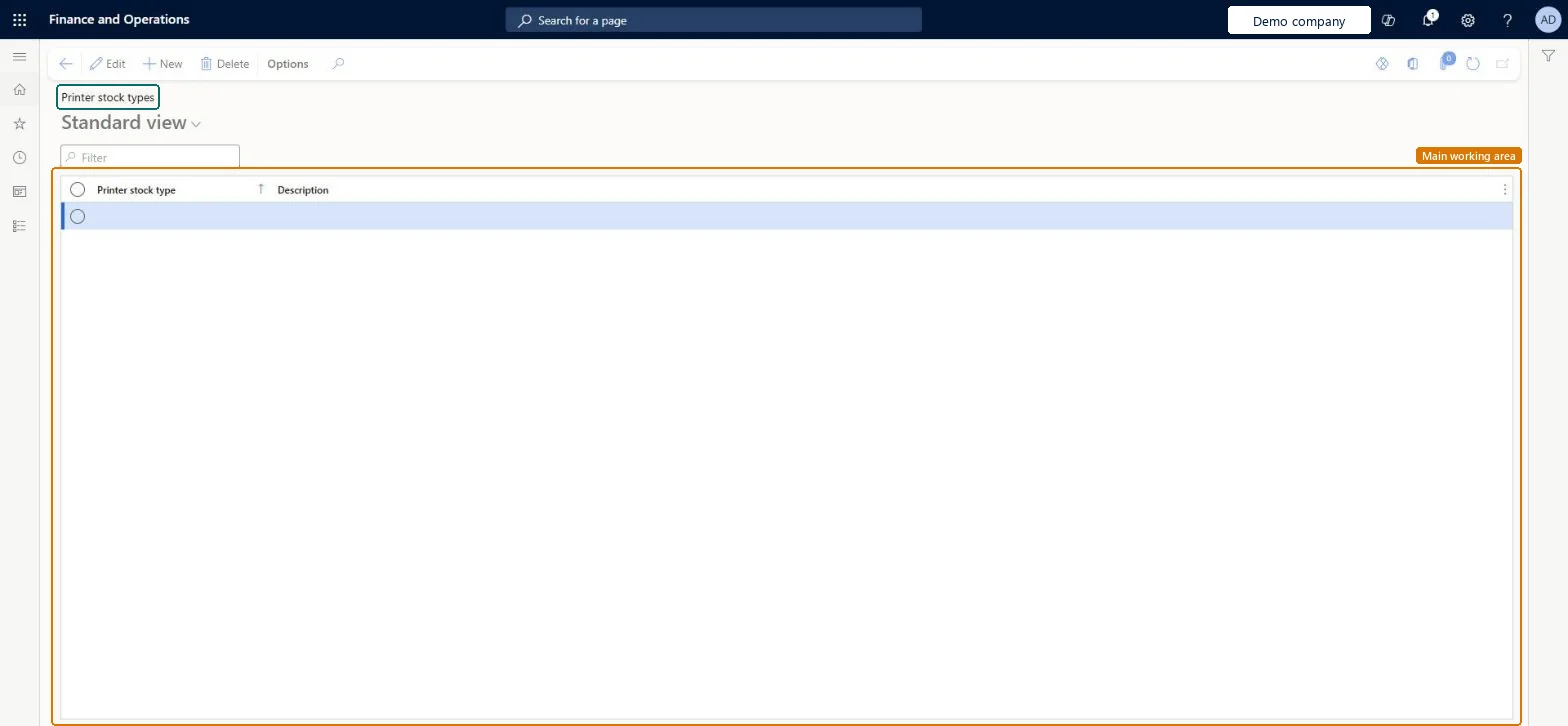
Set up Printer stock types
Use this page to define the paper types that label printers and label layouts use.
Steps from Microsoft
Go to Warehouse management > Setup > Document routing > Printer stock types.
Select New to add a stock type.
Enter the Printer stock type and a Description.
Repeat until you have set up all the stock types that you need.
One stock type per paper or label size, set on every relevant label printer and every label layout used with dynamic printer selectionDynamic printer selection matches the layout's stock type to a printer's stock type; Learn says both must be set.
Missing a stock type on a printer or layout. If no override or default printer with the required stock type is found, and there's no fallback printer, no label is printed.
Solution architect
5Design impact
Can it be undone
Reversible: Stock types are matched each time a label prints, so changes affect the next print. Microsoft Learn
Technical architect
6Technical
Menu item
WHSPrinterStockTypeChecked in Dynamics 365
Form
WHSPrinterStockTypeChecked in Dynamics 365
Table
WHSPrinterStockTypeShown as “PRINTER STOCK TYPE” in Record infoKey field: NameChecked in Dynamics 365
Data entities
WHSWarehousePrinterStockTypeEntityWarehouse printer stock types Checked in Dynamics 365
Who can open it
PrivilegesMaintain printer stock types WHSPrinterStockTypeMaintainView printer stock types WHSPrinterStockTypeViewDutiesInquire into warehouse operation master WMSWarehouseOperationMasterInquireMaintain warehouse operation master WMSWarehouseOperationMasterMaintain6 security rolesField Service Integration User FieldServiceIntegrationUserProduction supervisor ProdProductionSupervisorProcess engineer RouteProcessEngineerProcess engineering manager RouteProcessEngineeringManagerWarehouse planner WHSWarehousePlannerWarehouse manager WMSWarehouseManagerChecked in Dynamics 365
Roles to set it up and use it
To set it up or change itWarehouse manager WMSWarehouseManagerProcess engineer RouteProcessEngineerTo use itWarehouse planner WHSWarehousePlannerProduction supervisor ProdProductionSupervisorProcess engineering manager RouteProcessEngineeringManagerField Service Integration User FieldServiceIntegrationUserGive people one of these roles. On this system, 6 roles can open this page.Checked in Dynamics 365