Retail and CommerceRetail and Commerce ITEmail and notifications
RetailEventNotificationProcessor
Business process
Create B2C eCommerce sales channel in Dynamics 365 Commerce
Menu item
RetailEventNotificationProcessor
Show what matters for
PAGE GUIDEWhat the page does and how to use it7 sections. Choose a role to highlight what matters to you.
Everyone
1What it is and why
What it is
A page that sets up the Process retail order email notification batch job, which sends transactional order emails to customers.
What you do here
Use this page to schedule the job that sends order notification emails (such as order created, packed or invoiced) defined in the email notification profile.
Example
For example, schedule the job with no end date and a one-minute recurrence so customers receive order confirmations quickly.
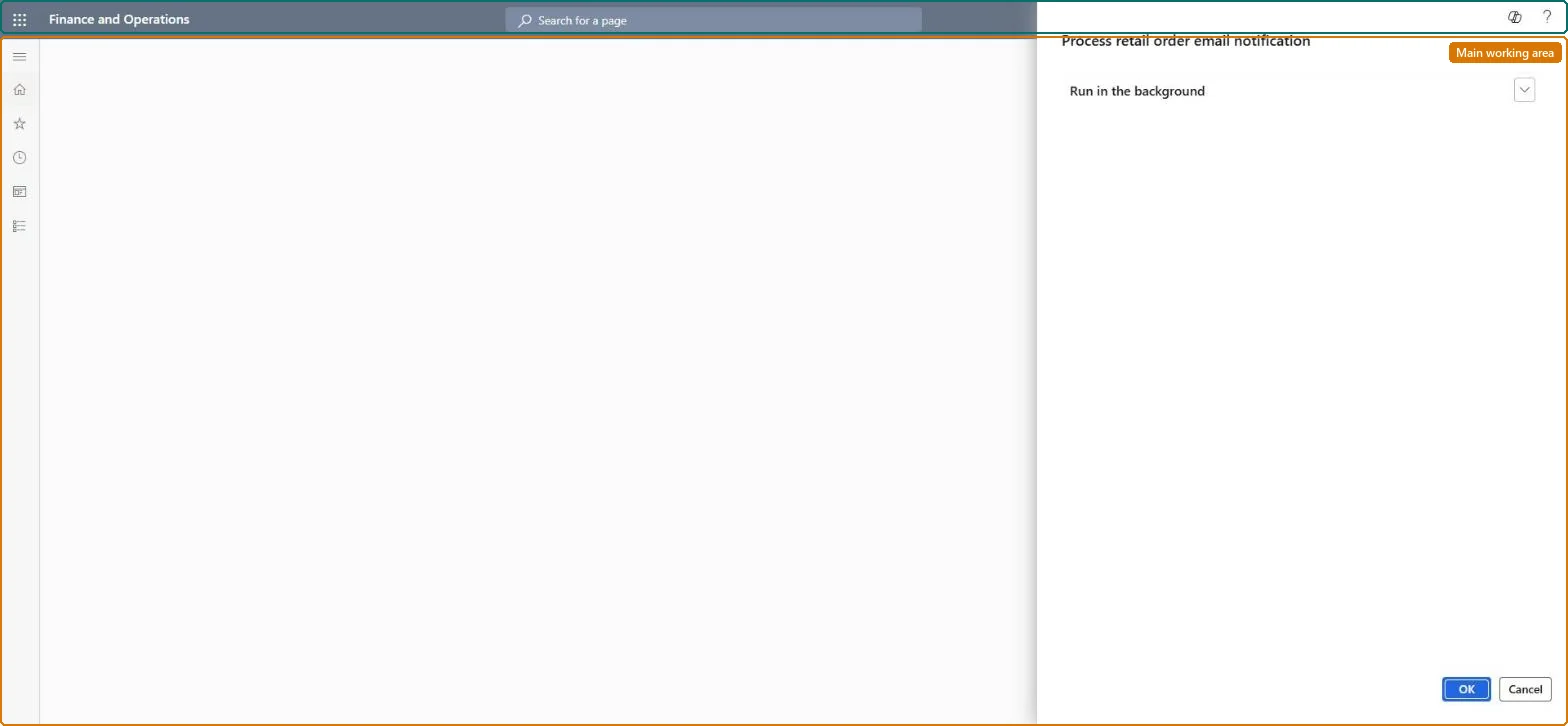
The page in Dynamics 365. page title tab to open what to set or check
About the examples: Examples and screenshots in this guide use BEAT, a demo company in a Dynamics 365 test environment. Use your own company's codes and values instead of copying them.
When to run it
When to run it
When you start sending transactional order emails from a channel, and again whenever the job has to be recreated, for example after you enable optimized notification processing on headquarters older than 10.0.31.
How often
Continuously: Microsoft recommends a recurrence of every 1 minute with no end date.
Batch settings
One recurring batch job with no end date that repeats every minute, so emails for new order events go out within minutes.
What the output shows
Emails to customers for each active notification type in the email notification profile, such as order created, order confirmed, packing completed or order invoiced, each with an entry in the email notification logs. When customers get no email, the job has usually stopped, the notification type isn't active, or the type has no email template.
Go to Retail and Commerce > Retail and Commerce IT > Email and notifications > Send email notification.
Before you schedule the job, make sure the channel (or Commerce parameters > General) has an active email notification profile whose notification types each point to an organization email template. The job only sends emails for those types.
In the Process retail order email notification dialog, select Recurrence and then No end date, so the job keeps running.
Under Recurrence pattern, select Minutes and set Count to 1, so new order events are emailed as quickly as possible.
If you turn on the Optimized order notifications processing feature, the job runs several tasks in parallel. On headquarters older than 10.0.31, first delete the running job under System administration > Inquiries > Batch jobs and then create it again here.
Confirm both dialogs, then create a test order in the channel and check that the customer receives the order created email.
No: Emails that were sent can't be recalled. Cancel or delete the batch job to stop further emails. Microsoft Learn
If you change it later
Sends order emails to customers and writes email notification log entries. On headquarters versions older than 10.0.31, turning on optimized notification processing requires deleting and recreating this batch job. Microsoft Learn
Technical architect
5Technical
Menu item
RetailEventNotificationProcessorChecked in Dynamics 365
Form
DialogChecked in Dynamics 365
Roles to set it up and use it
To use itRetail service RetailServiceRetail operations manager RetailOperationsManagerGive people one of these roles. On this system, 2 roles can run this page.Checked in Dynamics 365