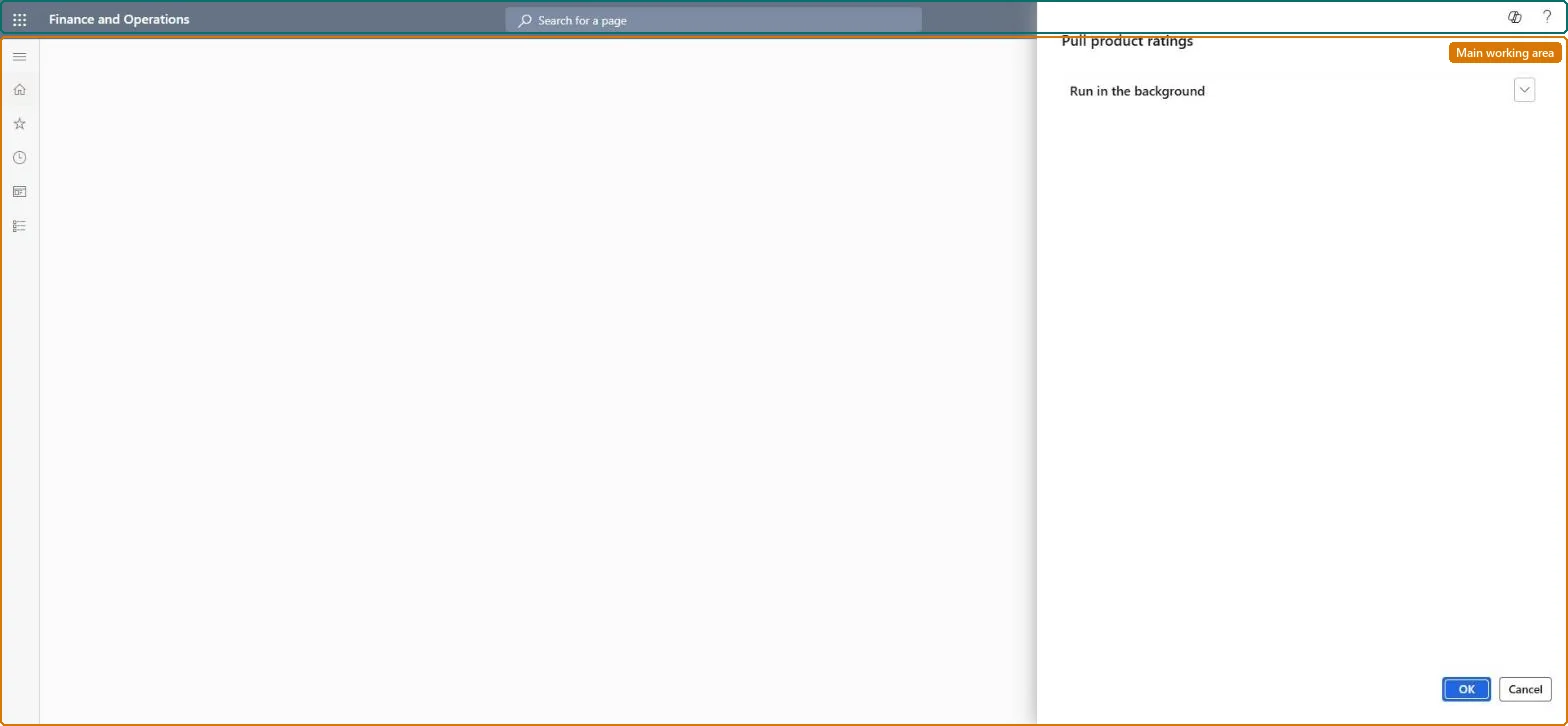
A batch job dialog (Pull product ratings) that imports product ratings from the ratings and reviews service into Commerce headquarters so they can be synchronized to channel databases for the POS and call centers.
Retail and CommerceHeadquarters setupCommerce scheduler
RetailPullProductRatings
Business process
Create B2C eCommerce sales channel in Dynamics 365 Commerce
Menu item
RetailPullProductRatings
Show what matters for
PAGE GUIDEWhat the page does and how to use it7 sections. Choose a role to highlight what matters to you.
Everyone
1What it is and why
What it is
A batch job dialog (Pull product ratings) that imports product ratings from the ratings and reviews service into Commerce headquarters so they can be synchronized to channel databases for the POS and call centers.
What you do here
Use this page to schedule the ratings import as a recurring batch job (suggested every two hours, never less than one hour) with Batch process set to Yes so runs can be audited.
Example
For example, a retailer that shows product ratings to store associates at the POS schedules this job so ratings collected online reach the channel database.
The page in Dynamics 365. page title tab to open what to set or check
About the examples: Examples and screenshots in this guide use BEAT, a demo company in a Dynamics 365 test environment. Use your own company's codes and values instead of copying them.
When to run it
When to run it
After ratings and reviews are in use, so customer ratings reach POS and call center channels.
How often
Every two hours as suggested, and never more often than once an hour.
Batch settings
Recurring batch job every two hours with Batch process set to Yes.
What the output shows
Product ratings imported from the ratings and reviews service into headquarters, ready to sync to channel databases. Ratings missing at the POS usually mean the RatingsAndReviews.EnableProductRatingsForRetailStores parameter isn't set or job 1110 hasn't run.
Go to Retail and Commerce > Headquarters setup > Commerce scheduler > Sync product ratings job.
Before the first run, make sure the RetailProductRating subjob exists under Scheduler subjobs; if it doesn't, run Full data sync with 1040 - products on the Channel database page.
In the Pull product ratings dialog, on the Run in the background FastTab, select Recurrence and set a pattern of two hours. Don't use less than one hour.
Set the Batch process option to Yes, so you can audit the logs and see the status of each run, then select OK.
Afterwards, open Batch jobs and search the Job description for "Pull product ratings" to see the schedule and run status.
How often the ratings import runs; two hours suggested and at least one hour.Microsoft Learn
Batch process
Runs the import as a batch job so its history can be audited.Microsoft Learn
Solution architect
4Design impact
Can it be undone
Nothing to undo: The job only imports ratings from the ratings and reviews service; stop the batch job if you no longer want them. Microsoft Learn
If you change it later
Imports product ratings into headquarters so they can be synchronized to POS and call centers. Microsoft Learn
Technical architect
5Technical
Menu item
RetailPullProductRatingsChecked in Dynamics 365
Form
DialogChecked in Dynamics 365
Roles to set it up and use it
To use itRetail service RetailServiceRetail operations manager RetailOperationsManagerGive people one of these roles. On this system, 2 roles can run this page.Checked in Dynamics 365