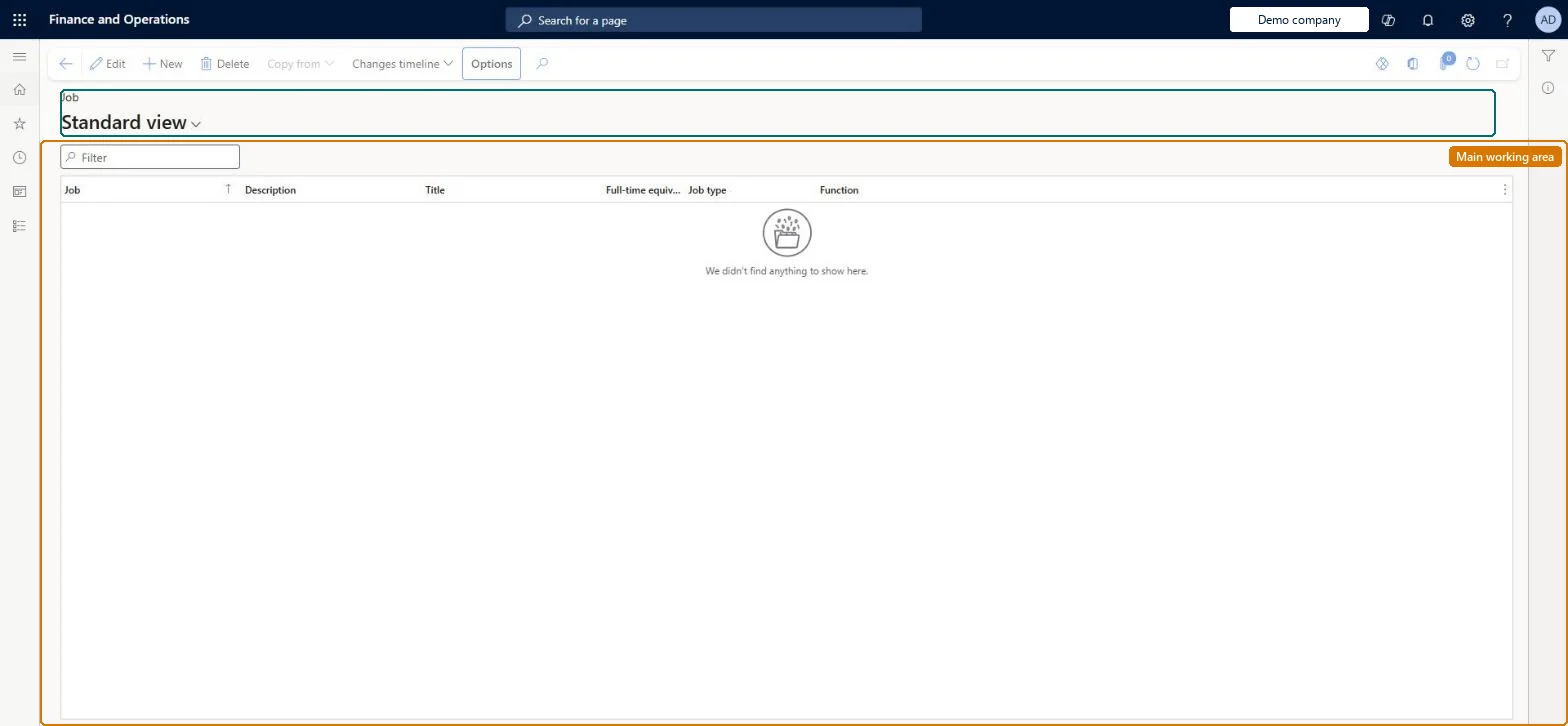
The shared Human resources Jobs page where you define jobs, the named roles (such as sales manager or cashier) whose title, description, job function, job type, compensation level, skills and POS permission group become defaults for the positions assigned to them.
Chief executive officer, Chief financial officer, Compensation and benefits manager and 6 more roles
Business process
Develop people strategy
Menu item
HcmJobList
Main table
HcmJob
Data entity
HcmJobEntity
Show what matters for
PAGE GUIDEWhat the page does and how to use it7 sections. Choose a role to highlight what matters to you.
Everyone
1What it is and why
What it is
The shared Human resources Jobs page where you define jobs, the named roles (such as sales manager or cashier) whose title, description, job function, job type, compensation level, skills and POS permission group become defaults for the positions assigned to them.
What you do here
Use this page to create a job, give it a title and description, set the maximum number of positions, classify it by job function and type, set compensation levels and skills, and (for Commerce) assign the POS permission group that workers in its positions inherit.
Example
For example, a retailer creates a Cashier job here, assigns the Cashier POS permission group under Job classification, and every store cashier position created from the job then inherits those POS permissions.
The page in Dynamics 365. page title tab to open what to set or check
About the examples: Examples and screenshots in this guide use BEAT, a demo company in a Dynamics 365 test environment. Use your own company's codes and values instead of copying them.
Steps from Microsoft
Go to Retail and Commerce > Employees > Jobs.
Select New.
Enter the Job and Description, and select a standard title.
Under Maximum number of positions, select Maximum positions and enter the number.
In Job classification, select the job function, job type and (for Commerce) the POS permission group.
In Compensation, select a compensation level.
Select Save; optionally use Copy from > Copy from template to fill skills, education and certificates.
Reversible: Job title, type, function and compensation details are date-effective, so a change applies from its effective date and earlier views keep the old values. A changed POS permission group reaches stores after the Staff job runs. Microsoft Learn
If you change it later
Job title, type and function are date-effective, so a change applies from its effective date; the maximum positions value blocks further position assignments once reached, and a changed POS permission group affects every worker in the job's positions after the Staff job runs. Microsoft Learn
Technical architect
5Technical
Menu item
HcmJobListChecked in Dynamics 365
Form
HcmJobChecked in Dynamics 365
Table
HcmJobShown as “JOBS” in Record infoKey field: JobIdChecked in Dynamics 365
PrivilegesMaintain jobs using a list page in human resources HcmJobListMaintainView jobs using a list page in human resources HcmJobListViewDutiesInquire into jobs and positions HcmJobPositionInquireMaintain job and position master HcmJobPositionMaintainReview organizational information HcmOrganizationalReview9 security rolesChief executive officer CompanyChiefExecutiveOfficerChief financial officer CompanyChiefFinancialOfficerCompensation and benefits manager HcmCompensationAndBenefitsManagerHuman resource assistant HcmHumanResourceAssistantHuman resource manager HcmHumanResourceManagerPayroll administrator HcmPayrollAdministratorPayroll manager HcmPayrollManagerRecruiter HcmRecruiterTraining manager HcmTrainingManagerChecked in Dynamics 365
Roles to set it up and use it
To set it up or change itHuman resource assistant HcmHumanResourceAssistantRecruiter HcmRecruiterCompensation and benefits manager HcmCompensationAndBenefitsManagerTo use itChief executive officer CompanyChiefExecutiveOfficerChief financial officer CompanyChiefFinancialOfficerTraining manager HcmTrainingManagerPayroll manager HcmPayrollManagerPayroll administrator HcmPayrollAdministratorGive people one of these roles. On this system, 9 roles can open this page.Checked in Dynamics 365
Actions on the page
(Action Pane without tabs): Copy from, Changes timelineChecked in Dynamics 365