Chief executive officer, Compensation and benefits manager, Human resource assistant and 6 more roles
Business process
Develop people strategy
Menu item
HcmTitle
Main table
HcmTitle
Data entity
HcmTitleEntity
Setup steps
1 on this page
Show what matters for
PAGE GUIDEWhat the page does and how to use it8 sections. Choose a role to highlight what matters to you.
Everyone
1What it is and why
What it is
A setup page that holds the list of job and position titles that can be assigned to jobs.
What you do here
Use this page to maintain titles and to expire titles that are no longer used so they stop appearing in selection lists.
Example
For example, BEAT keeps 25 titles; when Data entry clerk becomes obsolete, HR selects Retire on it, so it no longer shows when a new job is created, while the 3 existing jobs and their positions keep the title.
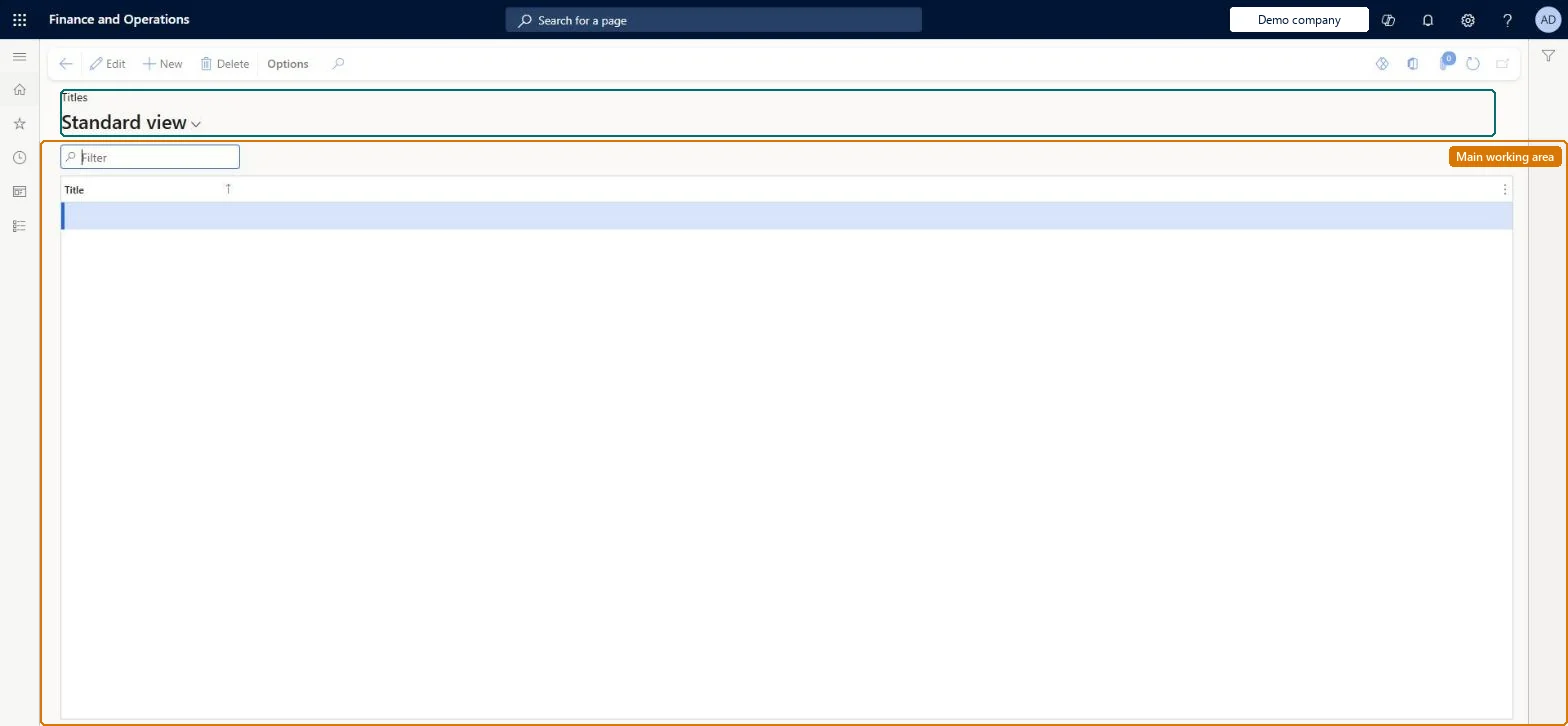
The page in Dynamics 365. page title tab to open what to set or check
About the examples: Examples and screenshots in this guide use BEAT, a demo company in a Dynamics 365 test environment. Use your own company's codes and values instead of copying them.
Setup steps on this page
Set up Titles
Use this page to maintain titles and to expire titles that are no longer used so they stop appearing in selection lists.
Steps from Microsoft
Go to Human resources > Setup > Titles.
Select the title to expire.
Set the Expiration date to today or a past date, or select Retire on the Action Pane.
A standardised title list created before jobs; expire obsolete titles instead of deleting themPositions inherit titles from their jobs and the position title is what is used as the employee's title, so titles should be standardised. Expiring keeps historical records for reporting and audits.
Shared: titles are not per company. Data management lists the Titles entity as shared. Checked in Dynamics 365
Can it be undone
Hard to reverse: Titles are copied onto jobs and positions; expiring a title hides it for new assignments but does not change existing jobs or positions. Microsoft Learn
If you change it later
Expiring a title removes it from selection lists for new assignments; existing jobs and positions keep it, and a warning appears if active jobs still use it. Microsoft Learn
Technical architect
6Technical
Menu item
HcmTitleChecked in Dynamics 365
Form
HcmTitleChecked in Dynamics 365
Table
HcmTitleShown as “TITLES” in Record infoKey field: TitleIdChecked in Dynamics 365
PrivilegesMaintain titles for jobs and positions HcmTitleMaintainView titles for jobs and positions HcmTitleViewDutiesEnable organizational process HcmOrganizationalProcessEnableInquire into organizational process HcmOrganizationalProcessInquireEnable workforce management process HcmWorkforceProcessEnableInquire into workforce management process HcmWorkforceProcessInquire9 security rolesChief executive officer CompanyChiefExecutiveOfficerCompensation and benefits manager HcmCompensationAndBenefitsManagerHuman resource assistant HcmHumanResourceAssistantHuman resource manager HcmHumanResourceManagerPayroll administrator HcmPayrollAdministratorPayroll manager HcmPayrollManagerRecruiter HcmRecruiterTraining manager HcmTrainingManagerAccounting manager LedgerAccountingManagerChecked in Dynamics 365
Roles to set it up and use it
To set it up or change itHuman resource assistant HcmHumanResourceAssistantTo use itHuman resource manager HcmHumanResourceManagerCompensation and benefits manager HcmCompensationAndBenefitsManagerRecruiter HcmRecruiterPayroll administrator HcmPayrollAdministratorPayroll manager HcmPayrollManagerGive people one of these roles. On this system, 9 roles can open this page.Checked in Dynamics 365