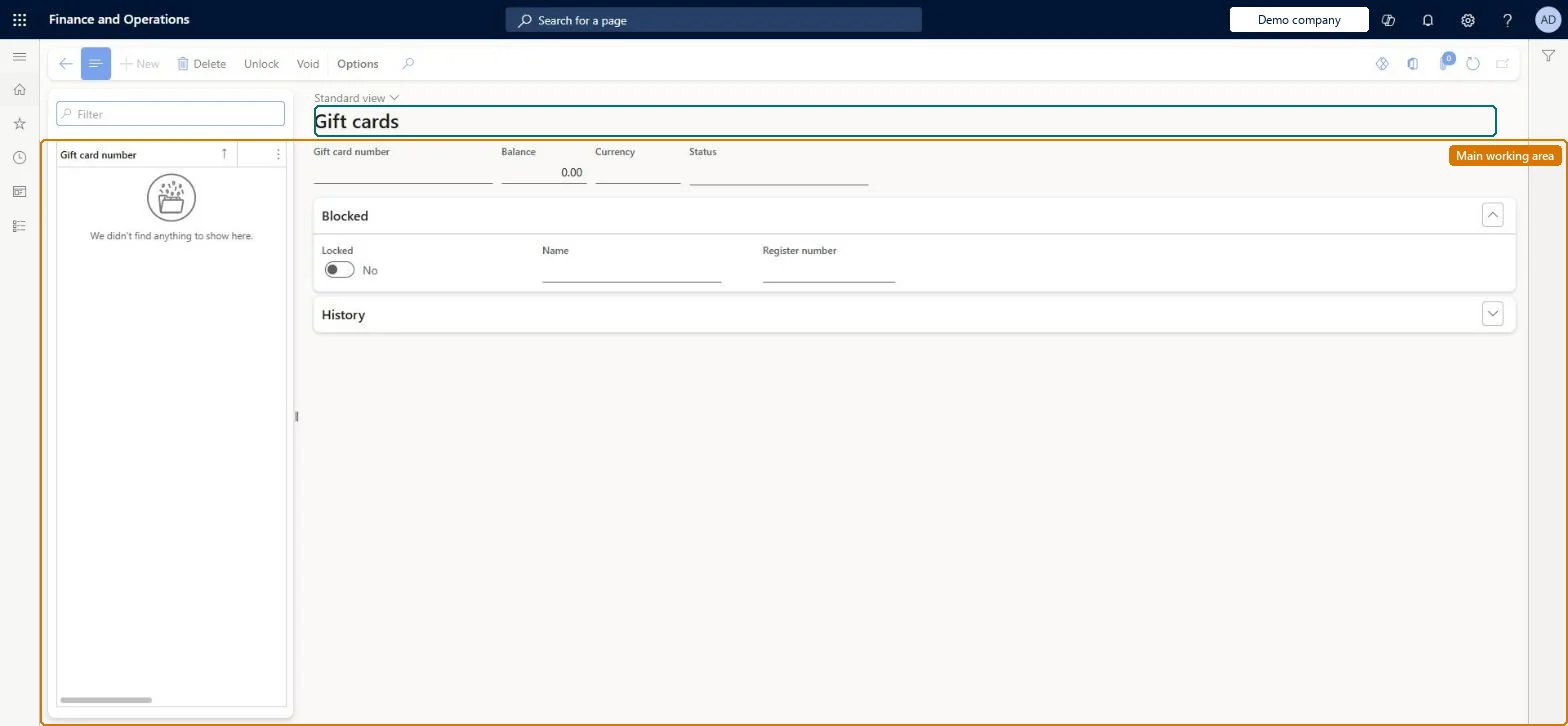
An inquiry page that lists the internal (Commerce-managed) gift cards that have been issued, with each card's balance and the transactions linked to it, and from which cards can be unlocked or voided.
Sell and manage gift cards at the Point of Sale (POS) in Dynamics 365 Commerce
Menu item
RetailGiftCardTable
Main table
RetailGiftCardTable
Data entity
RetailGiftCardEntity
Show what matters for
PAGE GUIDEWhat the page does and how to use it7 sections. Choose a role to highlight what matters to you.
Everyone
1What it is and why
What it is
An inquiry page that lists the internal (Commerce-managed) gift cards that have been issued, with each card's balance and the transactions linked to it, and from which cards can be unlocked or voided.
What you do here
Use this page to look up a gift card's current balance and transaction history, to unlock a card that stayed locked after a failed posting, and to void an unused card that was issued in error.
Example
For example, if a customer reports that a gift card is declined after a network failure in the store, a support clerk opens the card here and selects Functions > Unlock.
The page in Dynamics 365. page title tab to open what to set or check
About the examples: Examples and screenshots in this guide use BEAT, a demo company in a Dynamics 365 test environment. Use your own company's codes and values instead of copying them.
Steps from Microsoft
Go to Retail and Commerce > Channels > Stores > Gift cards > All gift cards.
Select the gift card in the list.
Read the current balance in the Balance field and review the linked transactions in the lower pane.
To unlock a card, select Functions, then Unlock.
To void an unused card, select Functions, then Void.
Voiding is only possible for cards that have never been used; unlocking a card removes the protection that stops its balance being overdrawn while a transaction is unposted. Microsoft Learn
Technical architect
5Technical
Menu item
RetailGiftCardTableChecked in Dynamics 365
Form
RetailGiftCardTableChecked in Dynamics 365
Table
RetailGiftCardTableShown as “GIFT CARD TABLE” in Record infoChecked in Dynamics 365
PrivilegesMaintain retail gift cards RetailGiftcardsMaintainDutiesMaintain retail gift cards RetailGiftCardsMaintainMaintain retail gift cards RetailGiftListMaintain4 security rolesMCRTestUserRoleRetail operations manager RetailOperationsManagerRetail service RetailServiceSales clerk TradeSalesClerkChecked in Dynamics 365
Roles to set it up and use it
To set it up or change itRetail service RetailServiceRetail operations manager RetailOperationsManagerSales clerk TradeSalesClerkGive people one of these roles. On this system, 3 roles can open this page.Checked in Dynamics 365
Actions on the page
(Action Pane without tabs): Unlock, VoidChecked in Dynamics 365