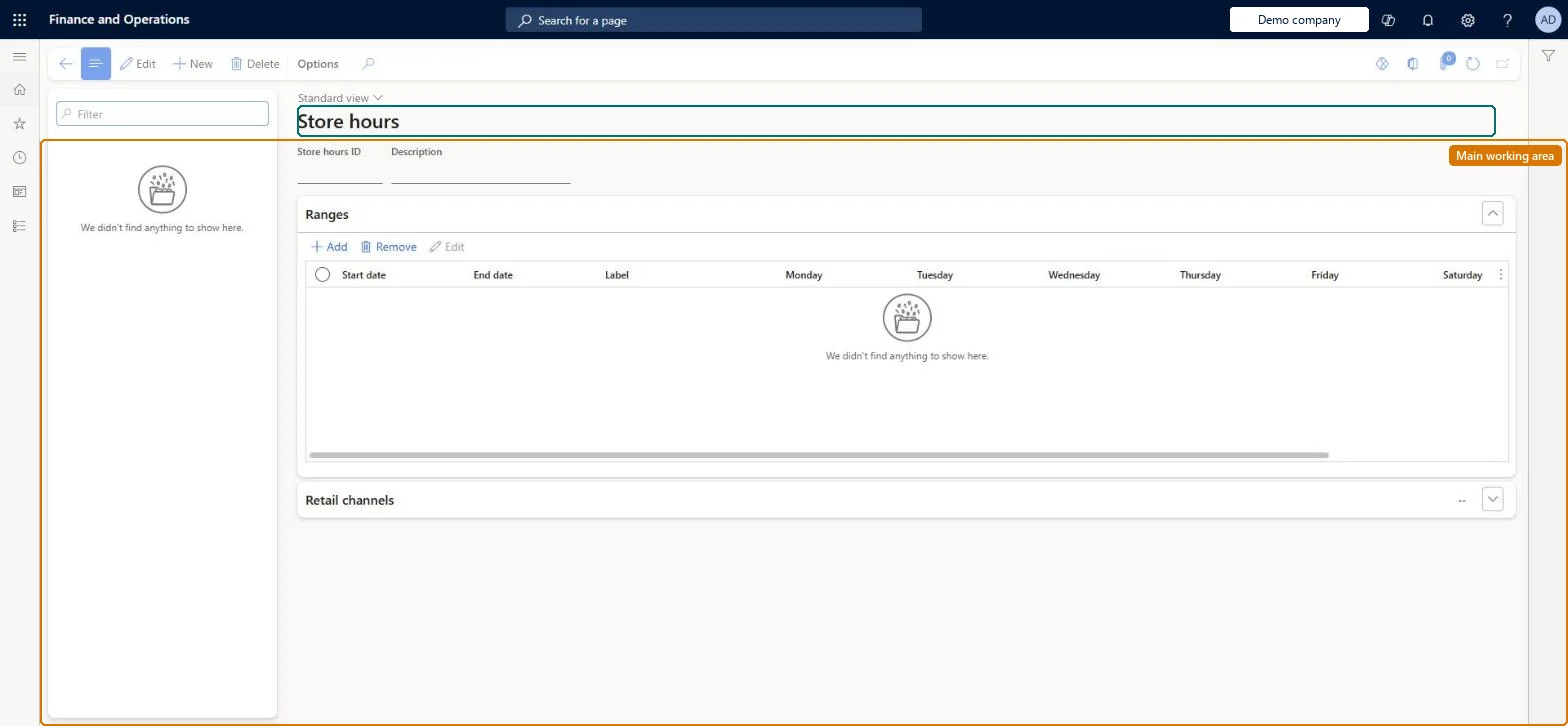
A setup page where you create store hours templates (date ranges, daily opening hours and holidays) and associate them with stores so the hours can be shown at the POS and printed on receipts.
PAGE GUIDEWhat the page does and how to use it8 sections. Choose a role to highlight what matters to you.
Everyone
1What it is and why
What it is
A setup page where you create store hours templates (date ranges, daily opening hours and holidays) and associate them with stores so the hours can be shown at the POS and printed on receipts.
What you do here
Use this page to maintain the opening hours of all stores from one place and assign a template to each store; the hours then appear at the POS for cashiers and on receipts once the distribution jobs run.
Example
For example, a cashier handling a pickup order for another store can look up that store's hours and print them on the pickup receipt.
The page in Dynamics 365. page title tab to open what to set or check
About the examples: Examples and screenshots in this guide use BEAT, a demo company in a Dynamics 365 test environment. Use your own company's codes and values instead of copying them.
Setup steps on this page
Set up Store hours
Use this page to maintain the opening hours of all stores from one place and assign a template to each store; the hours then appear at the POS for cashiers and on receipts once the distribution jobs run.
Steps from Microsoft
Go to Retail and Commerce > Channel setup > Store hours.
Select New to create a store hours template, or select an existing template in the left pane.
In the Add range dialog box, define the date range, the store hours and any holidays.
Associate the template with stores: in the Choose organization nodes dialog box, select the stores, regions or organizations.
On the Distribution schedule page, run the 1070 and 1090 jobs.
One template per group of stores with the same hours (for example per time zone), End date Never ends for standard hours, holidays added in the range, and each store linked to only one templateTemplates can overlap in dates so stores in different time zones can have their own, but each store should be associated with only one template.
Saving the template and expecting the hours to appear at once. They reach POS and receipts only after jobs 1070 and 1090 run.
Solution architect
5Design impact
Can it be undone
Reversible: Templates, ranges and store assignments can be edited at any time. Receipts already printed keep the hours shown at the time. Microsoft Learn
If you change it later
New or changed hours only reach the POS after distribution jobs 1070 and 1090 run; a store can carry only one template. Microsoft Learn
Technical architect
6Technical
Menu item
RetailStoreHoursChecked in Dynamics 365
Form
RetailStoreHoursChecked in Dynamics 365
Table
RetailStoreHoursTemplateShown as “RETAILSTOREHOURSTEMPLATE” in Record infoChecked in Dynamics 365
PrivilegesRetailStoreHoursMaintainDutiesRetailStoreHoursMaintain2 security rolesRetail operations manager RetailOperationsManagerRetail service RetailServiceChecked in Dynamics 365
Roles to set it up and use it
To set it up or change itRetail service RetailServiceRetail operations manager RetailOperationsManagerGive people one of these roles. On this system, 2 roles can open this page.Checked in Dynamics 365