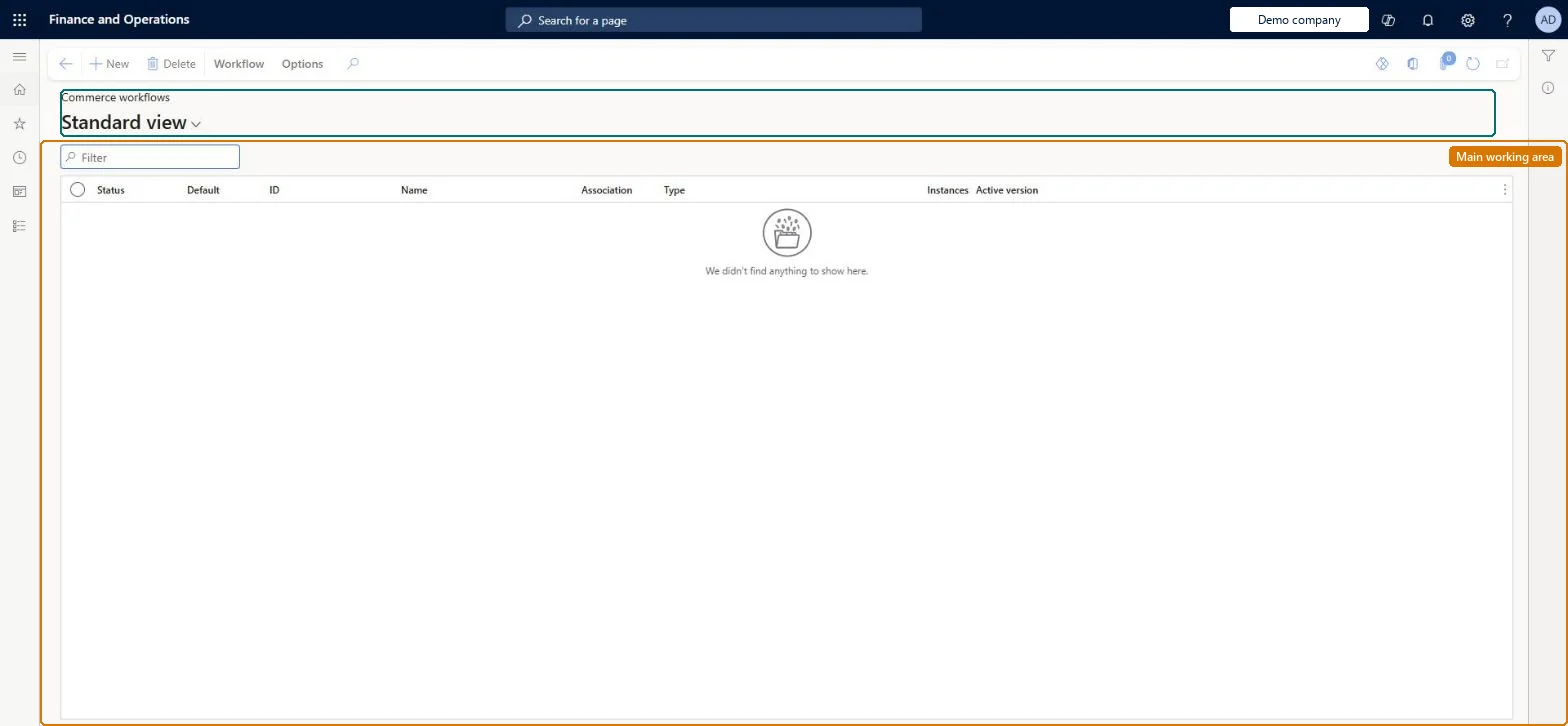
A setup page that lists the workflows defined for the Retail and Commerce module and from which you create new workflows of the types available to the module, such as the retail catalog approval workflow, in the workflow editor.
Retail merchandising manager, Retail operations manager, Retail service
Business process
Manage sales channels
Menu item
WorkflowConfigurationRetail
Main table
WorkflowTable
Show what matters for
PAGE GUIDEWhat the page does and how to use it7 sections. Choose a role to highlight what matters to you.
Everyone
1What it is and why
What it is
A setup page that lists the workflows defined for the Retail and Commerce module and from which you create new workflows of the types available to the module, such as the retail catalog approval workflow, in the workflow editor.
What you do here
Use this page to create, version and activate workflows that route Commerce documents, such as retail catalogs, for review and approval before they can be used.
Example
For example, you can set up a retail catalog approval workflow so that a catalog has to be approved before it can be published.
The page in Dynamics 365. page title tab to open what to set or check
About the examples: Examples and screenshots in this guide use BEAT, a demo company in a Dynamics 365 test environment. Use your own company's codes and values instead of copying them.
Steps from Microsoft
Go to Retail and Commerce > Headquarters setup > Commerce workflows.
On the action pane, select New.
On the Create workflow page, select the type of workflow (for example Retail catalog approval workflow) and select Create workflow.
In the workflow editor, drag the workflow elements onto the canvas and connect them.
Configure the workflow properties and each element, and resolve any errors or warnings.
Select Save and close, enter comments and select OK.
Select Activate the new version to make the workflow active.
Reversible: Each save creates a version. You can choose not to activate a new version and activate it later. Only the active version receives submitted documents, such as retail catalogs. Microsoft Learn
If you change it later
Activating a new version makes it the version that documents are submitted to; all errors and warnings must be resolved before a version can be activated. Microsoft Learn
Technical architect
5Technical
Menu item
WorkflowConfigurationRetailChecked in Dynamics 365
Form
WorkflowTableListPageRnrChecked in Dynamics 365
Table
WorkflowTableShown as “WORKFLOW CONFIGURATIONS” in Record infoKey field: SequenceNumberChecked in Dynamics 365
Who can open it
PrivilegesRetail workflow configuration RetailWorkflowConfigurationDutiesRetail workflow configuration RetailWorkflowConfiguration3 security rolesRetail merchandising manager RetailMerchandisingManagerRetail operations manager RetailOperationsManagerRetail service RetailServiceChecked in Dynamics 365
Roles to set it up and use it
To set it up or change itRetail service RetailServiceRetail operations manager RetailOperationsManagerRetail merchandising manager RetailMerchandisingManagerGive people one of these roles. On this system, 3 roles can open this page.Checked in Dynamics 365
Actions on the page
Workflow: Manage, HierarchyChecked in Dynamics 365