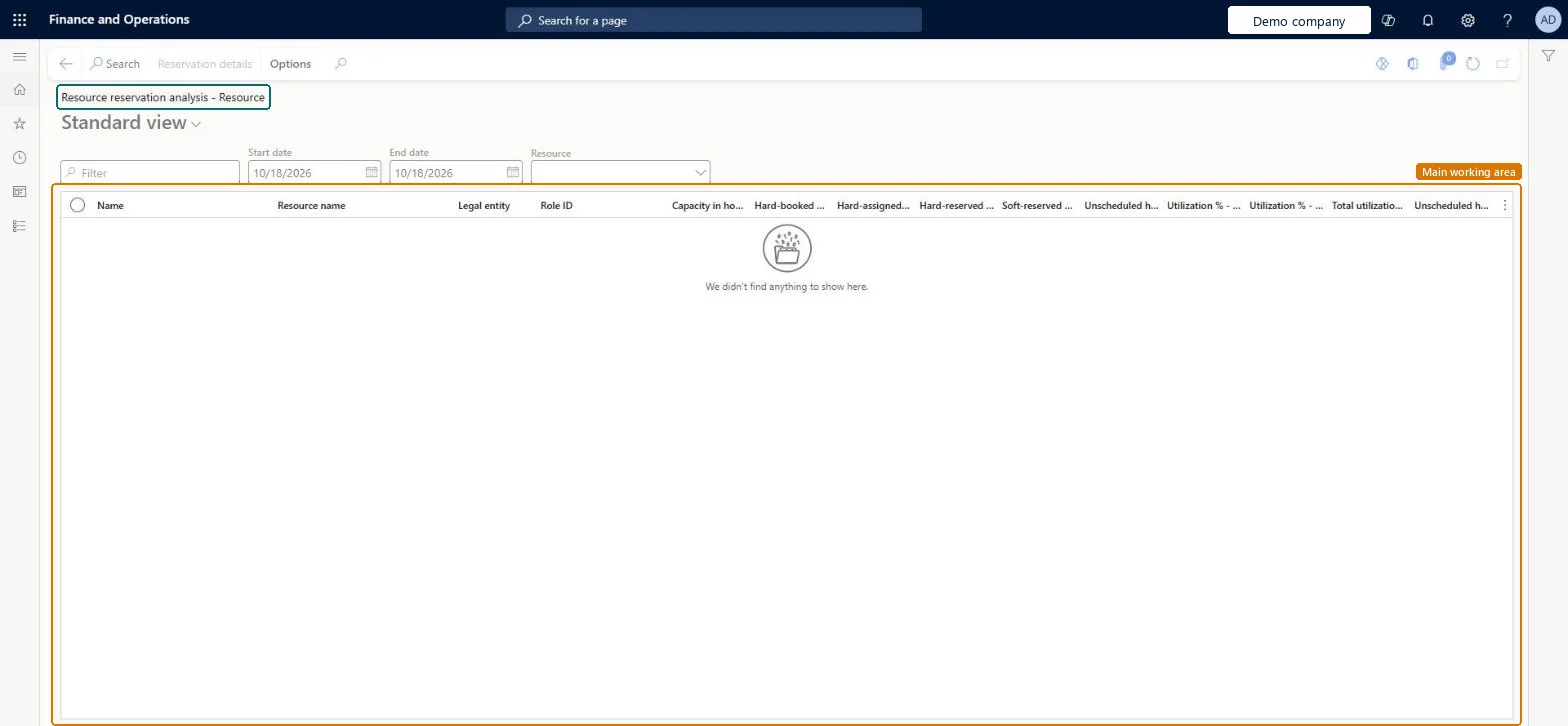
An inquiry that compares each resource's capacity with its reserved hours over a date range: hard-booked, hard-assigned, hard-reserved and soft-reserved hours, unscheduled hours and utilization percentages.
Project management and accountingInquiries and reportsResource scheduling inquiries
PSAResAssignAnalysis_Employee
Used by
Project manager, Resource manager
Business process
Plan projects
Menu item
PSAResAssignAnalysis_Employee
Main table
PSATmpResourceAssignmentAnalysis
Setup steps
1 on this page
Show what matters for
PAGE GUIDEWhat the page does and how to use it8 sections. Choose a role to highlight what matters to you.
Everyone
1What it is and why
What it is
An inquiry that compares each resource's capacity with its reserved hours over a date range: hard-booked, hard-assigned, hard-reserved and soft-reserved hours, unscheduled hours and utilization percentages.
What you do here
Use it to answer 'who is over- or under-booked in this period?' so the resource manager can move work or free people for new projects.
Example
For November the BEAT resource manager sees R-0105 with 160.00 hours capacity and 176.00 hours hard-reserved, 110.00 percent utilization, while R-0118 has 160.00 hours capacity and only 64.00 hours reserved.
The page in Dynamics 365. page title tab to open what to set or check
About the examples: Examples and screenshots in this guide use BEAT, a demo company in a Dynamics 365 test environment. Use your own company's codes and values instead of copying them.
Setup steps on this page
Find over-booked resources
Compare each resource's capacity with its reservations for a period.
Steps from Microsoft
Go to Project management and accounting > Inquiries and reports > Resource scheduling inquiries > Resource reservation analysis - Resource.
Enter the Start date and End date of the staffing period, and select a Resource or leave it blank for all.
Sort on Utilization to find resources above 100 percent first.
Select the resource row, then Reservation details to see which projects make up the hours, and move or cancel bookings there.
Enter the period and sort on Utilization; check capacity before reading percentages.Utilization is reserved hours over calendar capacity; a missing capacity makes every percentage wrong.
On the live system, Resource manager maintains this page and Project manager views it.
Checked in Dynamics 365
Solution architect
5Design impact
Shared or per company
Per company for the projects, but capacity comes from resource calendars that the capacity batch job fills across all companies, so a resource lent by another legal entity can show here. Microsoft Learn
The page recalculates from bookings, assignments and calendar capacity each time you search; after a calendar change, run the capacity synchronization again or capacity stays at the old value. Microsoft Learn
Technical architect
6Technical
Menu item
PSAResAssignAnalysis_EmployeeChecked in Dynamics 365
Form
PSAResourceAssignmentAnalysisChecked in Dynamics 365
Table
PSATmpResourceAssignmentAnalysisShown as “Hold information for resource assignment analysis” in Record infoChecked in Dynamics 365
To set it up or change itResource manager ProjResourceManagerTo use itProject manager ProjProjectManagerGive people one of these roles. On this system, 2 roles can open this page.Checked in Dynamics 365
Actions on the page
Options: Personalize, Page options, ShareChecked in Dynamics 365
Load order: Resource reservation analysis - Resource has no data entity in Data management: it fills a temporary table when you search. Reservations come from bookings and assignments on project teams (ResBooking and ResAssignment), created by staffing projects; capacity comes from the calendar synchronization job.Microsoft Learn