About the examples: Examples and screenshots in this guide use BEAT, a demo company in a Dynamics 365 test environment. Use your own company's codes and values instead of copying them.
Step by step, with screenshots
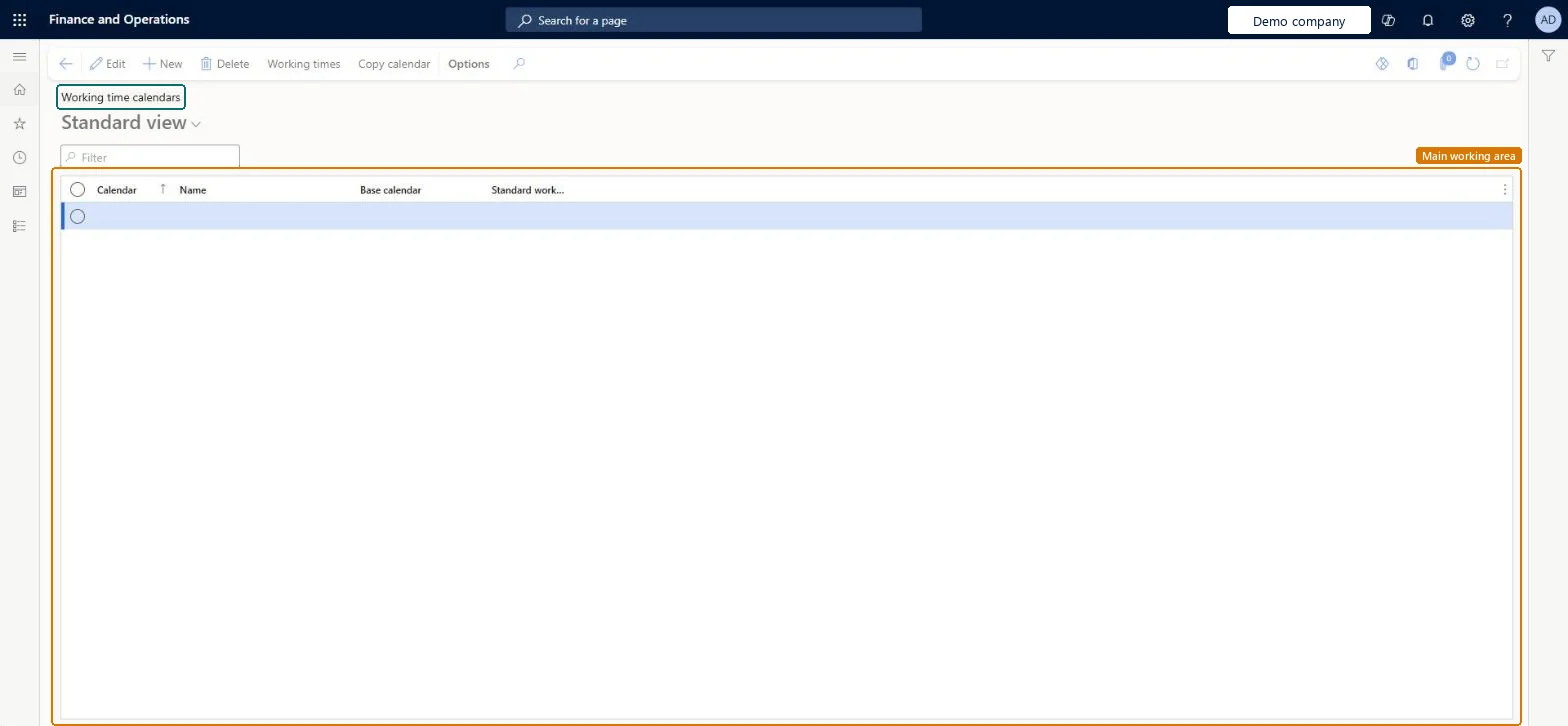
Set up Calendars1 screen
Use this page to define the working days and hours of resources, warehouses, vendors and other parts of the supply chain.
Screen 1
Create a working time calendar
Go to Organization administration > Setup > Calendars > Calendars
Select New
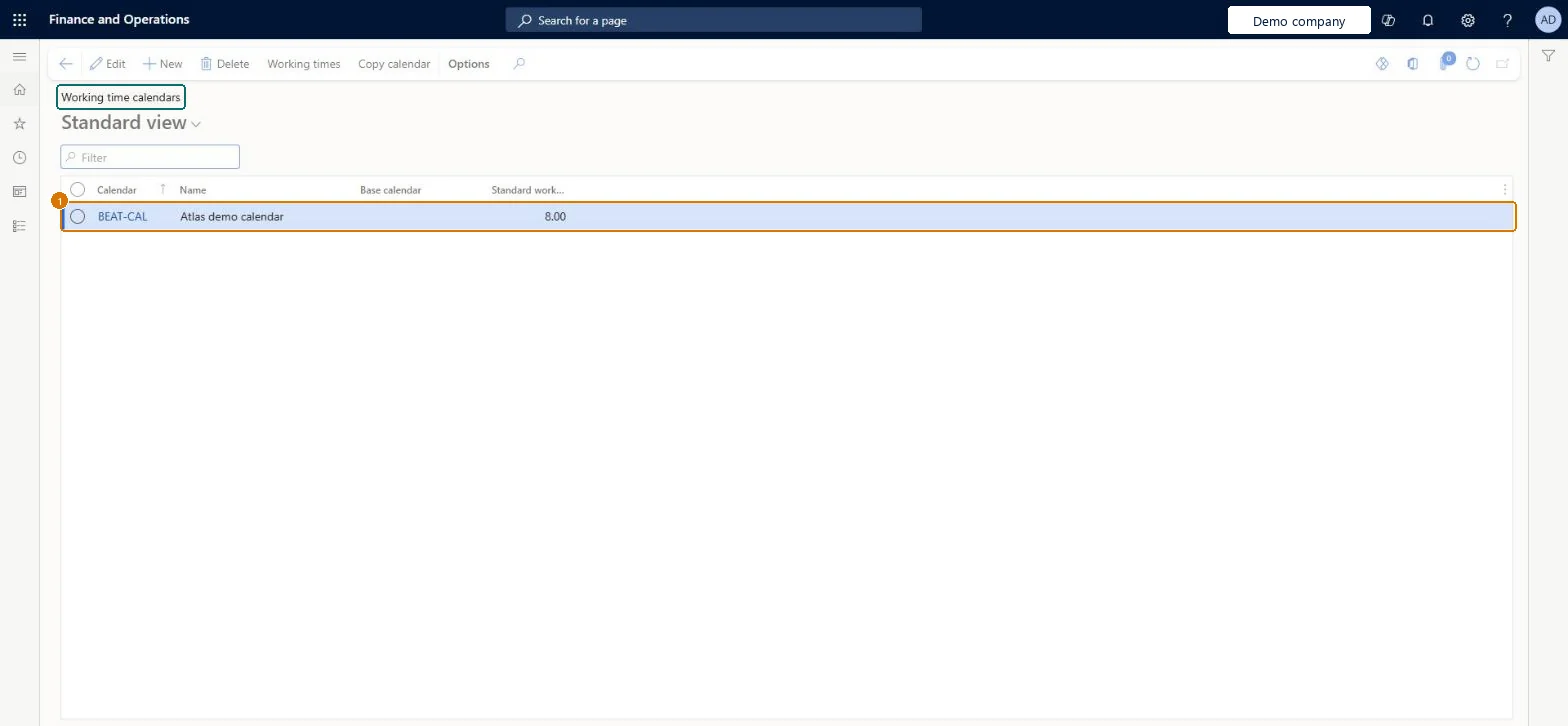
Enter the calendar ID and name
Enter the standard work day in hours
Select Save; use Working times to generate the days
1Calendar
BEAT-CAL
Name
Calendar
Standard work day in hours
8.00
Show the full screen page title tab to open what to set or check
Steps from Microsoft
Go to Production control > Setup > Calendars > Calendars.
Select New.
In the Calendar field, enter an ID for the calendar.
In the Name field, enter a name.
In the Standard work day in hours field, enter a number.
With the row selected, select Working times on the Action Pane.
Select Compose working times.
Enter the From date and To date for the period to generate.
In the Working time template field, select a template.
A calendar for each element with different working days (vendors, customers, warehouses, modes of delivery, coverage groups), one per warehouse where its days or pickup policy differ, and shared calendars for resources with the same hoursPlanned order dates come from the combination of assigned calendars, and Microsoft recommends one calendar per warehouse for warehouse-specific changes. Resources with identical hours should share a calendar because the scheduling engine loads and caches working times per calendar.
Giving each resource its own calendar ID even when the hours are the same. The engine then requests working times for every calendar, which is a common cause of slow scheduling.Test: Closed day moves the planned receipt date
Solution architect
5Design impact
Can it be undone
Reversible: Calendars can be updated at any time, but dates already planned don't move by themselves. Learn says to rerun all calendar-dependent tasks, such as master planning and production scheduling, after updating a calendar. Microsoft Learn
If you change it later
After you change a calendar, rerun the tasks that depend on it, such as master planning and production scheduling. Microsoft Learn
To set it up or change itProduction supervisor ProdProductionSupervisorProduction manager ProdProductionManagerProcess engineer RouteProcessEngineerProject manager ProjProjectManagerPayroll administrator HcmPayrollAdministratorTo use itProcess engineering manager RouteProcessEngineeringManagerResource manager ProjResourceManagerPayroll manager HcmPayrollManagerSales representative TradeSalesRepresentativeGive people one of these roles. On this system, 10 roles can open this page.Checked in Dynamics 365
Checked in a working Dynamics 365 system, version 10.0.49: the menu item, form, table and security, the page, the demo records and the values in the screenshots.