Procurement and sourcingVendorsVendor collaboration requests
VendProspectiveVendorRegistrationRequests
Used by
Purchasing agent, Purchasing manager
Business process
Onboard new suppliers
Menu item
VendProspectiveVendorRegistrationRequests
Main table
VendProspectiveVendorRegistrationRequest
Data entity
VendProspectiveVendorRegistrationRequestEntity
Show what matters for
PAGE GUIDEWhat the page does and how to use it7 sections. Choose a role to highlight what matters to you.
Everyone
1What it is and why
What it is
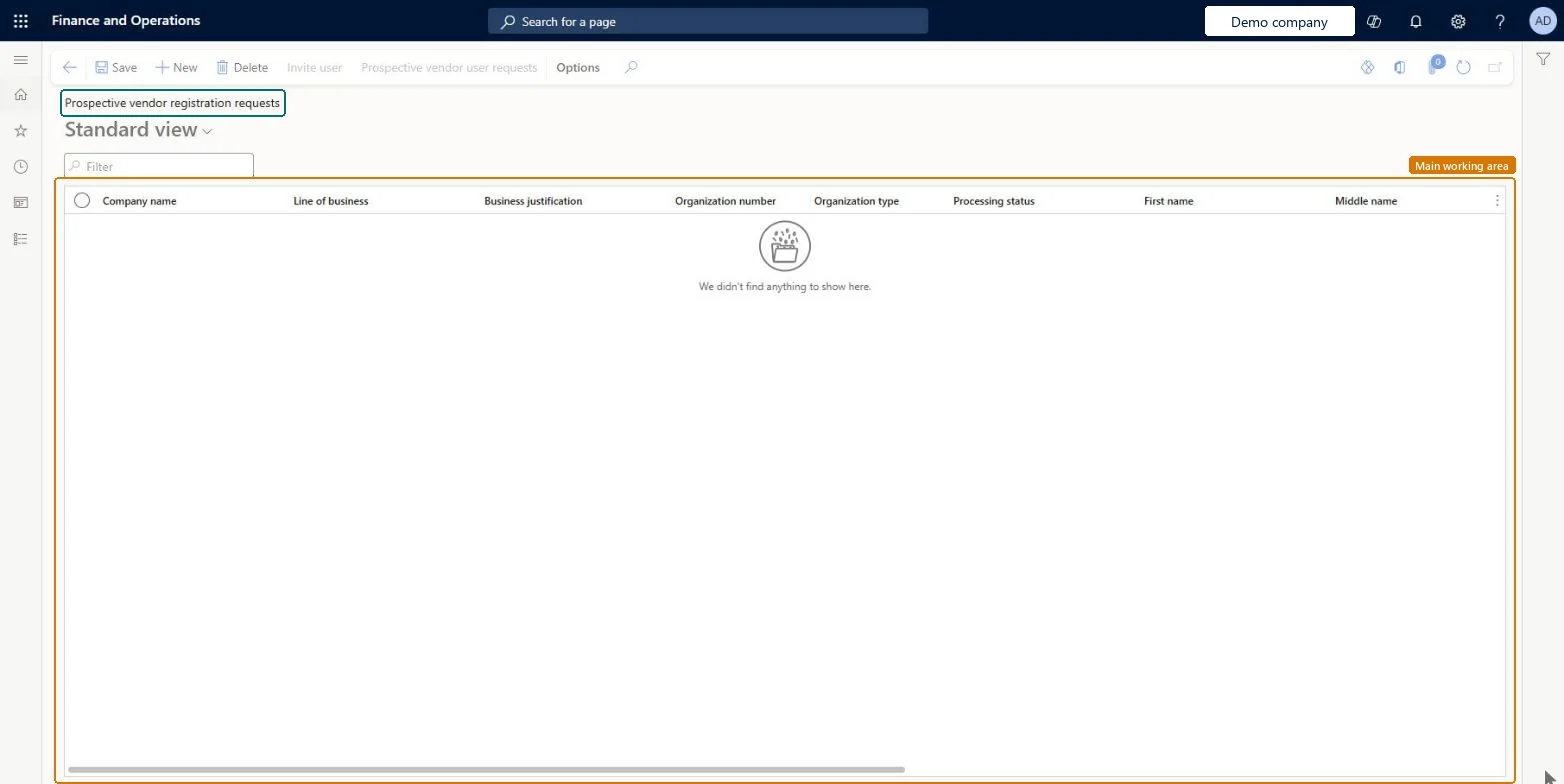
A list page where procurement professionals see incoming requests from companies that want to register as vendors.
What you do here
Use this page to decide whether a prospective vendor should be onboarded and, if so, to invite the vendor's contact person as a user.
Example
For example, a vendor signs up on a company-hosted website with its name, business justification and contact details, and the request is then imported for review.
The page in Dynamics 365. page title tab to open what to set or check
About the examples: Examples and screenshots in this guide use BEAT, a demo company in a Dynamics 365 test environment. Use your own company's codes and values instead of copying them.
Steps from Microsoft
Import the prospective vendor registration requests through the Data management interface.
Go to Procurement and sourcing > Vendors > Vendor collaboration requests > Prospective vendor registration requests.
Review the incoming request and decide whether the vendor should be onboarded.
Select Invite user to send a user request to the user request workflow.
Wait for the contact person to sign in and complete the vendor registration wizard, which creates a vendor request.
Review the vendor request and approve or reject it.
The email address used to create the new user for the vendor's contact person.Microsoft Learn
Submitted date
The date the request was created in the outside system.Microsoft Learn
SubmittedDate
Legal entity
The legal entity the vendor wants to work with; if none is imported, the value from Procurement and sourcing parameters is used.Microsoft Learn
RequestCompany
Vendor type
Whether the vendor is an organization or a person, which controls how the vendor is created.Microsoft Learn
Common errors and fixes
Message
What to do
Access Denied: You do not have sufficient permissions to open the menu item VendProspectiveVendorRegistrationWizard. Please contact your system administrator.
Assign the prospective vendor user the System external user and Vendor prospective (external) security roles. Microsoft Learn
Test checklist
Import a prospective vendor registration request with a business email address and a valid Legal entity code.
Open the request on this page and select Invite user; check the status becomes User requested.
Approve the user request workflow and check the status becomes User invited and the contact receives the invitation email.
Sign in as the invited user and check the vendor registration wizard opens.
Hard to reverse: Delete works differently by status. A New request is simply deleted. A User requested request can't be deleted until the user request workflow ends. From User invited onward, Delete also creates a request to deactivate the user and removes the wizard data and vendor request. Microsoft Learn
If you change it later
What the Delete action does depends on the request status; a request with the status User requested can't be deleted until the user request workflow ends. Microsoft Learn
Technical architect
5Technical
Menu item
VendProspectiveVendorRegistrationRequestsChecked in Dynamics 365
Form
VendProspectiveVendorRegistrationRequestsChecked in Dynamics 365
Table
VendProspectiveVendorRegistrationRequestShown as “Prospective vendor registration request” in Record infoChecked in Dynamics 365
Data entities
VendProspectiveVendorRegistrationRequestEntityProspective vendor registration request Microsoft data model
To set it up or change itPurchasing manager TradePurchasingManagerPurchasing agent VendPurchasingAgentGive people one of these roles. On this system, 2 roles can open this page.Checked in Dynamics 365
Actions on the page
Options: Personalize, Page options, Edit, ShareChecked in Dynamics 365