About the examples: Examples and screenshots in this guide use BEAT, a demo company in a Dynamics 365 test environment. Use your own company's codes and values instead of copying them.
Steps from Microsoft
Make sure the person is set up as a contact for one or more vendor accounts.
On the All contacts page, select Provision vendor user.
Enter the email address the user will sign in with.
Set Vendor collaboration access allowed to Yes for each legal entity the user needs.
In the Assign user roles section, select the security roles the user should have.
Gives the user access to vendor collaboration for the selected legal entity.Microsoft Learn
Business justification
A comment that explains why a user should be deactivated or why roles should change.Microsoft Learn
BusinessJustification
Test checklist
On a vendor, open Contacts > View contacts and add a contact for the legal entity.
Select Provision vendor user, enter a business email address (consumer domains such as gmail.com can't be used), set Vendor collaboration access allowed to Yes and assign roles.
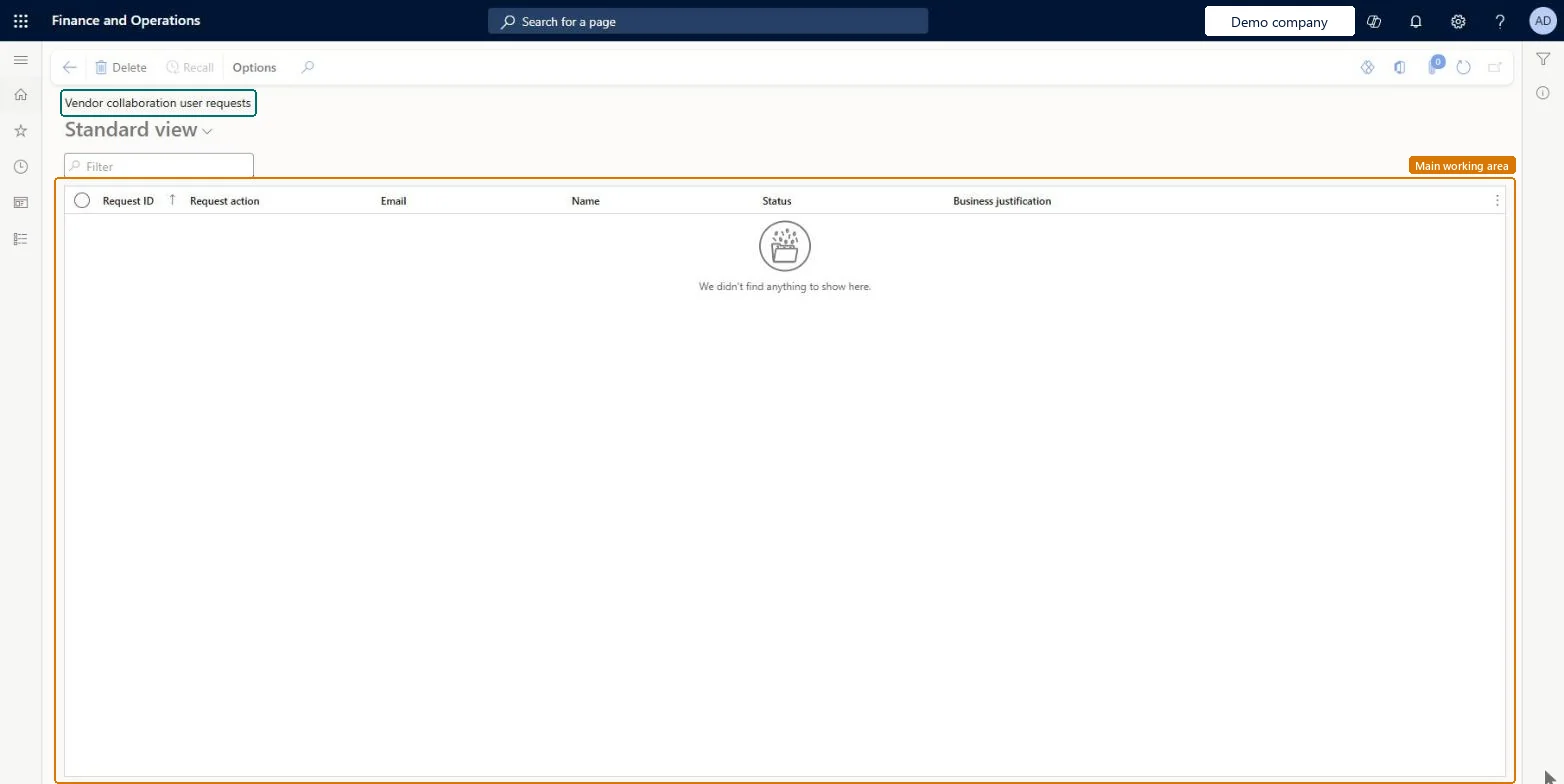
Check the request appears on Vendor collaboration user requests and the user request workflow starts.
After approval, sign in as the vendor user and check only the assigned vendor collaboration pages are available.
Hard to reverse: Provisioning creates a user, assigns roles and links a new or existing Microsoft Entra account through B2B. To take access away, set Vendor collaboration access allowed to No for each legal entity on the vendor's contacts, or submit an Inactivate vendor user request. Microsoft Learn
Technical architect
5Technical
Menu item
VendVendorPortalUserRequestListPageChecked in Dynamics 365
Form
SysUserRequestListPageChecked in Dynamics 365
Table
SysUserRequestShown as “User requests” in Record infoKey field: UserType, UserAlias, UserDomainChecked in Dynamics 365
Who can open it
PrivilegesMaintain user requests in vendor portal VendVendorPortalUsersRequestsMaintainDutiesMaintain vendor master VendVendorMasterMaintainMaintain user requests in vendor portal VendVendorPortalUsersRequestsMaintain6 security rolesLanded cost manager ITMManagerAccounting manager LedgerAccountingManagerPurchasing manager TradePurchasingManagerAccounts payable manager VendInvoiceAccountsPayableManagerPurchasing agent VendPurchasingAgentPurchasing Agent - Public Sector VendPurchasingAgent_PSNChecked in Dynamics 365
Roles to set it up and use it
To set it up or change itPurchasing manager TradePurchasingManagerAccounts payable manager VendInvoiceAccountsPayableManagerPurchasing agent VendPurchasingAgentPurchasing Agent - Public Sector VendPurchasingAgent_PSNAccounting manager LedgerAccountingManagerGive people one of these roles. On this system, 6 roles can open this page.Checked in Dynamics 365
Actions on the page
Options: Personalize, Page options, ShareChecked in Dynamics 365