About the examples: Examples and screenshots in this guide use BEAT, a demo company in a Dynamics 365 test environment. Use your own company's codes and values instead of copying them.
When to run it
When to run it
Continuously, as long as any vendor is set to Active (PO is auto-confirmed); without this job accepted orders are never confirmed.
How often
Recurring: every 10 to 30 minutes for vendors that deliver within the day, about once a day for long lead times.
Batch settings
Schedule it as a recurring batch job; it has no selection of its own and processes all accepted orders of auto-confirm vendors.
What the output shows
Purchase orders that vendors accepted without changes are set to Confirmed and appear as confirmed in the vendor collaboration interface. Orders accepted with changes or rejected stay In external review.
Go to Procurement and sourcing > Purchase orders > Purchase order confirmation > Confirm accepted purchase orders from vendor collaboration.
Make sure the vendors that should be confirmed automatically have Collaboration activation set to Active (PO is auto-confirmed) on the vendor's General tab; orders of other vendors must be confirmed by hand.
Choose the interval from your vendors' lead times: every 10 to 30 minutes when vendors deliver within the day, about once a day when lead times are longer than 24 hours.
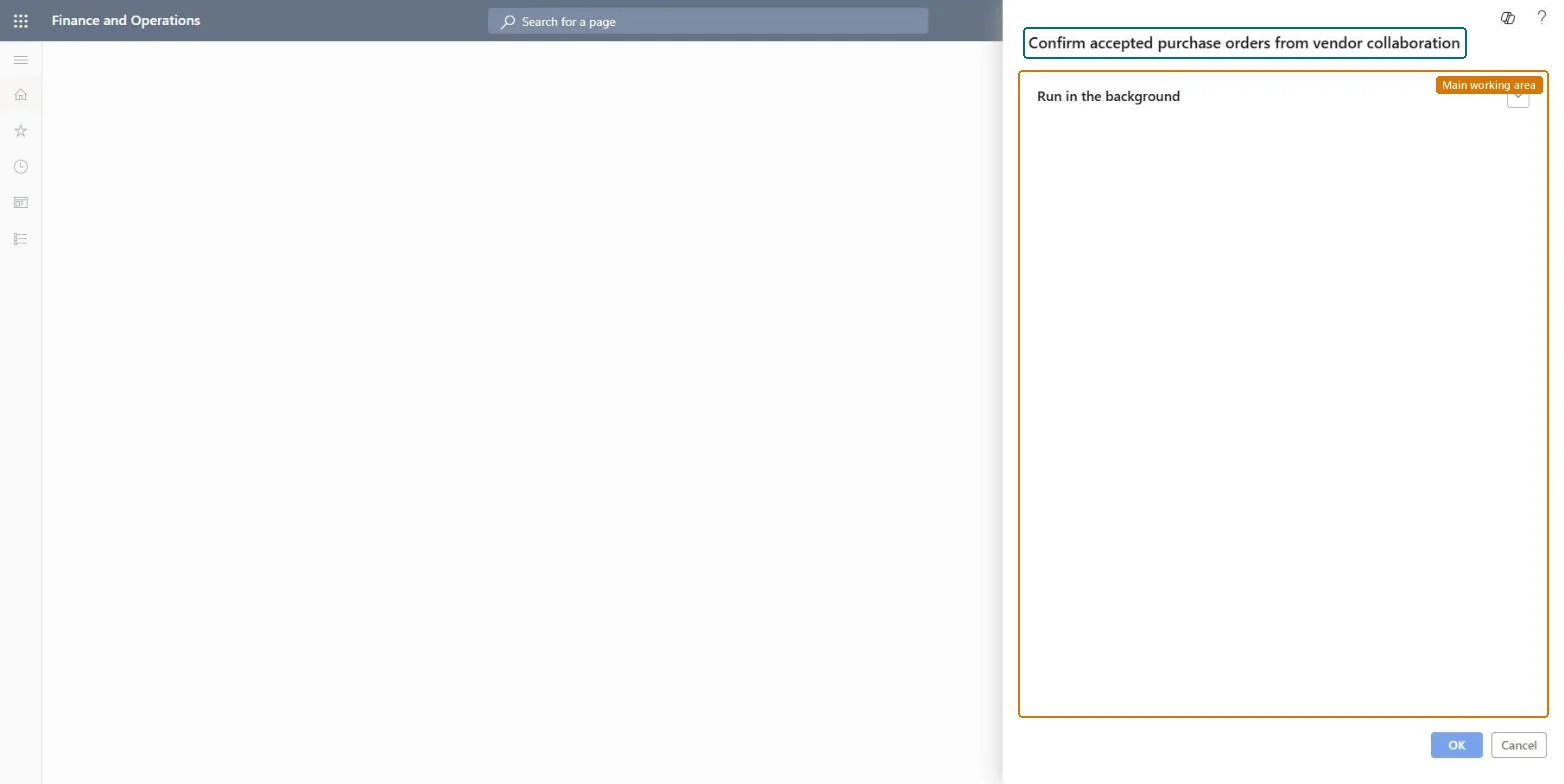
On the Run in the background FastTab, select Recurrence and set that schedule; in systems with a large batch load, don't run it more often than every 10 minutes.
Watch the Purchase order preparation workspace: accepted orders move to Confirmed, and an order that stays In external review although the vendor accepted it couldn't be updated and needs a manual confirmation.
No: Confirmed orders can't be deleted; use Request change or cancel the open quantity if a confirmation was wrong. Microsoft Learn
If you change it later
Creates a new confirmed version of each accepted purchase order, with the confirmed receipt dates the vendor gave. Microsoft Learn
Technical architect
5Technical
Menu item
action:PurchaseOrderResponseConfirm_ActionChecked in Dynamics 365
Form
SysOperationTemplateFormChecked in Dynamics 365
Roles to set it up and use it
To use itPurchasing agent VendPurchasingAgentPurchasing Agent - Public Sector VendPurchasingAgent_PSNBuying agent TradeBuyingAgentRetail service RetailServiceProject assistant ProjProjectClerkGive people one of these roles. On this system, 10 roles can run this page.Checked in Dynamics 365