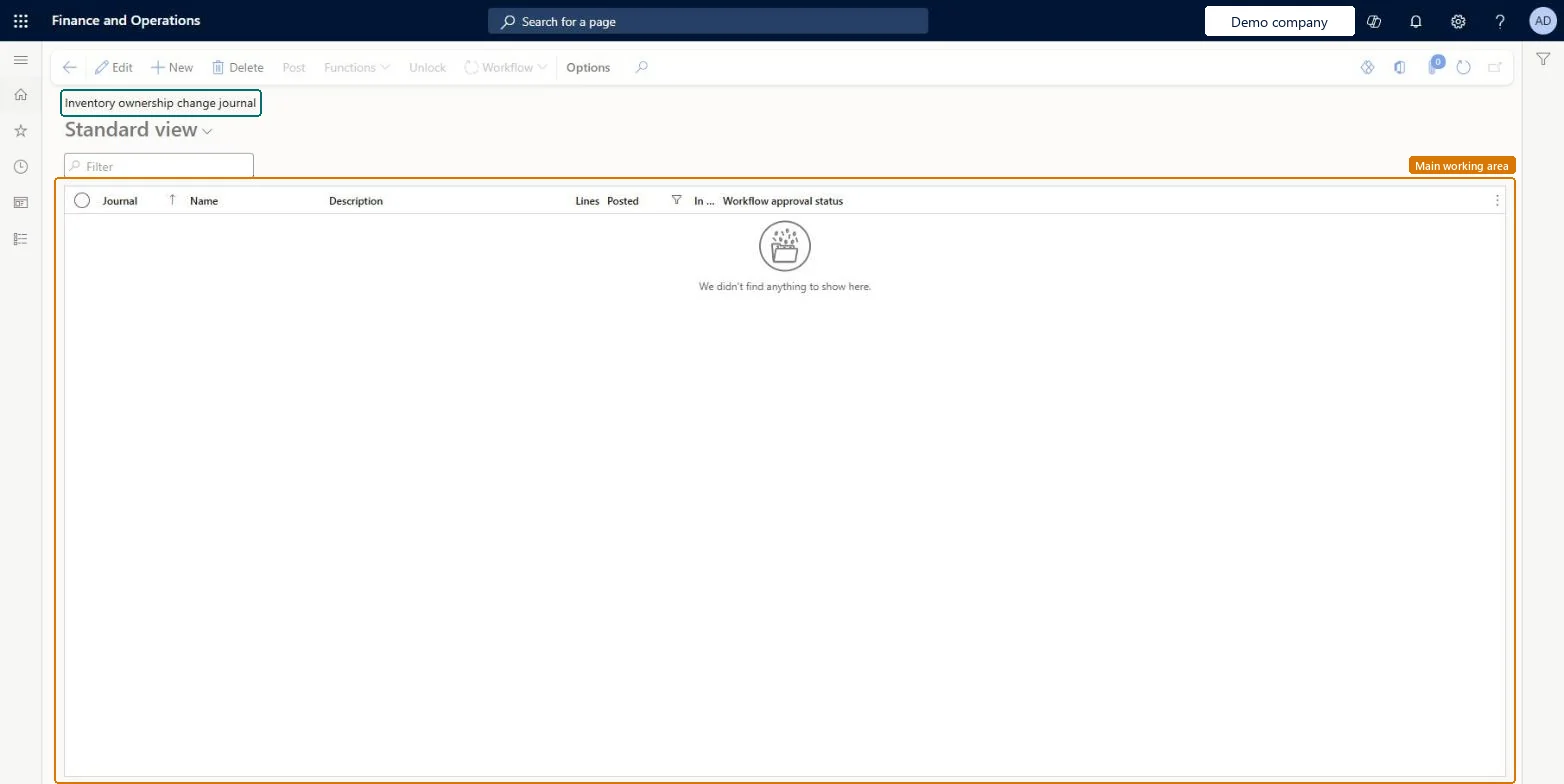
About the examples: Examples and screenshots in this guide use BEAT, a demo company in a Dynamics 365 test environment. Use your own company's codes and values instead of copying them.
Steps from Microsoft
Open the Inventory ownership change page and select New.
In the Name field, select a journal name with the journal type Ownership change, and select OK.
Select Functions > Create journal lines from production orders.
In the Inventory issue statuses to include field, select the statuses to include.
Optionally, add filters under Records to include, and select OK.
The journal name; only inventory journal names with the journal type Ownership change can be selected.Microsoft Learn
JournalNameId
Inventory issue statuses to include
Filters which issue statuses are used when lines are created from production orders.Microsoft Learn
Test checklist
Create an inventory journal name with Journal type Ownership change.
Receive vendor-owned stock on a consignment replenishment order and reserve it on a production order.
Create an ownership change journal, use Create journal lines from production orders with Inventory issue statuses to include set to Reserved physical, and post.
Check a purchase order with Origin Consignment is created with status Received, and the on-hand now belongs to your legal entity.
One-way: Warning: posting the journal issues the vendor-owned stock as Sold and receives it on a consignment purchase order with a product receipt, setting the order to Received. The quantity on the consignment purchase order lines can't be changed after the order is created. Check lines before you post. Microsoft Learn
If you change it later
The quantity on the consignment purchase order lines that posting creates can't be changed afterward. Microsoft Learn
Technical architect
5Technical
Menu item
InventJournalOwnershipChangeChecked in Dynamics 365
Form
InventJournalOwnershipChangeChecked in Dynamics 365
Table
InventJournalTableShown as “Inventory journal table” in Record infoKey field: JournalId, JournalType, JournalNameId, DescriptionChecked in Dynamics 365
Data entities
InventInventoryAdjustmentJournalHeaderEntityInventory adjustment headers Microsoft data model InventInventoryCountingJournalHeaderEntityInventory counting journal headers Microsoft data model InventInventoryMovementJournalHeaderEntityInventory movement headers Microsoft data model ProjectItemJournalTableEntityProject item journal header Microsoft data model
Roles to set it up and use it
To set it up or change itBuying agent TradeBuyingAgentMaterials manager InventMaterialsManagerTo use itProject manager ProjProjectManagerRetail service RetailServiceProject assistant ProjProjectClerkAccounting manager LedgerAccountingManagerRetail store manager RetailStoreManagerGive people one of these roles. On this system, 21 roles can open this page.Checked in Dynamics 365
Actions on the page
Options: Personalize, Page options, ShareChecked in Dynamics 365