Procurement and sourcingPurchase ordersReceiving products
ConsignmentProductReceiptLines
Used by
Materials manager, Buying agent
Business process
Procure goods and services
Menu item
ConsignmentProductReceiptLines
Main table
PurchProductReceiptLines
Show what matters for
PAGE GUIDEWhat the page does and how to use it6 sections. Choose a role to highlight what matters to you.
Everyone
1What it is and why
What it is
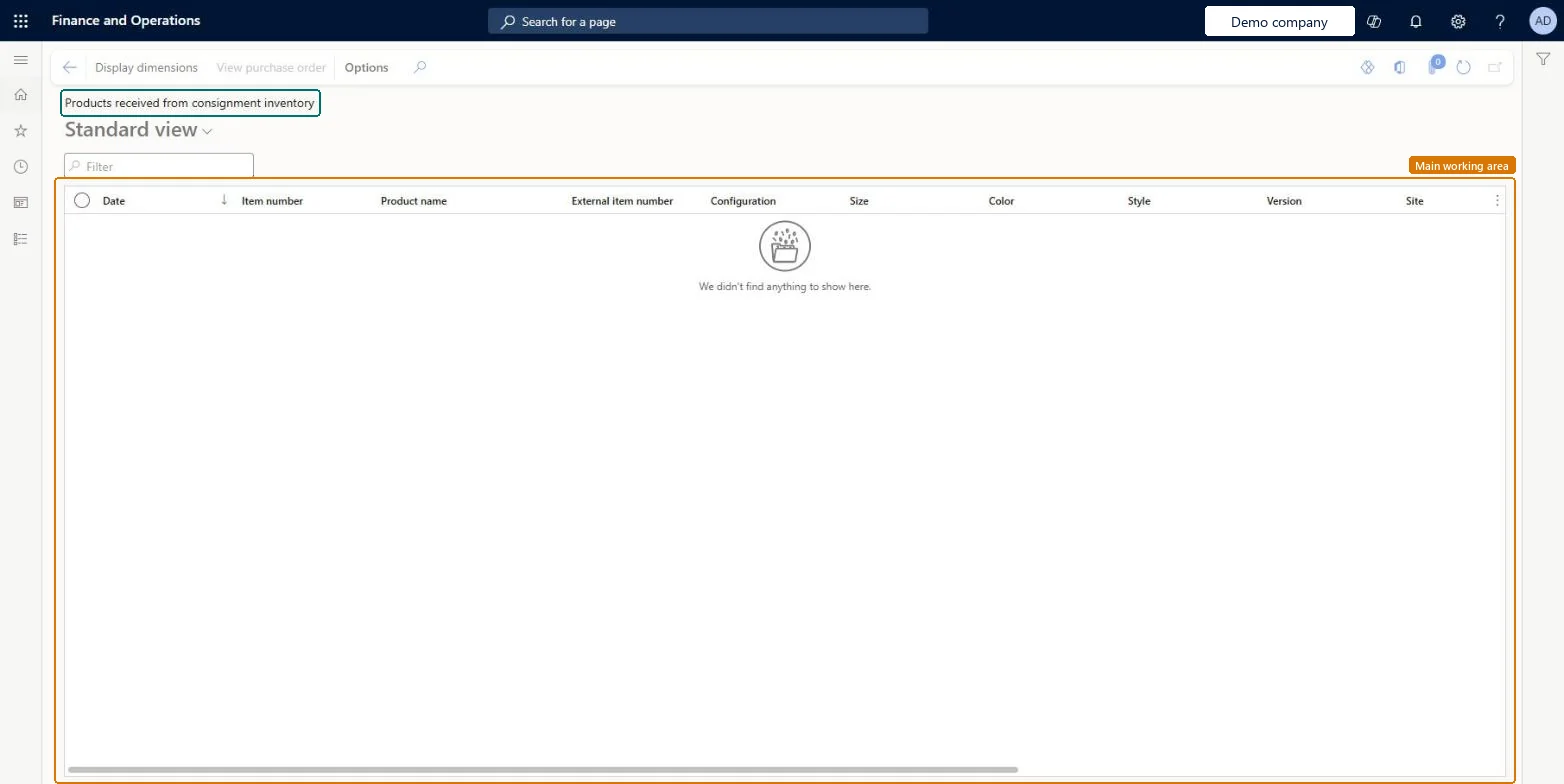
An inquiry page that lists the transactions where ownership of consignment products moved from the vendor to your company.
What you do here
Use this page to see which consignment items and quantities were received through an ownership change, so that they can be invoiced.
Example
For example, after raw material owned by a vendor is taken over for production, the vendor checks this change of ownership and sends an invoice based on the agreement between the two companies.
The page in Dynamics 365. page title tab to open what to set or check
About the examples: Examples and screenshots in this guide use BEAT, a demo company in a Dynamics 365 test environment. Use your own company's codes and values instead of copying them.
How to use it
Go to Procurement and sourcing > Purchase orders > Receiving products > Products received from consignment inventory.
Type in the Filter box to narrow the list by item number or product name.
Check the Date, Item number, Product name, External item number and Site columns.
Select a row, then select View purchase order to open its purchase order.
Select Display dimensions to choose which inventory dimensions show.
Source: Checked in Dynamics 365
Technical architect
4Technical
Menu item
ConsignmentProductReceiptLinesChecked in Dynamics 365
Form
ConsignmentProductReceiptLinesChecked in Dynamics 365
Table
PurchProductReceiptLinesShown as “Product receipt lines” in Record infoChecked in Dynamics 365
Who can open it
PrivilegesView products received from consignment inventory ConsignmentProductReceiptLinesViewDutiesMaintain inventory ownership change journals InventOwnershipChangeMaintain2 security rolesMaterials manager InventMaterialsManagerBuying agent TradeBuyingAgentChecked in Dynamics 365
Roles to set it up and use it
To use itBuying agent TradeBuyingAgentMaterials manager InventMaterialsManagerGive people one of these roles. On this system, 2 roles can open this page.Checked in Dynamics 365
Actions on the page
Options: Personalize, Page options, ShareChecked in Dynamics 365