About the examples: Examples and screenshots in this guide use BEAT, a demo company in a Dynamics 365 test environment. Use your own company's codes and values instead of copying them.
How to use it
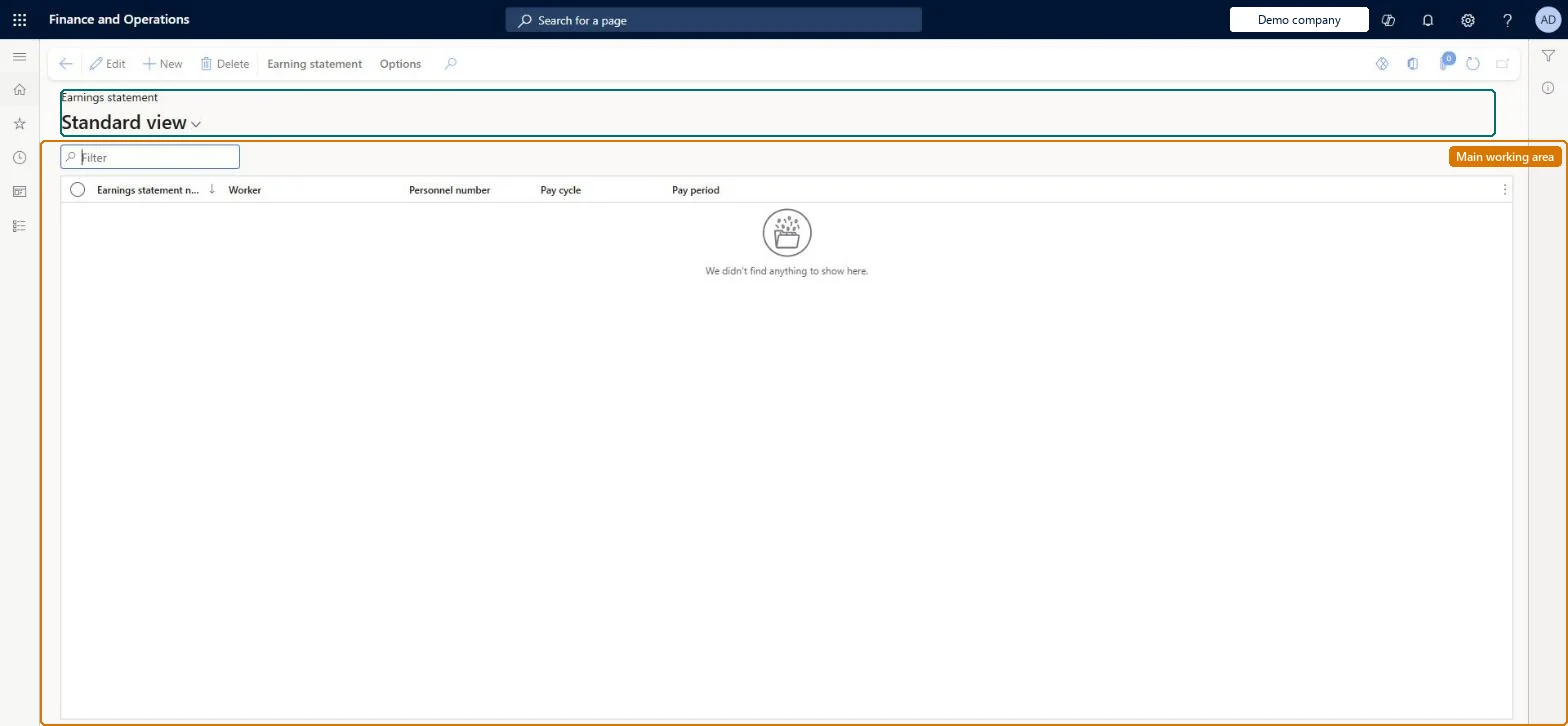
Go to Payroll > Earnings statements > Processed earnings statements.
Use the Filter box to find an earnings statement by number, worker, pay cycle or pay period.
Select a row and select Edit to open it, or select New to create one.
Use the Earning statement tab on the Action Pane for actions on a selected statement.
New records on this page take their Earnings statement number from the PayrollEarningStatementId reference; BEAT uses number sequence Payr_3. Checked in Dynamics 365
Solution architect
5Design impact
Can it be undone
One-way: Warning: processed earnings statement lines cannot be changed or deleted. To correct pay that has gone out, reverse the pay statement (after voiding the check if one was issued) instead of editing the earnings. Microsoft Learn
If you change it later
Processed lines cannot be deleted, and an earnings statement that has processed lines cannot be deleted. Microsoft Learn
Technical architect
6Technical
Menu item
PayrollEarningsStatementListProcessedChecked in Dynamics 365
Form
PayrollEarningStatementChecked in Dynamics 365
Table
PayrollEarningStatementShown as “EARNINGS STATEMENTS” in Record infoKey field: DocumentNumberChecked in Dynamics 365
PrivilegesMaintain payroll earnings PayrollEarningsMaintainView payroll earnings PayrollEarningsViewDutiesInquire into earning entry PayrollEarningStatementGenerationInquireMaintain earning entry PayrollEarningStatementGenerationMaintInquire into payroll payments PayrollPayStatementGenerationInquire2 security rolesPayroll administrator HcmPayrollAdministratorPayroll manager HcmPayrollManagerChecked in Dynamics 365
Roles to set it up and use it
To set it up or change itPayroll administrator HcmPayrollAdministratorTo use itPayroll manager HcmPayrollManagerGive people one of these roles. On this system, 2 roles can open this page.Checked in Dynamics 365
Actions on the page
Earning statement: Generate, Process, Salary, Accounting(Action Pane without tabs): DeleteChecked in Dynamics 365