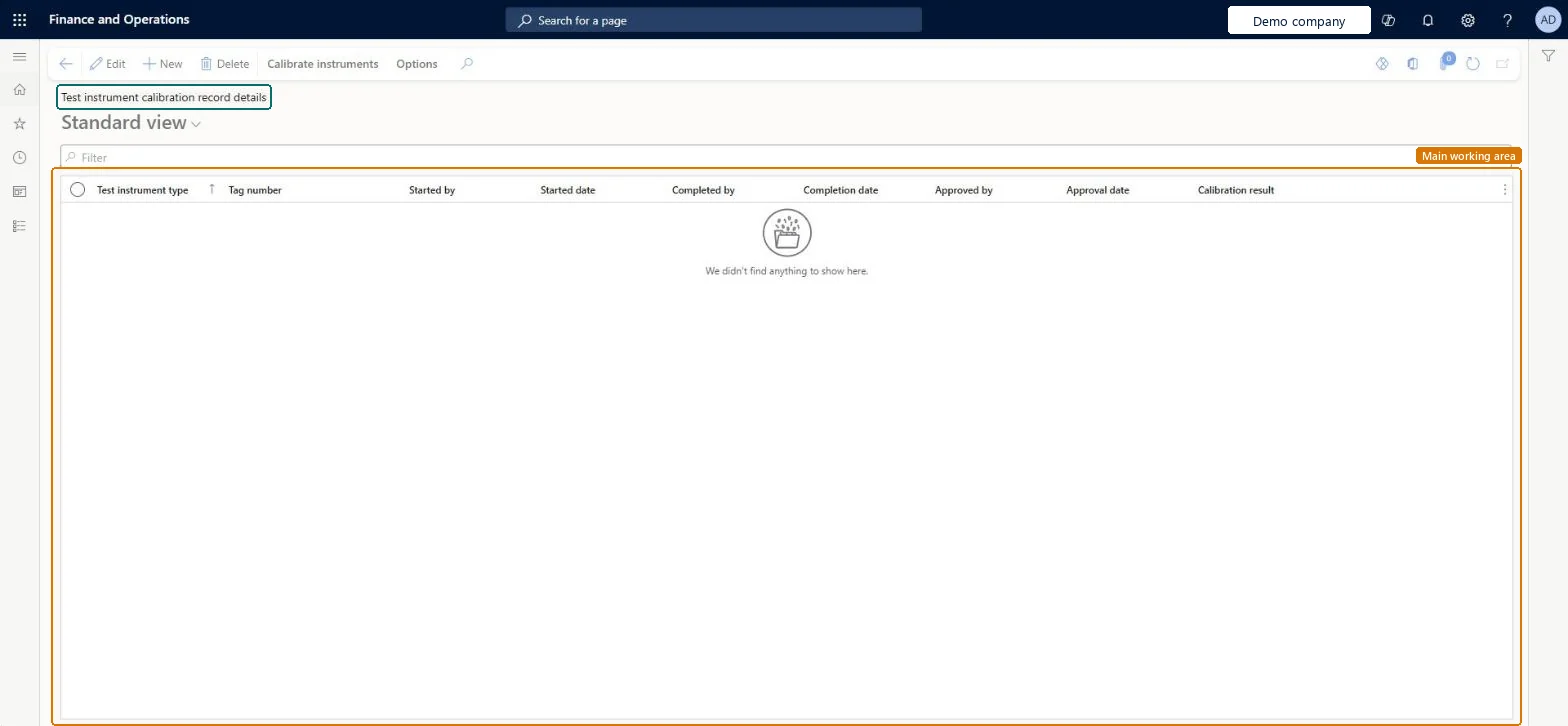
About the examples: Examples and screenshots in this guide use BEAT, a demo company in a Dynamics 365 test environment. Use your own company's codes and values instead of copying them.
When to run it
When to run it
When a test instrument is due for calibration or has to be checked after a problem.
How often
On demand, for each calibration that is due.
What the output shows
Calibration records with result, approval and the instrument's usage status (Available, Calibration or Out of Service). An instrument stuck in Calibration usually has a record that wasn't completed or approved.
Yes: A completed or approved calibration can be reopened at any time, and every reopening is kept in a history. Microsoft Learn
If you change it later
A completed or approved calibration can be reopened at any time, and every reopening is kept in a history. Microsoft Learn
Technical architect
5Technical
Menu item
QMSInventInstrumentCalibrationListPageChecked in Dynamics 365
Form
QMSInventInstrumentCalibrationDetailChecked in Dynamics 365
Table
QMSInventTestInstrumentCalibrationShown as “Test instrument calibration records” in Record infoChecked in Dynamics 365
Who can open it
PrivilegesMaintain test instrument calibration records QMSInstrumentCalibrationListPageMaintainView test instrument calibration details QMSInstrumentCalibrationListPageViewMaintain test instrument calibration details QMSInventCalibrationDetailMaintainView test instrument calibration details QMSInventCalibrationDetailViewDutiesInquire into general calibration details QMSInventCalibrationDetailInquireMaintain general calibration details QMSInventCalibrationDetailMaintain2 security rolesQuality control clerk InventQualityControlClerkQuality control manager InventQualityControlManagerChecked in Dynamics 365
Roles to set it up and use it
To set it up or change itQuality control manager InventQualityControlManagerQuality control clerk InventQualityControlClerkGive people one of these roles. On this system, 2 roles can open this page.Checked in Dynamics 365