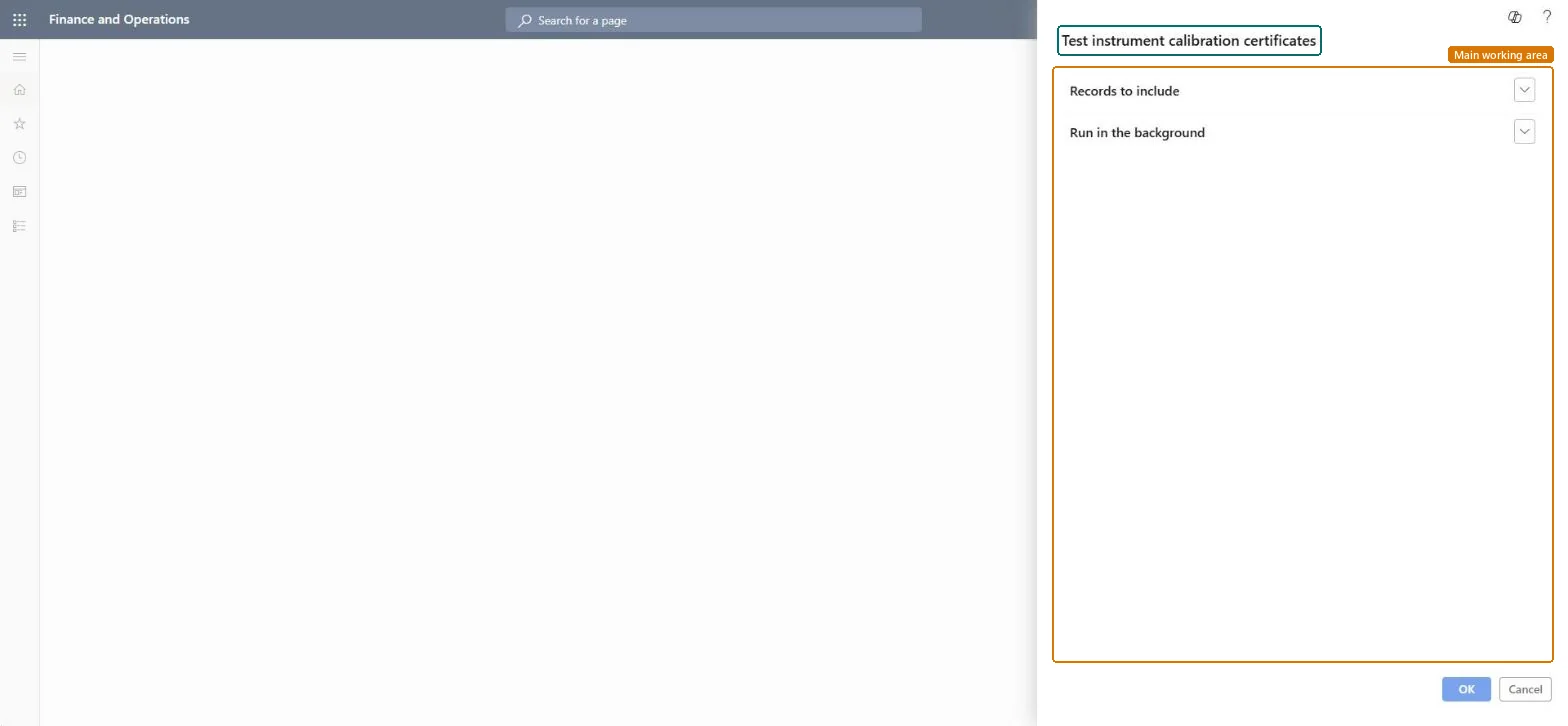
About the examples: Examples and screenshots in this guide use BEAT, a demo company in a Dynamics 365 test environment. Use your own company's codes and values instead of copying them.
When to run it
When to run it
After a calibration is completed and approved, or when an auditor or customer asks for proof of calibration.
How often
On demand, after each calibration or audit request.
Batch settings
Run it in the background when you print certificates for many calibration records at once.
What the output shows
Calibration certificates with the test instrument tag number, calibration procedure name, calibration result, the person who performed the calibration and the next calibration date. The Date calibration certificate printed field on the tag shows when a certificate was last printed.
Nothing to undo: Printing certificates doesn't change the calibration records. Microsoft Learn
Technical architect
5Technical
Menu item
output:QMSInstrumentCalibrationCertificateBatchChecked in Dynamics 365
Form
SysOperationTemplateFormChecked in Dynamics 365
Roles to set it up and use it
To use itQuality control manager InventQualityControlManagerQuality control clerk InventQualityControlClerkGive people one of these roles. On this system, 2 roles can run this page.Checked in Dynamics 365