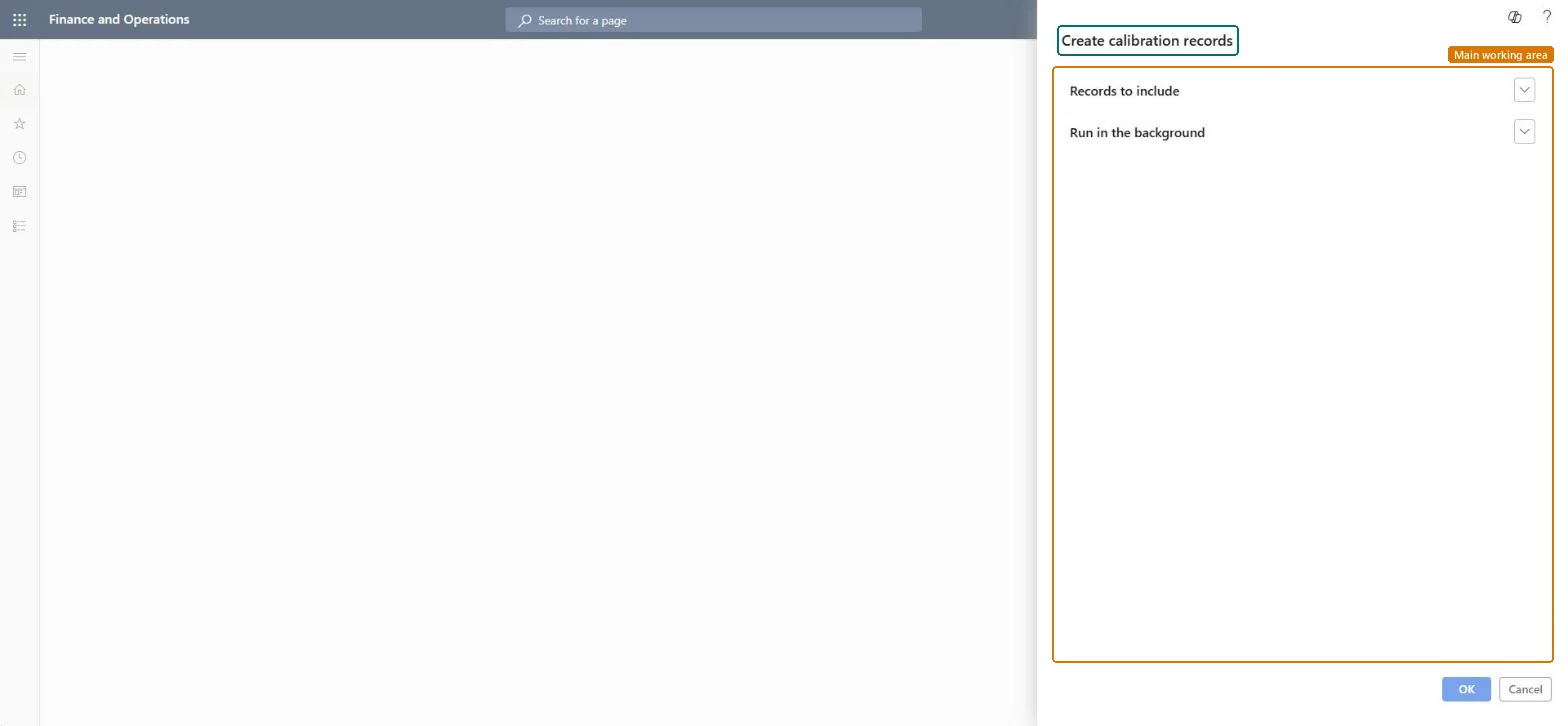
About the examples: Examples and screenshots in this guide use BEAT, a demo company in a Dynamics 365 test environment. Use your own company's codes and values instead of copying them.
When to run it
When to run it
When you plan calibration work for instrument tags that are due, either regularly or on demand.
How often
On a regular schedule as a batch job, or by hand when needed.
Batch settings
Run it as a recurring batch job so calibration records are created automatically when tags fall due.
What the output shows
New open calibration records for instrument tags that are due. While a record is open, the tag shows Calibration as its usage status, which usually means the instrument can't be used.
Partly: Created records can be processed or reopened on Calibrate test instruments; the job itself doesn't remove them. Microsoft Learn
If you change it later
While a calibration record is open, the instrument tag shows the Calibration usage status, which usually means the instrument can't be used. Microsoft Learn
Technical architect
5Technical
Menu item
action:QMSInstrumentCalibrationUtilityChecked in Dynamics 365
Form
SysOperationTemplateFormChecked in Dynamics 365
Roles to set it up and use it
To use itQuality control manager InventQualityControlManagerQuality control clerk InventQualityControlClerkGive people one of these roles. On this system, 2 roles can run this page.Checked in Dynamics 365