About the examples: Examples and screenshots in this guide use BEAT, a demo company in a Dynamics 365 test environment. Use your own company's codes and values instead of copying them.
How to use it
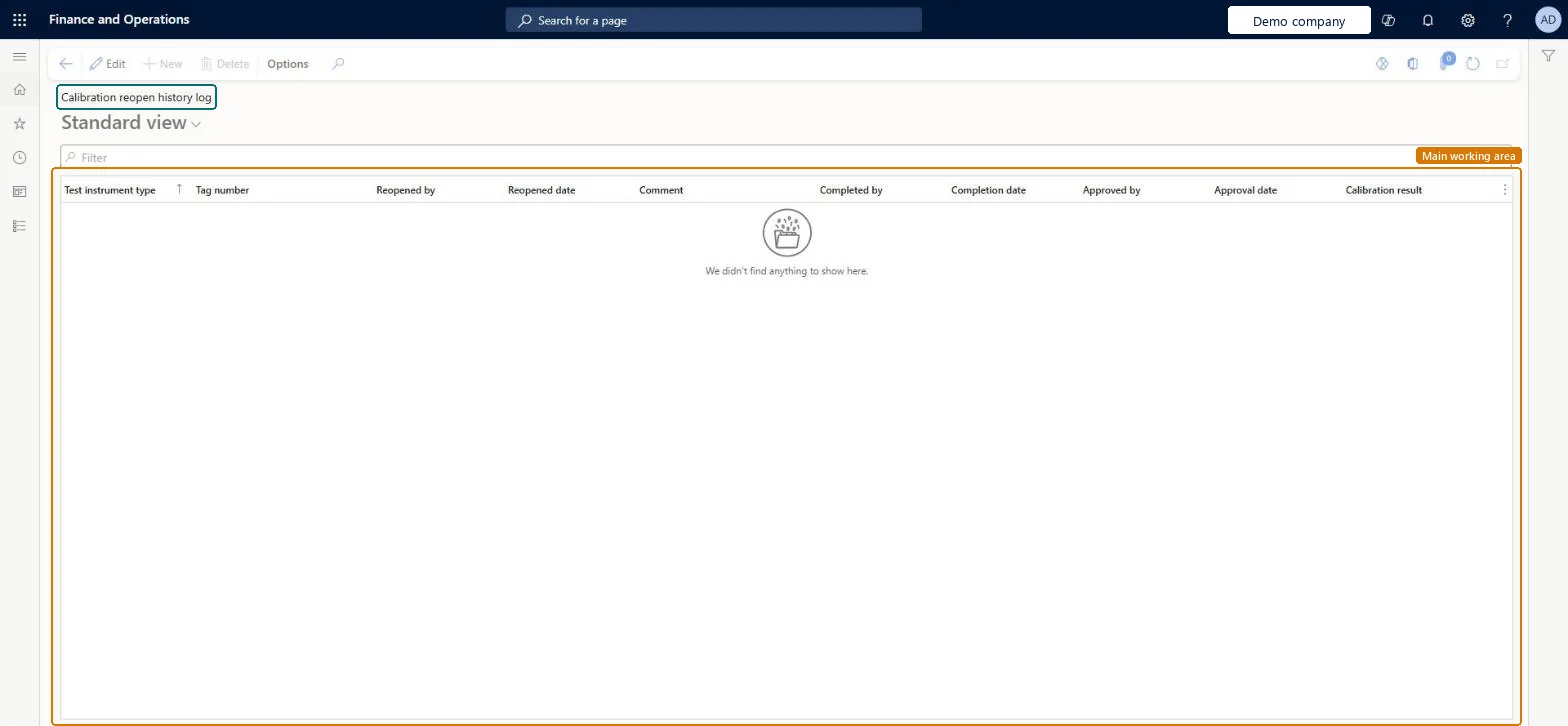
Go to Inventory management > Inquiries and reports > Quality management > Calibration reopen history log.
Type in the Filter box to narrow the list.
Read the columns Test instrument type, Tag number, Reopened by, Reopened date, Comment, Completed by, Completion date, Approved by, Approval date and Calibration result.
Select Options on the Action Pane to personalize the page, set page options or share it.
Source: Checked in Dynamics 365
Technical architect
4Technical
Menu item
QMSInventTestCalibrationReopenHistoryChecked in Dynamics 365
Form
QMSInventTestCalibrationReopenHistoryChecked in Dynamics 365
Table
QMSInventTestInstrumentCalibrationShown as “Test instrument calibration records” in Record infoChecked in Dynamics 365
Who can open it
PrivilegesView calibration reopen history log QMSInventCalibrationReopenHistoryViewDutiesInquire into general calibration details QMSInventCalibrationDetailInquire2 security rolesQuality control clerk InventQualityControlClerkQuality control manager InventQualityControlManagerChecked in Dynamics 365
Roles to set it up and use it
To use itQuality control manager InventQualityControlManagerQuality control clerk InventQualityControlClerkGive people one of these roles. On this system, 2 roles can open this page.Checked in Dynamics 365
Actions on the page
Options: Personalize, Page options, ShareChecked in Dynamics 365