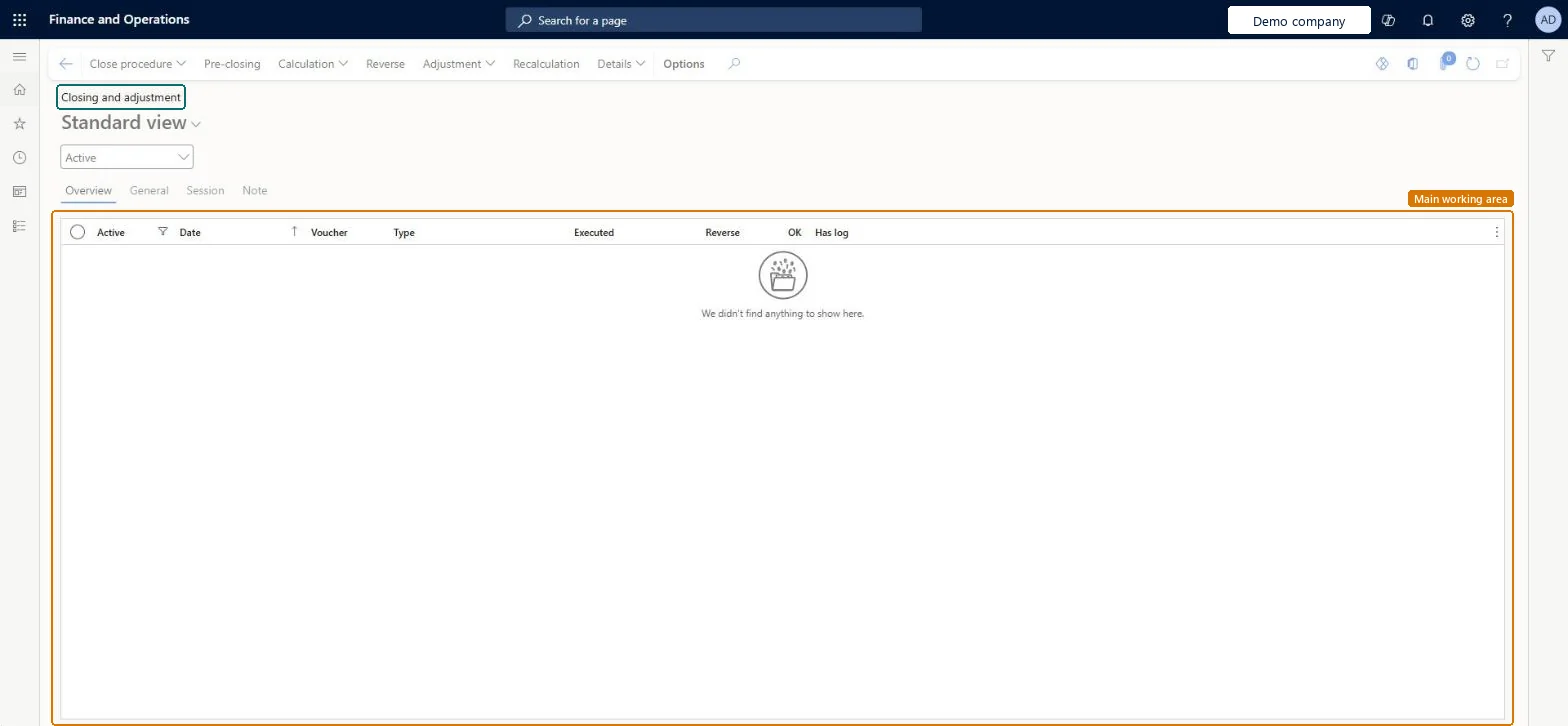
PAGE GUIDEWhat the page does and how to use it7 sections. Choose a role to highlight what matters to you.
Everyone
1What it is and why
What it is
A periodic task page where you run inventory close and inventory recalculation, and make adjustments to on-hand inventory and inventory transactions.
What you do here
Use this periodic task to settle issue transactions against receipt transactions using each item's inventory valuation method, and to update the general ledger with the adjustments.
Example
For example, if inventory close is run for the period that ends on January 31, transactions dated before January 31 can no longer be posted.
The page in Dynamics 365. page title tab to open what to set or check
About the examples: Examples and screenshots in this guide use BEAT, a demo company in a Dynamics 365 test environment. Use your own company's codes and values instead of copying them.
When to run it
When to run it
At month end, as part of the period-end close and before the financial period is closed, for every inventory model except moving average.
How often
Usually monthly; transaction volume should guide how often. Run recalculation in between when adjustments are needed.
Batch settings
Run it in the background during off-peak hours, as Microsoft recommends, to spread the computing load.
What the output shows
A close or recalculation record on the Overview tab with the settlement adjustments and a ledger voucher. Many log warnings usually mean receipts that aren't financially updated, for example vendor invoices not yet posted.
Go to Inventory management > Periodic tasks > Closing and adjustment.
To close a period, start inventory close with the period end date as the closing date. It settles issues against receipts by each item's inventory valuation method and can update the general ledger.
Before you close, view the list of items that can't be settled, and post open receipts financially where you can.
For adjustments during the period, run inventory recalculation instead. It adjusts values but doesn't settle transactions.
When the update finishes, select it on the Overview tab, then select Details and Voucher to review the posted ledger voucher.
Read the inventory close log for warnings about issues that couldn't be fully settled.
Partly: You can reverse a completed inventory close, but only the most recently closed period can be reopened. To reverse an earlier close, reverse each later close first, starting with the latest. Microsoft Learn
If you change it later
After inventory close you can't post in periods before the closing date unless you reverse the close, and only the most recently closed period can be reopened. Microsoft Learn
Technical architect
5Technical
Menu item
InventClosingChecked in Dynamics 365
Form
InventClosingChecked in Dynamics 365
Table
InventClosingShown as “Inventory closing” in Record infoKey field: AdjustmentType, Active, Voucher, TransDate, CancellationChecked in Dynamics 365
Who can open it
PrivilegesView inventory closing journals InventClosingViewDutiesMaintain inventory valuation InventClosingInventoryValuationMaintainInquire into inventory valuation status InventValueInvValuationStatusInquire3 security rolesInventory accountant InventCostAccountantInventory accountant clerk InventCostCostClerkAccounting manager LedgerAccountingManagerChecked in Dynamics 365
Roles to set it up and use it
To use itAccounting manager LedgerAccountingManagerInventory accountant clerk InventCostCostClerkInventory accountant InventCostAccountantGive people one of these roles. On this system, 3 roles can open this page.Checked in Dynamics 365
Actions on the page
Options: Personalize, Page options, ShareChecked in Dynamics 365